
Share
What is Hubzoid?
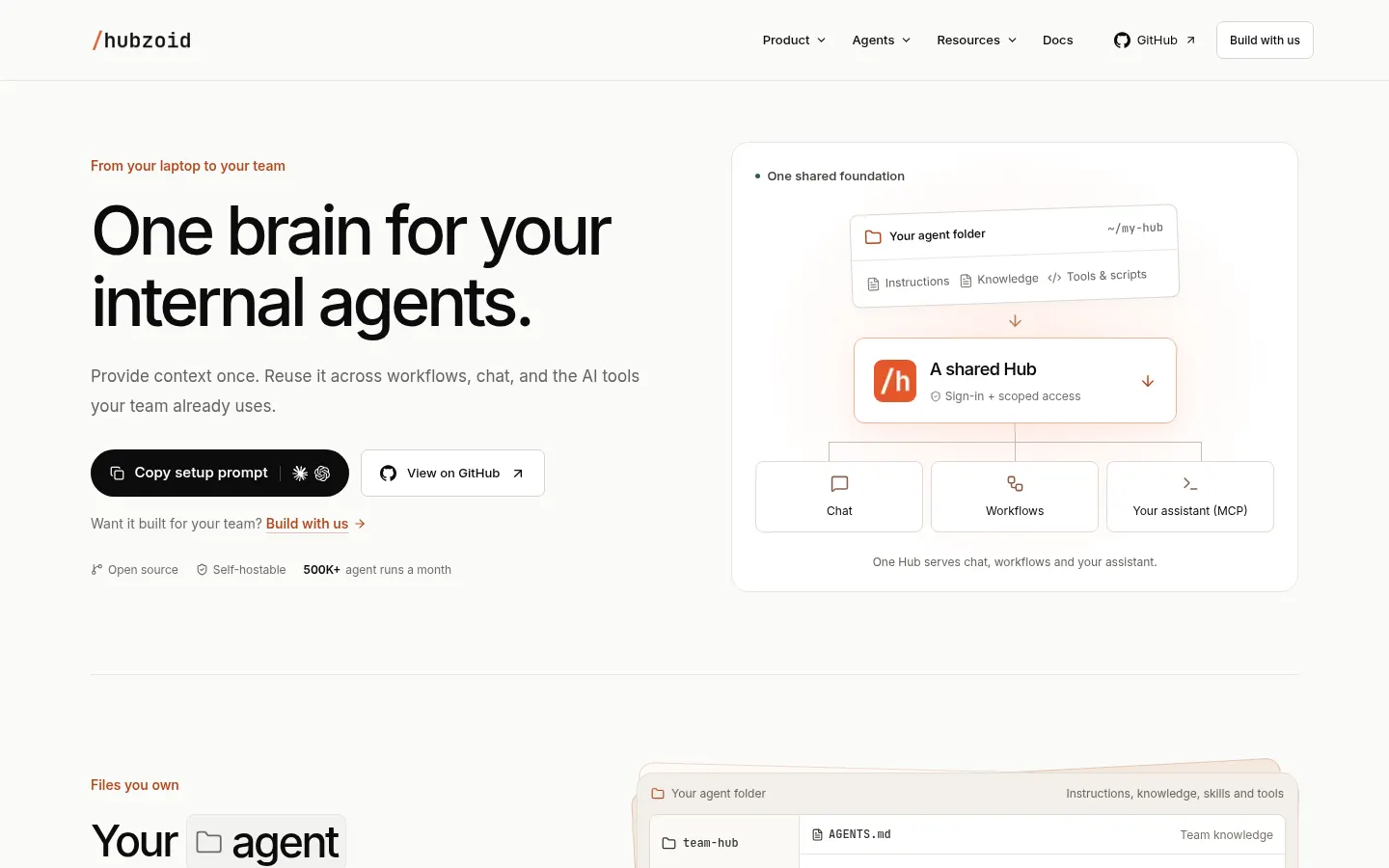
Hubzoid is an open-source AI tool that works as one shared brain for a company's internal agents. You provide context once (instructions, knowledge, skills and tools) and reuse it across workflows, chat and the AI assistants your team already uses, from your laptop to the whole organisation.
What is Hubzoid used for?
It turns a useful personal agent into a team capability. In Hubzoid every agent is a folder of plain files: its instructions, knowledge, skills and tools. You can edit them, version them in Git and reuse the same Hub in chat, scheduled workflows and as an MCP server for your assistant.
How does Hubzoid work?
Your team asks questions or requests actions from web chat, Slack, WhatsApp or Telegram, with sources next to the answer. Workflows produce things like a daily report of what needs attention. In Settings you choose who can use each agent and which tools it may call, and checks happen before any tool runs. You can also inspect runs and find work that needs attention. You choose the models, the integrations and where it runs.
Who is Hubzoid for?
- Technical teams that want internal agents without vendor lock-in.
- Companies that need to self-host their AI for privacy.
- Operations, support or finance teams with repetitive work.
- Engineering teams automating code reviews.
Hubzoid pros and cons
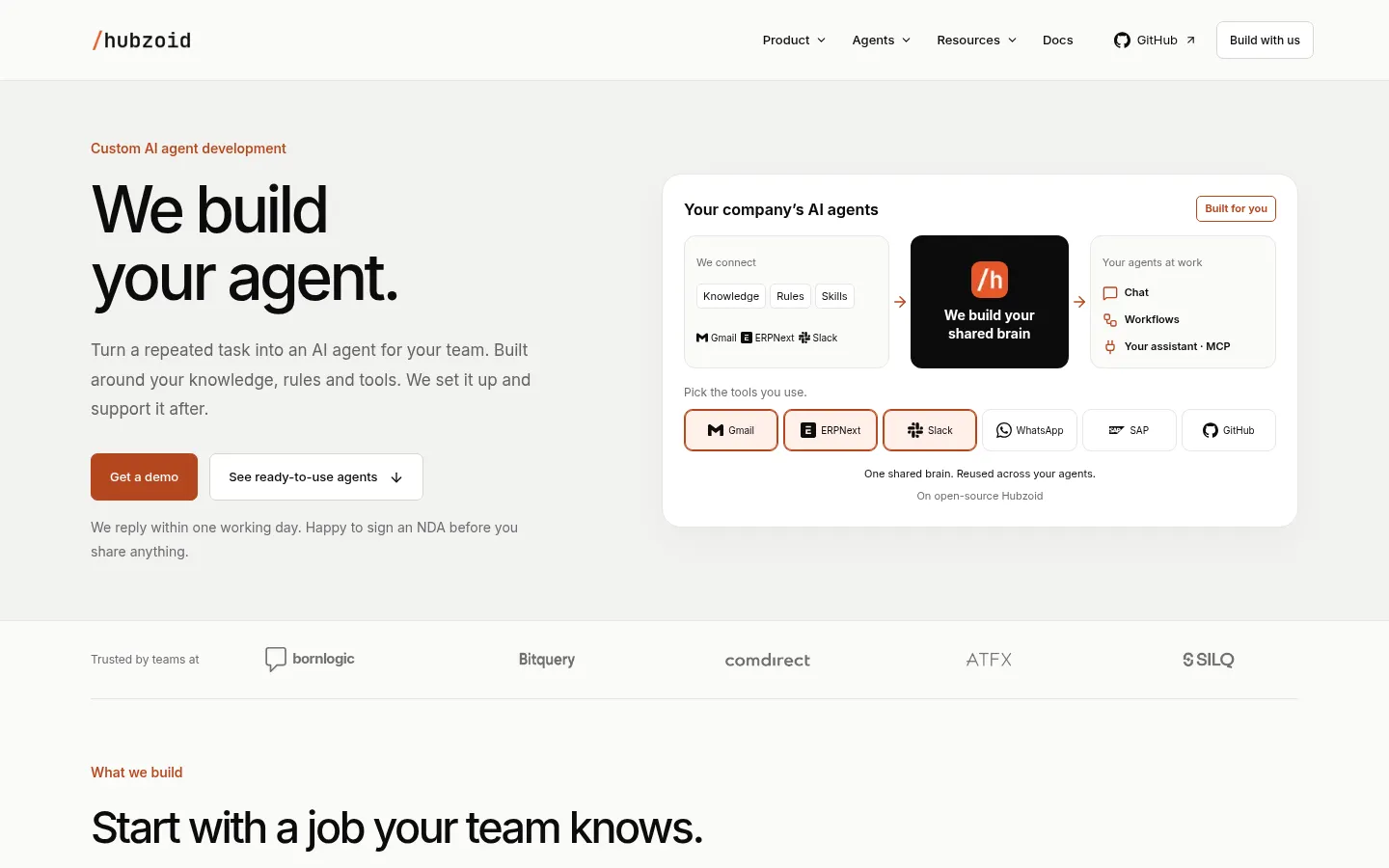
It is open source under the Apache 2.0 license, includes team controls and starter agents: Software Factory (engineering requests to reviewed pull requests), Engineering Desk, Order & Invoice Desk (orders and invoices with ERPNext) and Customer Desk. The Hubzoid team also builds custom agents. On the downside, installing and maintaining it takes technical skills, and quality depends on the model you connect.
Hubzoid features and use cases
How to use Hubzoid
Hubzoid FAQ
What is Hubzoid?
Hubzoid is an open-source platform for internal AI agents that share context and are used from chat, workflows and MCP.
Is Hubzoid free?
The software is open source and free; custom agent development is quoted separately, as noted in the pricing section.
Can I host Hubzoid on my own servers?
Yes, it is self-hostable and you choose where it runs.
What license does Hubzoid use?
It uses the Apache 2.0 license, so you can use, modify and host it yourself.
Where can agents be used?
From web chat, Slack, WhatsApp, Telegram, scheduled workflows and as an MCP server in your assistant.
How do I control what each agent can do?
You set who can use each agent and which tools it may call; checks happen before any tool runs.
Which AI models does it support?
You choose the model from supported providers; the site does not publish a fixed list.
Does Hubzoid have an API?
It offers an MCP server to connect the Hub to AI assistants; technical details are in its documentation.
Does Hubzoid work in Spanish?
The site and docs are in English; you write each agent's instructions, so it can answer in Spanish if the model supports it.
What are the alternatives to Hubzoid?
In our directory you can compare it with Dify, n8n or Relevance AI for building AI agents and workflows.
Hubzoid pricing and plans
Reference price: 0 USD. Source · Verified: November 17, 2026
Reference amounts in US dollars (USD). Checked on: 17/11/2026.
Open-source Hubzoid: free under the Apache 2.0 license, to run on your own infrastructure. AI model and server costs are on you.
Custom agent development: the Hubzoid team builds, deploys and supports agents for your process with a custom quote; the site does not publish prices.
Hubzoid Screenshots
Hubzoid user reviews
Write a review
Checking your session...
Hubzoid Reviews
Loading reviews...
Hubzoid alternatives





Chap by ChatPanel
Chap by ChatPanel is an AI agent for browser, desktop and terminal that takes meeting notes, works with any model or agent and anonymizes sensitive data locally.