
Share
What is FreeApply?
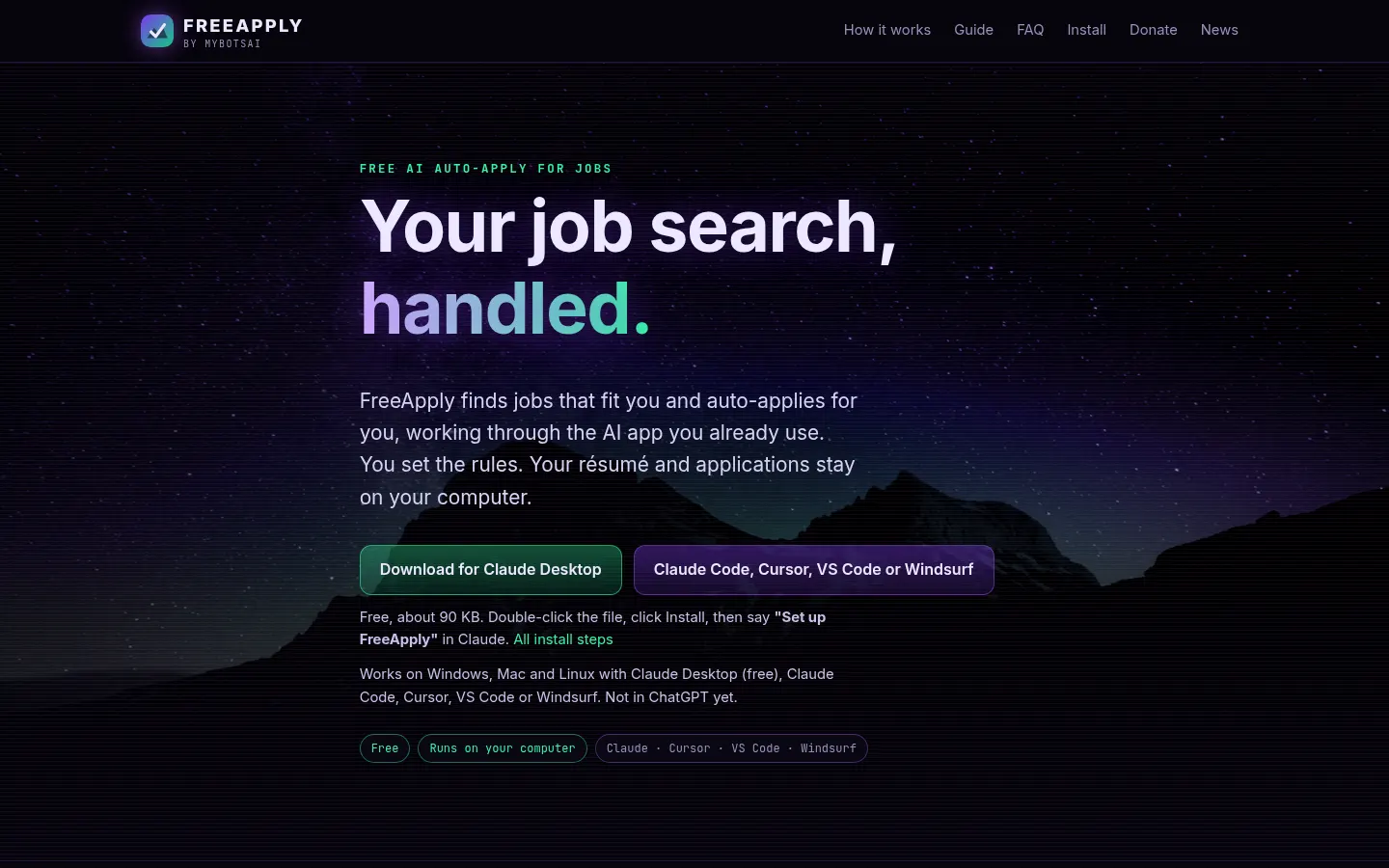
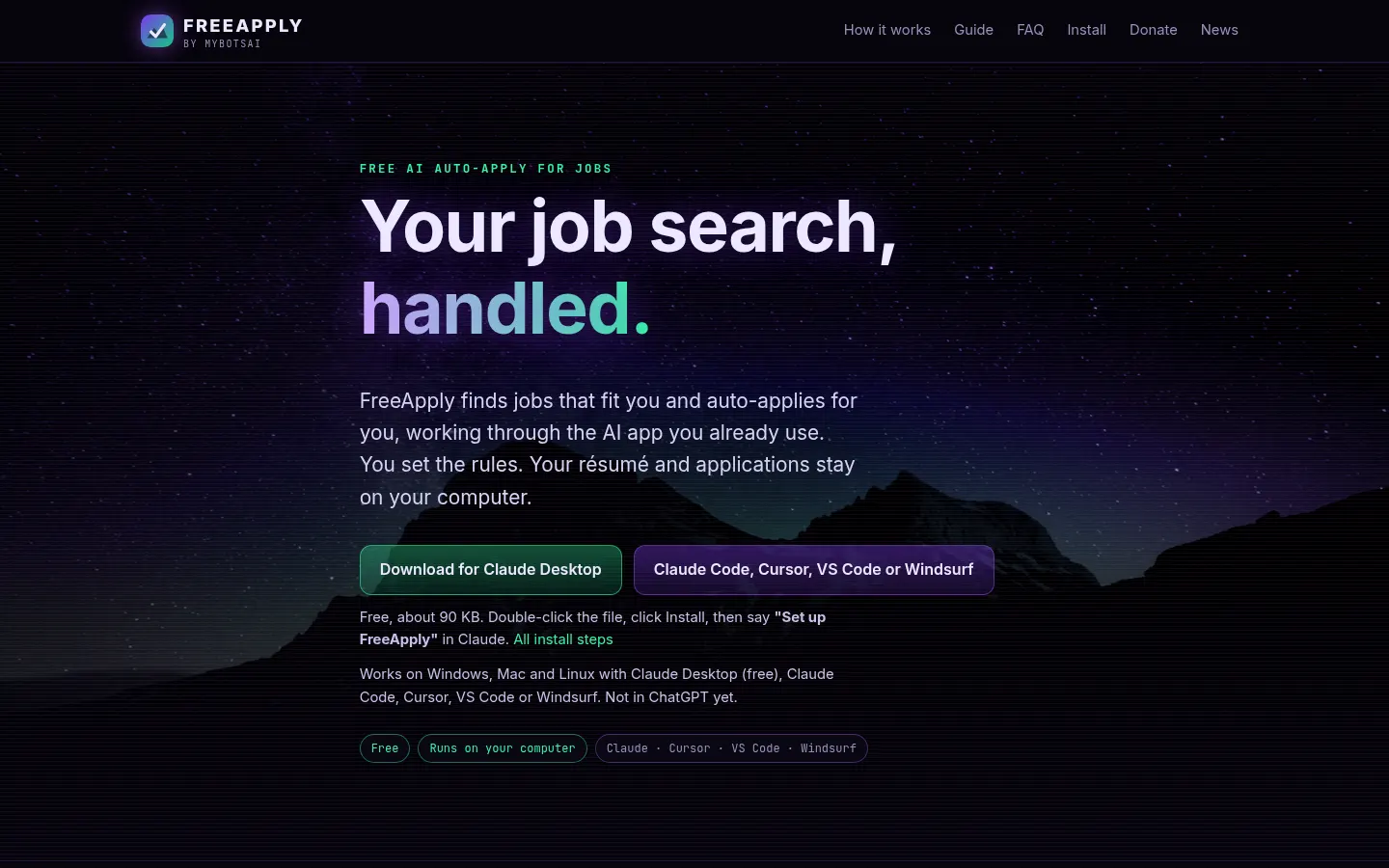
FreeApply is an AI tool that finds jobs and auto-applies for you through the AI app you already use, such as Claude Desktop, Claude Code, Cursor, VS Code or Windsurf. You set the rules, and your résumé and applications stay on your computer.
What is FreeApply used for?
It takes over the repetitive part of job hunting. Tell it once what you want (roles, minimum pay, locations and job sites) and your AI app searches, fills in applications on employer sites and job boards with your real details, your résumé and saved answers, and keeps track of everything. It skips duplicates and reposts it has already seen.
How does FreeApply work?
You install the extension (one click in Claude Desktop or one command in the other apps) and set up the dashboard: résumé, target roles, pay, locations, work eligibility and job sites, which you sign in to yourself. Then you say "find me jobs and apply" and the AI works at the pace you set. Cover letters and answers are checked against your résumé: it never invents experience and asks you when it cannot back something up. If you connect Gmail, it checks employer replies every few hours and notes interviews, tests, rejections and offers.
Who is FreeApply for?
- Active job seekers sending lots of applications.
- Professionals who already use Claude or Cursor every day.
- Candidates who want privacy over their data.
- Anyone needing a tidy log of every application.
FreeApply pros and cons
It runs on Windows, Mac and Linux, the dashboard shows every job with status and link, plus charts and spreadsheet export, and pace, daily cap and minimum pay are built in so the AI cannot talk its way around them. It never types a password: robot checks, new accounts and personal questions go to your Needs you list. On the downside, it does not work in ChatGPT yet and depends on your AI app's usage limits.
FreeApply features and use cases
How to use FreeApply
FreeApply FAQ
What is FreeApply?
FreeApply is an extension that makes your AI app find jobs and send applications for you.
Is FreeApply free?
Yes, it is free and shows one sponsored card in the dashboard; your AI app's limits still apply, as noted in pricing.
Which AI apps does it work with?
Claude Desktop, Claude Code, Cursor, VS Code (with Copilot) and Windsurf; ChatGPT is planned.
Does it need my passwords?
No, you sign in to job sites yourself and FreeApply never types, reads or stores passwords.
Will it lie on my applications?
No, facts come only from your résumé, settings and saved answers, and a built-in check refuses anything else.
Where is my data stored?
On your computer; its server never receives your contact details unless you join the optional Recruiter Talent Pool.
Does it track employer replies?
Yes, if you connect Gmail to your AI app it checks replies every few hours and notes interviews, tests, rejections and offers.
Does FreeApply have an API?
It has no public API; it works as an extension of your AI app and has technical docs.
Does FreeApply work in Spanish?
The interface is in English; search depends on the job sites you choose and your AI app.
What are the alternatives to FreeApply?
In our directory you can compare it with LazyApply and JobGPT, which also automate job applications.
FreeApply pricing and plans
Reference price: 0 USD. Source · Verified: November 17, 2026
Reference amounts in US dollars (USD). Checked on: 17/11/2026.
FreeApply is free. It is supported by one clearly labelled sponsored card in its dashboard. Your AI app's own usage limits apply (Claude, Cursor, etc.), and that app may be free or paid depending on its provider.
FreeApply Screenshots
FreeApply user reviews
Write a review
Checking your session...
FreeApply Reviews
Loading reviews...
FreeApply alternatives





Chap by ChatPanel
Chap by ChatPanel is an AI agent for browser, desktop and terminal that takes meeting notes, works with any model or agent and anonymizes sensitive data locally.