
Chap by ChatPanel
Share
What is Chap by ChatPanel?
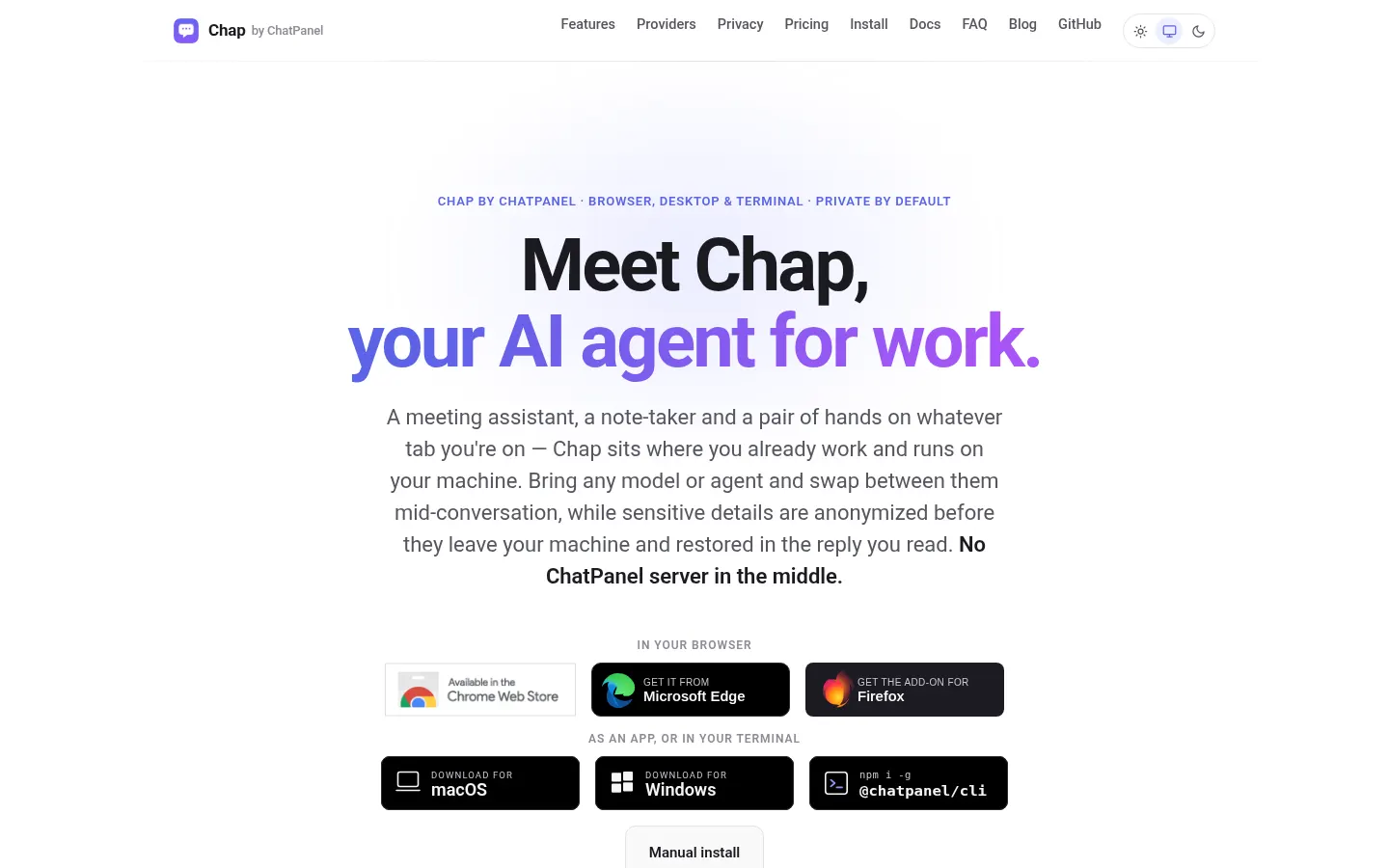
Chap by ChatPanel is an AI agent for work that lives in your browser, with a desktop app and a terminal mode. It acts as meeting assistant, note-taker and a pair of hands on whatever tab you have open. It runs on your machine with no ChatPanel server in the middle and works in Firefox, Chrome, Edge, Brave and Arc.
What is Chap by ChatPanel used for?
It gives you one assistant with your own context. Right after install you can chat with a private model running inside the browser, no key and no account. Later you can move to Ollama or LM Studio, 20+ cloud APIs, or agents like Claude Code, Codex, GitHub Copilot or Antigravity under your own logins, and switch between them mid-conversation.
How does Chap by ChatPanel work?
Before any request goes out, it anonymizes on your device emails, phone numbers, cards and keys (plus names, organizations and locations with on-device AI) and restores them in the reply you read. On Zoom, Meet, Teams and Webex it turns live captions into notes, decisions and action items, with no bot joining the call and no audio or video uploaded. Linked wiki-style notes, meetings and past chats sit in one searchable memory. MCP tools and browser actions let it fill forms and click when you switch that on.
Who is Chap by ChatPanel for?
- Professionals with back-to-back calls who want notes without bots.
- Teams handling sensitive data they would rather not send as-is.
- Developers who already pay for a coding agent and want it in the browser.
- Local-model users looking for a full-featured interface.
Chap by ChatPanel pros and cons
Its strengths are model independence and privacy by default, plus extras such as one-tap prompt shortcuts, multi-tab context and clean diagrams on Excalidraw, draw.io and tldraw. On the downside, connecting local agents needs a small helper app, and AI auto-detect anonymization, diagrams and unlimited notes are Pro features.
Chap by ChatPanel features and use cases
How to use Chap by ChatPanel
Chap by ChatPanel FAQ
What is Chap by ChatPanel?
Chap by ChatPanel is an AI agent for browser, desktop and terminal that takes meeting notes, keeps a notebook and works with any model.
Is Chap by ChatPanel free?
There is a free version with one agent and one model, plus a Pro version as a one-time or monthly payment; details are in the pricing section.
Do I need an API key to start?
No, after install you can chat with a private model that runs inside the browser, with no key or account.
How does it protect sensitive data?
It detects emails, phone numbers, cards and keys on your device, swaps them for placeholders before the request goes out and restores them in the reply.
Does a bot join my meetings?
No, it only reads Zoom, Meet, Teams or Webex captions inside the browser, never your audio or video, and nothing is uploaded.
Which models and agents can I use?
The in-browser model, Ollama or LM Studio, 20+ cloud APIs and agents such as Claude Code, Codex, GitHub Copilot or Antigravity.
Does Chap by ChatPanel have an API?
It has no API of its own, but supports MCP servers and can wrap OpenAI-compatible clients with its anonymization.
Does Chap by ChatPanel work in Spanish?
The interface is in English, but connected models can reply in Spanish, and meeting notes depend on the captions available.
Which browsers are supported?
Firefox, Chrome, Edge, Brave and Arc, plus a desktop app and a terminal mode.
What are the alternatives to Chap by ChatPanel?
In our directory you can compare HARPA AI and MaxAI.me, AI browser assistants, and UseMerlin, which adds multi-model chat to your tabs.
Chap by ChatPanel pricing and plans
Reference price: 49 USD · one-time payment. Source · Verified: November 17, 2026
Prices in US dollars (USD) from the official site. Checked on: 17/11/2026.
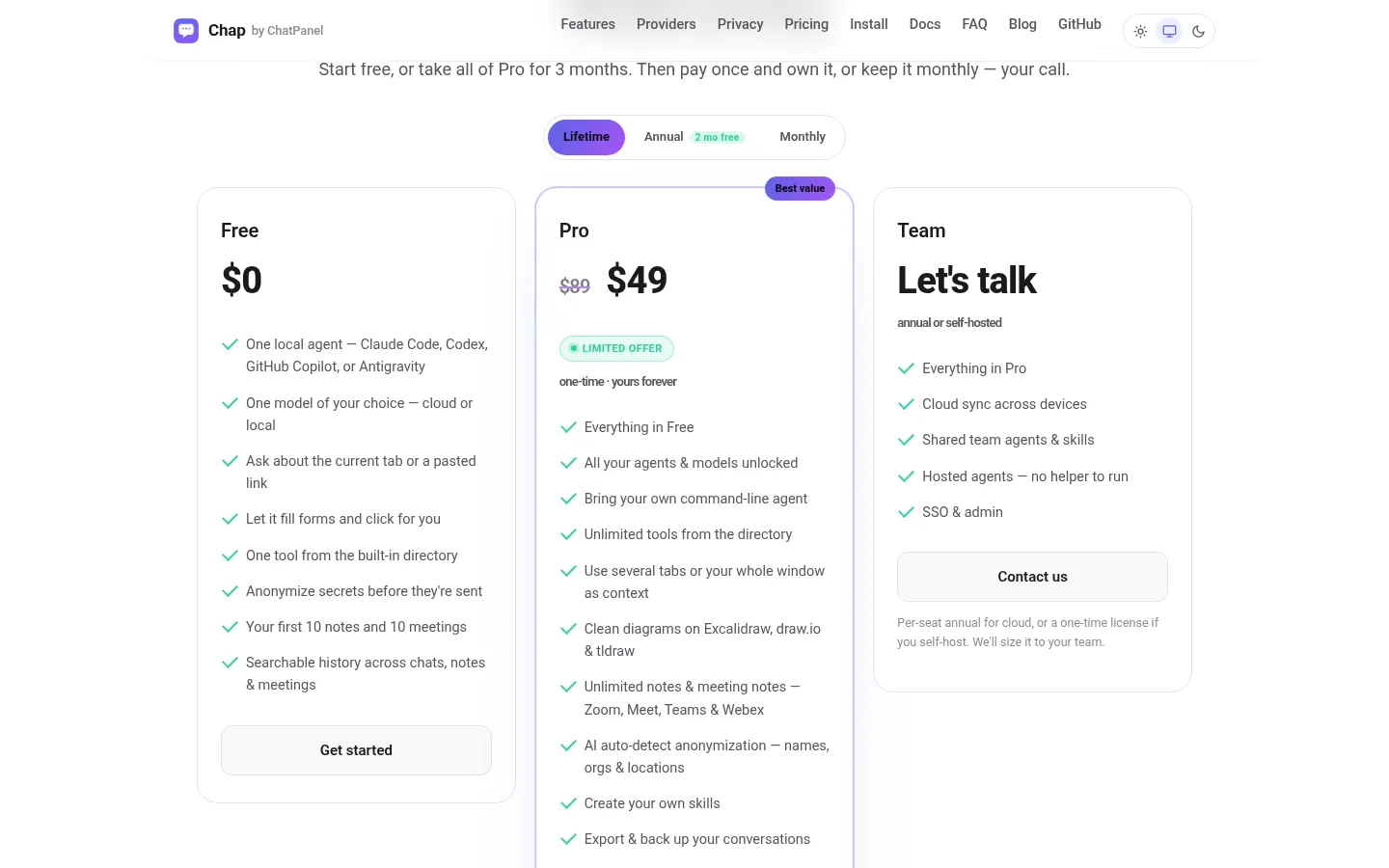
Free: $0. One local agent and one model of your choice, current-tab context, page actions, one directory tool, secret anonymization and your first 10 notes and meetings.
Pro: $49 one-time (limited offer; regular $89), or $5/month or $42/year. All agents and models, unlimited tools, multi-tab context, diagrams, unlimited notes and meeting notes, AI auto-detect anonymization of names, orgs and locations, custom skills and export.
Team: contact for pricing (per-seat annual cloud or one-time self-hosted license), with sync, shared agents, hosted agents and SSO.
- Pro free for 3 months with a card; then $5/month unless cancelled.
Chap by ChatPanel Screenshots
Chap by ChatPanel user reviews
Write a review
Checking your session...
Chap by ChatPanel Reviews
Loading reviews...