Share
Convert PDFs, Word docs, links, and text into editable AI PowerPoint presentations. Generate professional slides with automated diagrams and layouts.
What is SlidesPilot?
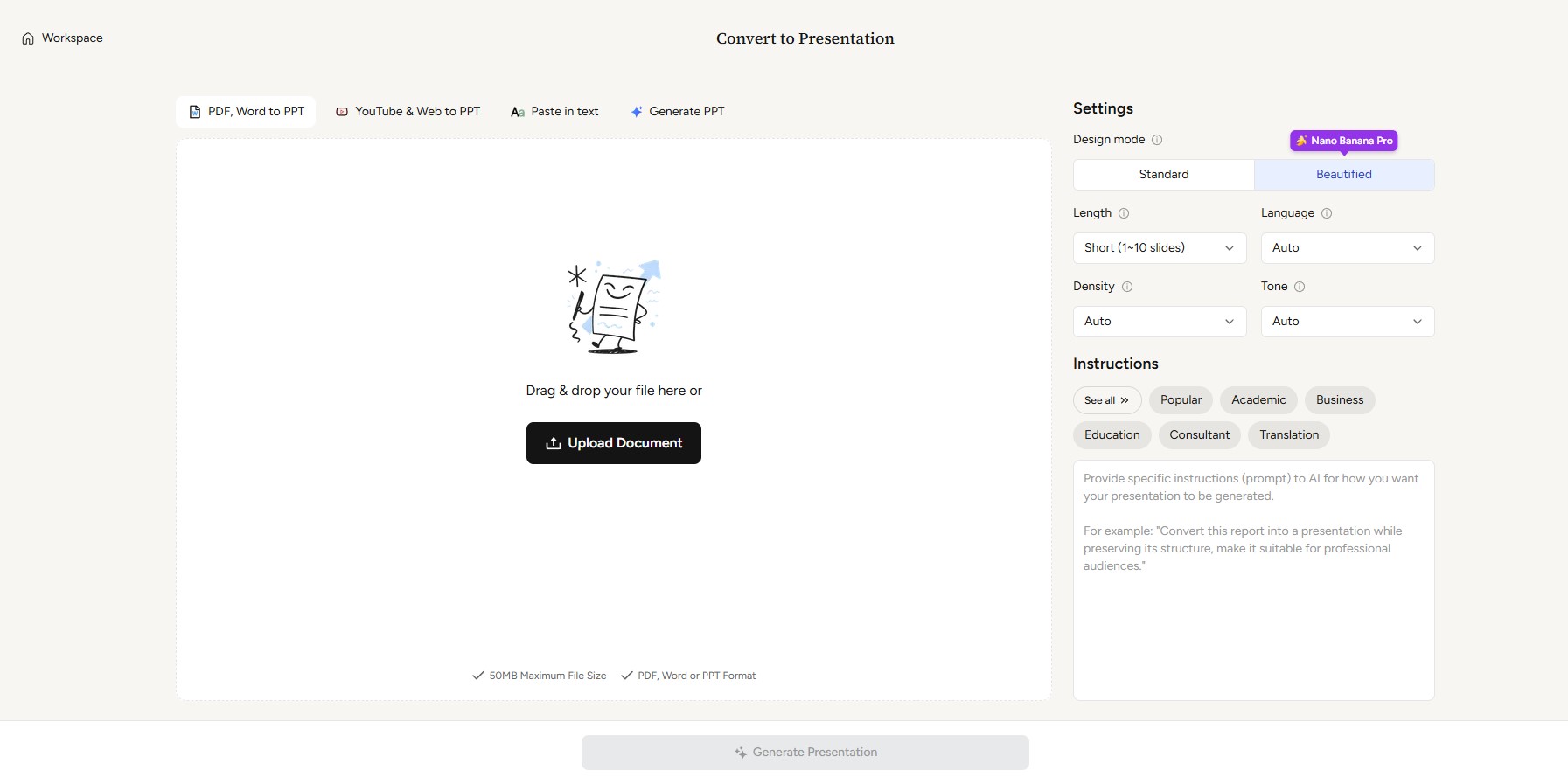
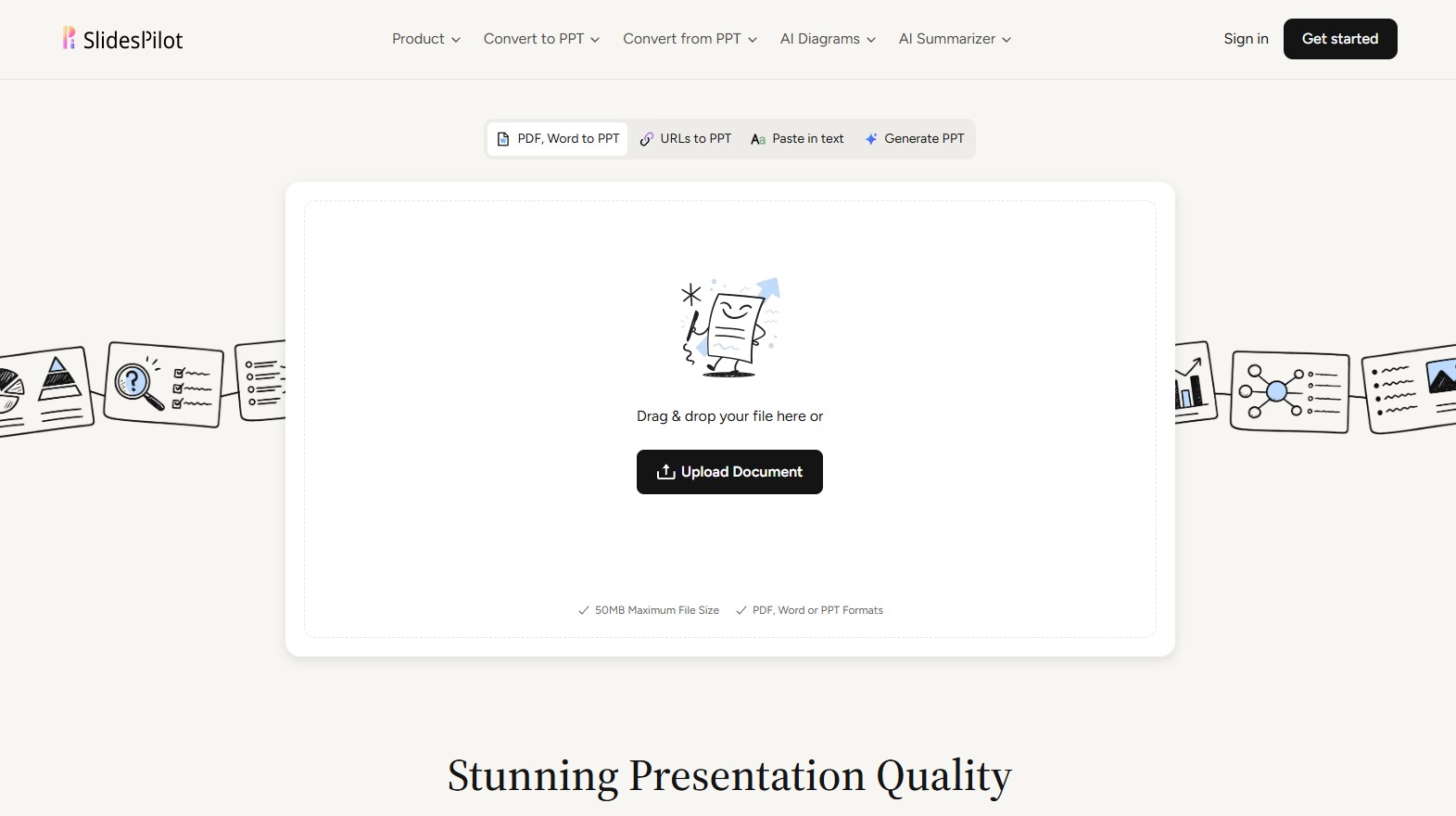
SlidesPilot is an AI presentation tool designed to automate the creation of professional slides from various source formats. Its primary function is to transform PDF to PPT, Word to PPT documents, URL links, or plain text into fully editable PowerPoint presentations. Unlike traditional converters, this platform uses an advanced AI engine to analyze content structure and generate a coherent, visually appealing narrative in just seconds.
The technology behind SlidesPilot is based on a multi-stage AI pipeline that combines semantic analysis and optical character recognition (OCR). This allows the tool to extract deep context from uploaded documents and synthesize data using large language models. The result is not a simple static image, but a logically structured file that users can download in PPTX, Google Slides, PDF, or PNG formats, ensuring full compatibility with standard desktop workflows.
Key functional capabilities and practical benefits include:
- AI Diagram Generation: Creates technical layouts and illustrations that automatically adjust to the context of the text.
- Smart Data Visualization: Transforms complex figures and data into professional charts and tables, facilitating the creation of financial or market reports.
- Block-Based Editor: Allows design modifications through a drag-and-drop system, making customization easy without needing to be a design expert.
- AI Copilot (AI Agent): An integrated chat assistant that allows you to add new slides, rewrite text, correct grammar, or change visual styles through direct prompts.
- Built-in Image Generator: Uses models like Nano Banana Pro to create high-quality, royalty-free visual content that matches the presentation's theme.
- URL to Slides Conversion: The ability to directly transform blog articles or YouTube to PPT videos.
SlidesPilot is highly useful for a wide range of professional profiles. Consultants and marketing directors can streamline the creation of business proposals, while educators and students can turn notes or research articles into structured teaching materials. The tool helps maintain brand consistency through the use of custom themes, ensuring colors and fonts align with corporate identity.
By offering editable PowerPoint exports, users maintain full control over the final result, allowing for last-minute adjustments both on the platform and in native applications. This flexibility, combined with its AI Summarizer capabilities, makes the app a comprehensive solution for optimizing time and enhancing the visual quality of any professional presentation.
SlidesPilot features and use cases
How to use SlidesPilot
SlidesPilot FAQ
What is SlidesPilot and how can it help me with my daily workflow?
SlidesPilot is an AI-powered tool designed to quickly and automatically transform documents, text, and links into professional PowerPoint presentations.
Can I convert PDF or Word files directly into a presentation using SlidesPilot?
Yes, the platform allows you to upload PDF and Word files so the AI can analyze the content and convert it into structured, editable slides.
Are the presentations generated by the tool fully editable?
Absolutely. All presentations can be edited using our built-in web editor or in Microsoft PowerPoint and Google Slides after you download them.
What formats can I use to export my SlidesPilot projects?
You can export your presentations as PowerPoint (PPTX) files, Google Slides, PDFs, or PNG images.
Is it possible to create a SlidesPilot presentation from a URL?
Yes. Simply paste the link to a website or article, and the AI will extract the key information to automatically generate your slides.
Does SlidesPilot offer a free option for new users?
The tool features a free plan that allows for up to three AI conversions or creations without requiring a credit card during sign-up.
Are my data and documents secure when I upload them to the platform?
Security and privacy are our top priorities. All uploaded files are handled privately and remain protected at all times.
SlidesPilot pricing and plans
Free ($0/mo)
- 3 AI conversions or creations.
- Limited AI credits (for images, agent, and tools).
- AI-powered drag-and-drop editor.
- Import from PDF, Word, PPTX, links, and text.
- Up to 10 slides per presentation.
- Access to 30+ system themes.
- Basic AI image generation models.
- No SlidesPilot watermark.
Starter ($9/mo)
- 10 AI conversions or creations.
- 300 AI credits for tools, images, and agent usage.
- Download in PowerPoint, Google Slides, PDF, or PNG formats.
- Up to 20 slides per presentation.
- Custom themes (colors, fonts, and images).
- Premium AI image generation models.
- 3-day money-back guarantee.
Plus ($19/mo)
- 30 AI conversions or creations.
- 1,000 AI credits for tools, images, and agent usage.
- Download in PowerPoint, Google Slides, PDF, or PNG formats.
- Up to 200 slides per presentation.
- Custom themes (colors, fonts, and images).
- Premium AI image generation models.
- 3-day money-back guarantee.
Pro ($39/mo)
- 200 AI conversions or creations.
- 2,500 AI credits for tools, images, and agent usage.
- Download in PowerPoint, Google Slides, PDF, or PNG formats.
- Up to 200 slides per presentation.
- Custom themes (colors, fonts, and images).
- Premium AI image generation models.
- 3-day money-back guarantee.
SlidesPilot Screenshots
SlidesPilot alternatives

image2slides
Convert screenshots and photos into editable PowerPoint slides. Extract text and graphics to modify and export them in PPTX format.

Slides Translator
Translate presentations and PDFs while preserving original layouts, images, and formatting. Review each slide and download the final result as a PDF.

Tracelight PPT Add-in
Sync presentations and documents with Excel models to auto-update charts. Detect slide inconsistencies and ensure corporate formatting.