

Share
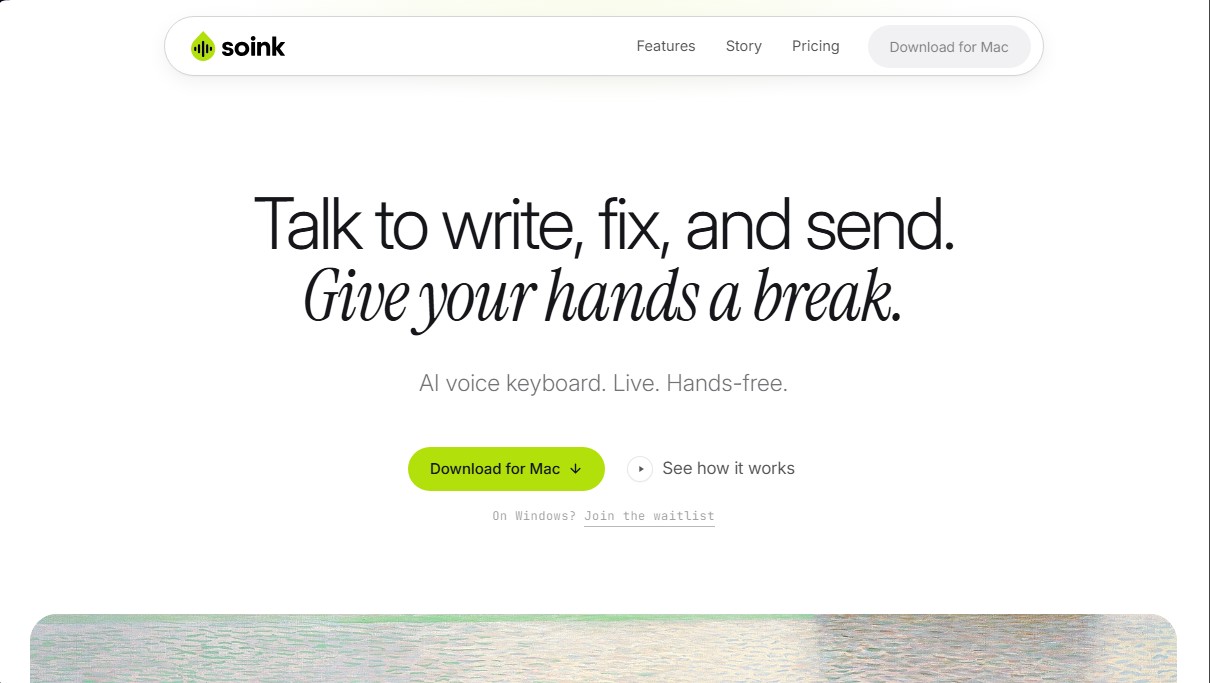
Real-time AI voice keyboard. Draft, correct, and send messages hands-free with voice commands. Automatically removes filler words and polishes your text.
What is soink?
soink is an AI voice keyboard designed for Mac users who need to reduce their physical keyboard usage, whether for workflow optimization or due to health conditions like repetitive strain injury (RSI) or wrist pain. Unlike conventional dictation tools, this app allows you to type, edit, and send text fluidly and completely hands-free, integrating directly into any text field on your computer.
soink’s core technology is based on live text streaming. This allows words to appear on the screen the moment they are spoken, eliminating the latency of other systems that process full blocks of text only after the user stops talking. Additionally, it features an Auto Polish function, which uses AI models to filter out filler words, correct grammatical errors, and remove false starts in real-time, ensuring the resulting dictation has the quality of manually written text.
Key features include:
- Continuous, hands-free dictation: After initial activation, the system remains active without needing to hold down keys, automatically stopping when it detects silence.
- Voice command editing: Make specific changes without touching the mouse using natural commands like "change Tuesday to Wednesday."
- Voice message sending: By saying the word "send," the tool executes the enter key action, facilitating quick communication in messaging apps.
- Hybrid workflow: Users can switch between voice and the physical keyboard within the same sentence without interruptions or needing to restart the app.
This productivity tool is compatible with virtually any software that has a text field, including code editors like VS Code or Cursor, management platforms like Notion and Linear, and communication tools like Slack, Gmail, or WhatsApp. It is also fully functional with artificial intelligence interfaces such as ChatGPT, Claude, and Perplexity.
Regarding privacy and performance, soink operates via cloud processing to ensure maximum speech recognition accuracy and the use of advanced AI models without overloading the computer's processor. The app does not log, save, or train its models using the user's voice or text data; audio is converted to text and immediately deleted. Currently, it supports 11 languages, including variants of Spanish, English, French, and German, making it a versatile solution for professionals seeking an efficient alternative to traditional typing.
soink features and use cases
How to use soink
soink FAQ
What exactly is soink, and how can it help me?
It is an AI-powered voice keyboard designed for hands-free typing, editing, and messaging, which helps you rest your wrists and prevents repetitive strain injuries (RSI).
How is soink different from conventional dictation tools?
Unlike other systems that paste blocks of text only after you finish speaking, soink displays words in real time as you talk. It automatically removes filler words and allows you to edit content using voice commands.
Can I use soink in any application on my Mac?
Yes, the tool works in any text field within apps like Slack, Gmail, Google Docs, WhatsApp, and Telegram—it even works in code editors like VS Code.
Is soink secure, and does it protect my voice data privacy?
Privacy is our top priority. We do not record or store your voice or anything you type; audio is deleted immediately after being converted to text and is never used to train AI models.
Can I use the tool without an internet connection?
Currently, an internet connection is required because the tool uses cloud-based models to ensure maximum speed and accuracy. However, we are working on a local processing option for the future.
Which languages are currently supported?
The system supports eleven different languages with sixteen regional variations, including English, Spanish (Spain and Mexico), French, German, Italian, Portuguese, Chinese, Japanese, Korean, and Hindi.
How do voice commands for editing or sending messages work?
You can fix any mistake simply by saying "change this to that" or finish sending a message by saying "send"—all without ever needing to touch your keyboard or mouse.
Does soink offer a free trial for new users?
We offer a seven-day free trial that lets you use all the voice-typing and editing features in your own apps without needing to enter any credit card information.
soink pricing and plans
Free Trial
0 $ for 7 days (no credit card required).
Real-time dictation.
Live AI polishing (removes filler words and fixes grammar).
Voice-command word correction.
Voice messaging.
Hands-free continuous dictation.
Seamless simultaneous voice and keyboard use.
Compatible with all Mac apps.
Support for 11 languages.
Pro
10 $ per month.
Includes all Free Trial features.
Fair usage limit for regular daily work (messages, emails, notes, documents, and AI prompts).
Early access to new features.
Max
20 $ per month.
Includes all Free Trial features.
Higher usage limit for intensive voice input.
Designed for long workdays and to almost entirely replace keyboard use.
Early access to new features.
soink Screenshots
soink alternatives

OpenWhispr
OpenWhispr is open-source voice dictation for Mac, Windows and Linux: transcribe locally or in the cloud, type into any app and take meeting notes without a bot.


Linden by Speechmatics
Low-latency speech-to-text for AI agents. Detects turns, identifies speakers, and captures names and numbers with high precision in over 55 languages.

SpeechTurbo
Convert audio and video to text with high accuracy and speed. Supports 98 languages, AI summaries, and translation. Pay-as-you-go with no monthly subscriptions.


TranscripTool
Extract text from TikTok, Facebook, and MP4 videos to verify content or create subtitles. Export to TXT and SRT to streamline AI-powered information analysis.