
Share
What is Submagic?
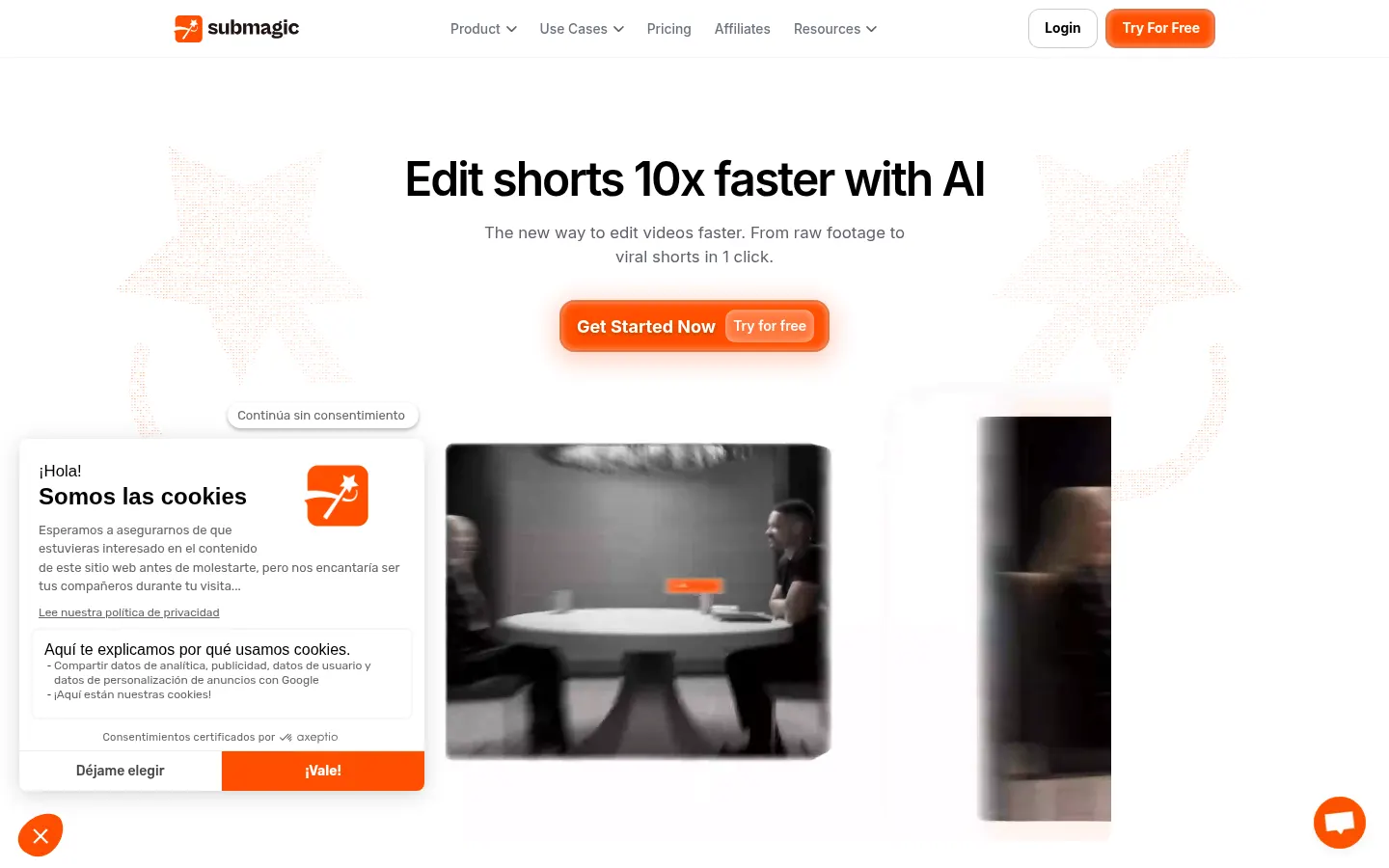
Submagic is an AI short-form video editor for TikTok, Reels and YouTube Shorts. It began as an animated caption generator and now covers most of the editing process.
Features
- Captions in 123 languages with a stated 99% accuracy.
- Magic Clips: turns one long video into several clips.
- Auto edit, B-roll, zooms and eye contact correction.
- AI avatars and a video translator.
Publishing
You can schedule and post to social platforms from inside the tool, and an API is available for automated editing.
Pricing
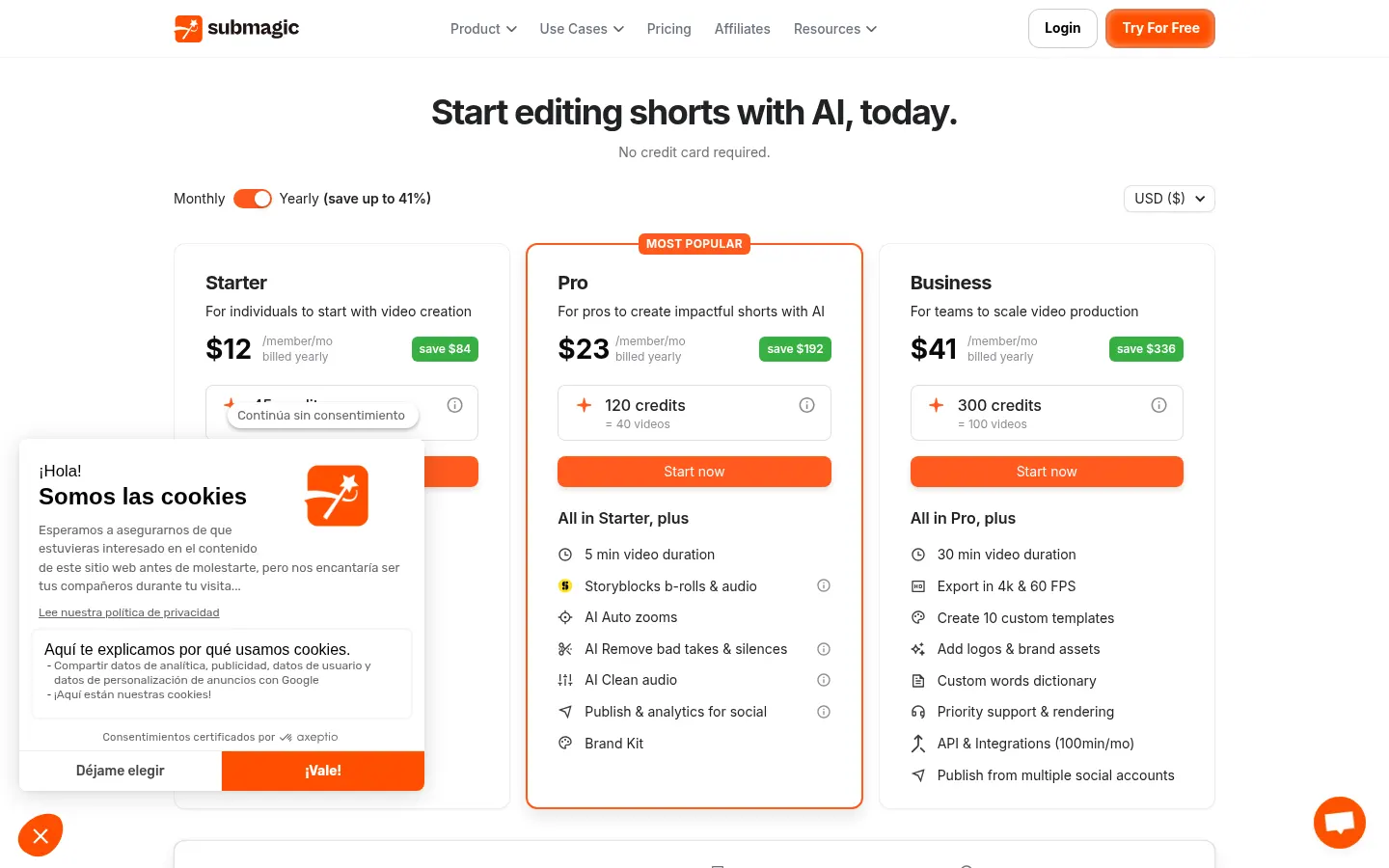
You can try it free with no card. Billed monthly, Starter is $19 (45 credits, about 15 videos), Pro $39 (120 credits) and Business $69 (300 credits, 4K at 60 fps). Annual billing saves up to 41%.
Submagic features and use cases
How to use Submagic
Submagic FAQ
What is Submagic?
An AI short-form video editor that adds animated captions, B-roll and zooms, and cuts long videos into clips.
Is Submagic free?
You can try it free with no card; ongoing use requires a paid plan.
How much does Submagic cost?
Billed monthly, Starter is $19, Pro $39 and Business $69; annual billing saves up to 41%.
How many caption languages does it support?
123 languages, with a stated 99% accuracy.
What are Magic Clips?
A feature that pulls several short clips out of one long video.
Can I post from Submagic?
Yes, it can schedule and publish to social platforms.
Does it export in 4K?
Yes, the Business plan exports 4K at 60 fps.
Does it have an API?
Yes, an API for automating edits.
Submagic pricing and plans
Reference price: 19 USD / month. Source · Verified: October 25, 2026
Prices in US dollars (USD), monthly billing. Checked on: 25/10/2026.
Starter: $19/month
- 45 credits (about 15 videos), videos up to 2 minutes, 1080p
Pro: $39/month
- 120 credits (about 40 videos), videos up to 5 minutes
Business: $69/month
- 300 credits (about 100 videos), videos up to 30 minutes, 4K at 60 fps
Free trial with no card. Annual billing saves up to 41%.
Submagic Screenshots
Submagic alternatives


BurningBridgesAI.app
Turn a photo into Drake’s viral dance. AI automatically recreates the choreography and gestures so you can star in the trend without recording a thing.
Motion Transfer AI Video Generator
Animate character photos using reference videos. Precisely transfer gestures, dances, and body movements from a clip to an image for realistic results.