Share
What is Sunsama?
Sunsama is an AI daily planner that brings tasks, emails and calendar events into a single view so professionals can map out a realistic day, block focus time and log off on time. It combines a task manager, a calendar and guided planning rituals.
What is Sunsama used for?
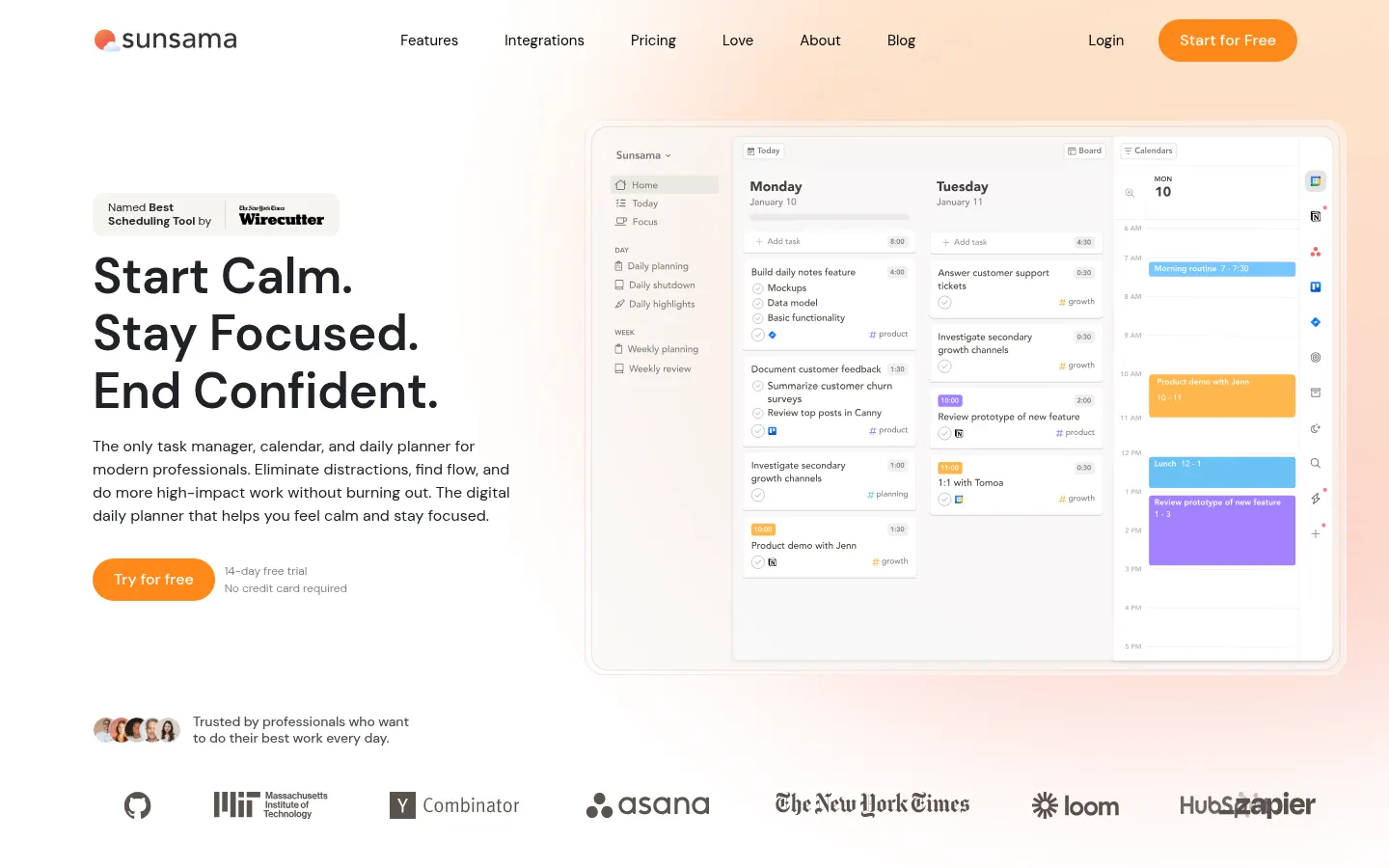
Sunsama helps you decide each morning what you'll work on today and how much actually fits in your schedule. It pulls tasks from Asana, Trello, Jira, Linear, ClickUp, Notion or Todoist, turns Gmail or Outlook emails and Slack or Teams messages into tasks, and lines them up next to your meetings. With timeboxing you drag each task onto the calendar, and auto-scheduling finds a slot within your working hours without overlapping events. Wirecutter named it the best scheduling tool.
How does AI help in Sunsama?
Its assistant Sunny understands plain-language requests: it creates and moves tasks, sets time estimates, organizes the backlog, accepts or declines invites and summarizes the work you finished last week or last month so you can share it with your team. The MCP server also connects your Sunsama data to ChatGPT, Claude or Cursor, and the Zapier integration reaches thousands of apps.
What work rituals does Sunsama offer?
Guided daily and weekly planning, weekly objectives, focus mode with a Pomodoro timer, break reminders and a daily shutdown with a highlights recap help you avoid overcommitting. There are apps for iOS, Android, macOS, Windows and Linux, SOC 2 compliance and SAML SSO on Enterprise.
Sunsama pros and cons
- Pro: tasks from many tools and your calendar in one view.
- Pro: daily rituals keep your workload realistic.
- Con: it's built for personal planning, not team project management.
- Con: the interface and help docs are English-only.
Sunsama features and use cases
How to use Sunsama
Sunsama FAQ
What is Sunsama?
It is an AI daily planner that brings tasks, emails and calendar events together so you can plan each day and block time for work.
What is Sunny in Sunsama?
It is the built-in AI assistant: through chat it creates and edits tasks, organizes the backlog, handles invites and summarizes completed work.
Does Sunsama schedule tasks automatically?
Yes. Press X on a task and it goes into the first free slot within your working hours, without overlapping busy events.
Which calendars does Sunsama work with?
It offers two-way sync with Google Calendar, Outlook and Apple Calendar.
Which tools integrate with Sunsama?
Asana, Trello, Jira, Linear, ClickUp, Notion, Todoist, GitHub, Gmail, Outlook, Slack, Microsoft Teams, Zapier and more.
Does Sunsama have an MCP server?
Yes. Its remote MCP server lets you work with your Sunsama tasks from ChatGPT, Claude, Cursor and other compatible clients.
Does Sunsama have a mobile app?
Yes. There are apps for iOS and iPadOS and Android, plus desktop apps for macOS, Windows and Linux.
Is there a team version of Sunsama?
Sunsama focuses on individual planning; the Enterprise plan adds SSO, SCIM, audit logs and custom security terms for companies.
Does Sunsama have a free trial?
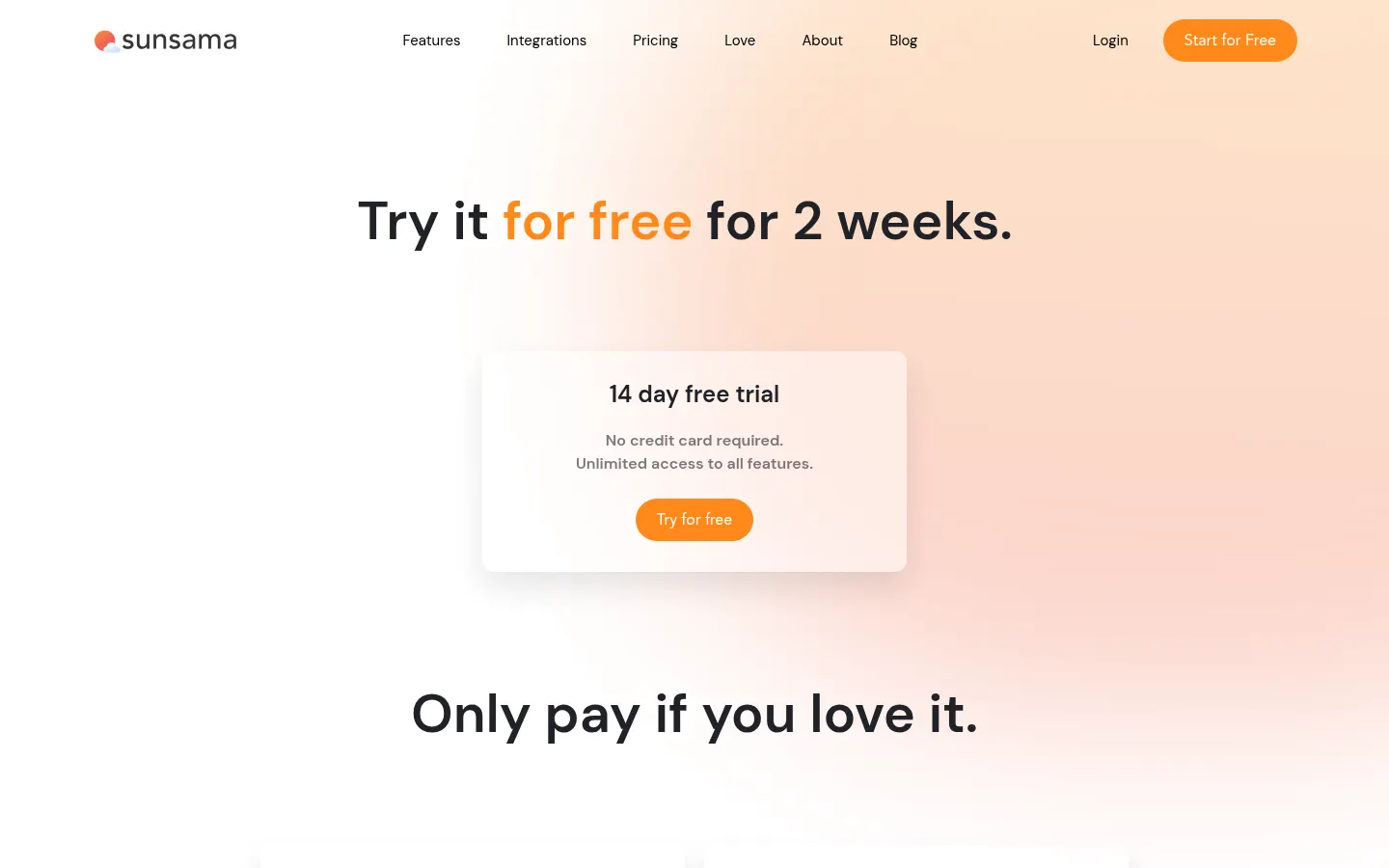
Yes. You get 14 days with every feature and no credit card required. Plan figures are in the pricing section of this page.
What are the alternatives to Sunsama?
In the directory you can compare ClickUp, Notion AI and ToDo.is, other tools for organizing tasks.
Sunsama pricing and plans
Reference price: 22 USD / month. Source · Verified: October 29, 2026
Prices in US dollars (USD). Checked on: 29/10/2026.
Pro: $17/month billed yearly or $22/month billed monthly; unlimited usage, unlimited integrations, AI, MCP and Zapier.
Enterprise: custom pricing; SSO and SAML, SCIM, audit logs and custom privacy requirements.
14-day free trial with every feature and no credit card required.
Sunsama Screenshots
Sunsama user reviews
Write a review
Checking your session...
Sunsama Reviews
Loading reviews...