

Share
Smart assistant to manage your personal and professional life. Shop, book travel, organize your schedule, and automate web tasks all in one place.
What is Hark?
Hark is an AI-powered personal operating system designed to act as a centralized assistant that manages both your personal and professional life. Unlike other AI models optimized for coding or creative writing, this tool focuses on executing practical, everyday tasks. Its architecture allows for unifying all interactions into a single persistent chat thread, eliminating the need to manage multiple agents or complex technical interfaces.
The application’s standout technology is Hark Handoff, a cloud computer operated by the AI itself. This feature allows the tool to use a web browser autonomously to perform actions on the user's behalf, such as buying products, filling out web forms, or booking flights. By integrating with email, the platform gains the necessary context to anticipate user needs, facilitating calendar management and message delivery.
Key capabilities and functional benefits include:
- Panels: Custom mini-apps that users can ask the AI to build within the interface, such as fitness trackers or media players.
- Action Buttons: Smart notifications that offer direct solutions, allowing you to pay bills or cancel subscriptions with a single tap.
- Specialties: Memorized workflows for complex and repetitive tasks, such as negotiating refunds or analyzing data from various sources.
- Scheduled Tasks: Automation of recurring tasks, from food delivery orders to meeting reminders.
- Project Management: Dedicated threads for long-term work that organize files and conversations about specific topics in one place.
The system features advanced memory that learns from past interactions to provide increasingly natural and contextualized assistance. Regarding connectivity, Hark Pro supports direct integrations with third-party services like Google Workspace and Microsoft 365, allowing users to summarize Slack threads or manage documents efficiently.
Information security is managed through Secured by Hark, an encrypted vault where sensitive credentials and payment data are stored. The platform guarantees user privacy by not selling data or sharing it with advertisers, utilizing encryption both at rest and in transit. This tool is available as a mobile app (iOS and Android) and through web access, offering a seamless experience on any computer. Its primary goal is to act as a layer of practical intelligence that saves time by directly executing actions in the digital world.
Hark features and use cases
How to use Hark
Hark FAQ
What exactly is Hark, and how can it help me in my daily life?
Hark is an operating system for your life that uses artificial intelligence to manage practical tasks—such as ordering groceries, organizing your calendar, or booking flights—all from a single chat interface.
On which devices can I install the Hark Pro app?
The tool is available as an app for iOS and Android, and it also features a web version accessible from any computer.
Do I need to pay to use all of Hark's features?
No, Hark’s full suite of features is free, though paid subscription plans are available for users who require higher usage limits.
What is the Hark Handoff feature, and what is it for?
Handoff is a cloud-based computer that allows Hark to browse the internet, log in to websites, and perform actions on your behalf, such as filling out forms or purchasing products.
Why does Hark ask for my email address?
Hark needs your email to function as an efficient assistant, allowing it to get a quick overview of your commitments, manage your calendar, and send messages for you.
How does Hark protect my privacy and data security?
Your sensitive credentials are encrypted and stored in a secure vault, and the company guarantees that it will never sell your data or share it with advertisers.
Can I ask Hark to delete information it has memorized?
Yes. The system learns from your conversations to get to know you better, but you can ask it to forget a specific memory at any time, and it will be deleted.
What are the Panels that appear on the home screen?
Panels are small, customized software modules that Hark builds for you—such as fitness trackers or media players—that you can interact with using natural language.
How can I contact Hark support?
You can get in touch with the technical support team through the contact section in the app menu or by sending an email directly.
What is the difference between Hark and Hark Pro?
Hark is the name of the company and the personal AI being developed, while Hark Pro is the specific application for web, iOS, and Android.
Hark pricing and plans
Hark Pro (Free)
Full access to all tool features.
Ad-free.
Daily task management: food ordering, calendar organization, Slack summaries, and document creation.
Hark Handoff: Use a cloud computer to perform actions on websites (purchases, forms, etc.) on the user's behalf.
Advanced memory that learns from conversation context.
Create Panels (custom mini-apps) and Action Buttons to trigger actions with a single tap.
Organize chat threads using Projects and set up Scheduled Tasks.
Integration with external services like Google Workspace and Microsoft 365.
Subject to basic usage limits.
Hark Pro² ($20/mo)
Includes all features from the Free plan.
Offers double (2x) the usage capacity.
Hark Pro³ ($100/mo)
Includes all features from the Free plan.
Offers ten times (10x) the usage capacity.
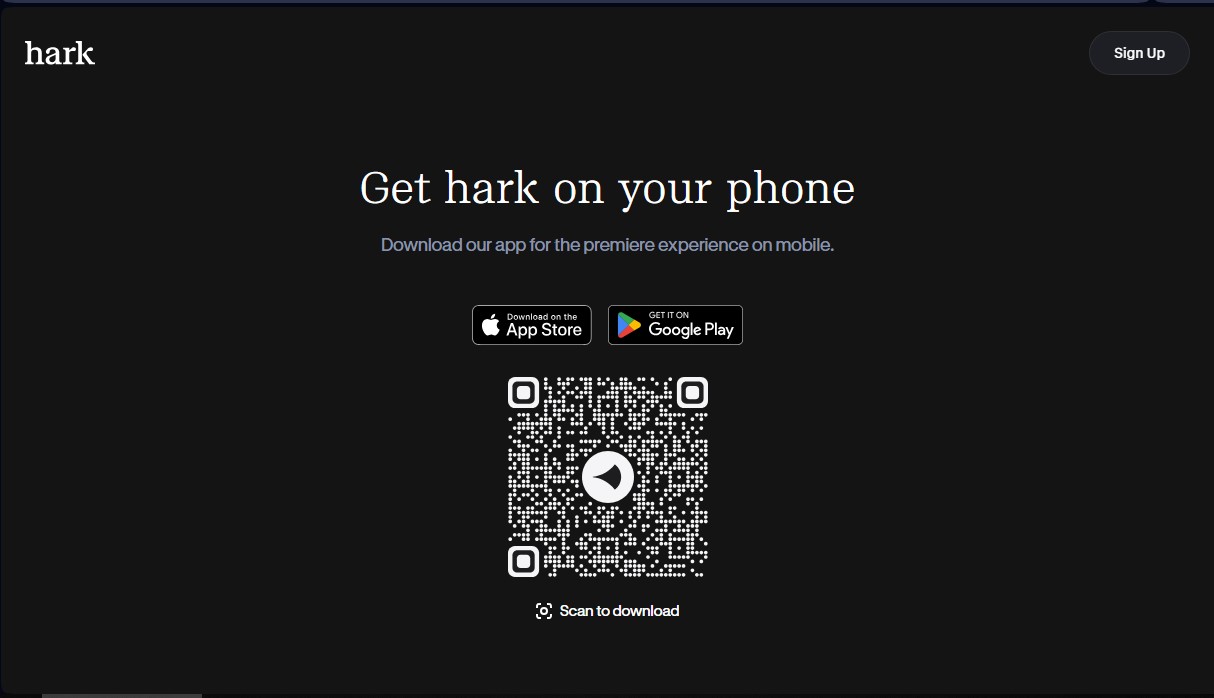
Hark Screenshots
Hark user reviews
Write a review
Checking your session...
Hark Reviews
Loading reviews...
Hark alternatives


TriggerFlow
Automate Windows apps without APIs using computer vision and AI. Manage PC fleets, monitor processes, and provide centralized remote control.

Relevance AI
Relevance AI lets companies design AI agents that take on work in sales, customer support, marketing, HR and operations, wired into the tools they already use.


localscreenshot
localscreenshot is a screenshot API and MCP server for AI agents, returning clean captures of any web page on phone or desktop from 227 countries.