TubeBuddy
Share
TubeBuddy
YouTube optimization tool with SEO, keyword analysis, and performance testing. Improve video rankings and streamline content management.
General Information about TubeBuddy
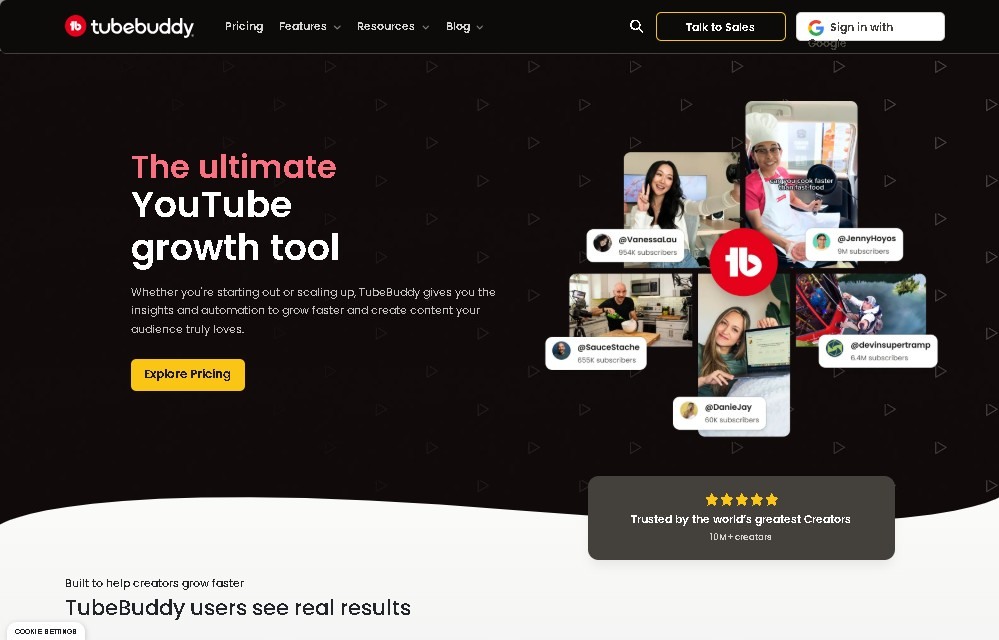
TubeBuddy is a browser extension and management platform designed specifically to optimize YouTube channel performance. It integrates directly into the YouTube Studio interface, providing content creators with a suite of advanced tools that are not natively available on Google's platform. Its primary function is to streamline the workflow, improve video SEO, and offer deep analytics to accelerate audience growth from your desktop.
The tool stands out for its keyword research and metadata optimization capabilities. It allows users to identify high-demand, low-competition search terms, making it easier to write effective titles, descriptions, and tags. Through its Keyword Explorer, TubeBuddy helps rank content in search results and suggested video sections, maximizing the organic visibility of every upload.
Regarding its technology, it employs predictive analysis algorithms and data processing to suggest real-time improvements. Among its artificial intelligence features, the title generator and A/B testing tools are particularly noteworthy. The latter allows for comparing different versions of thumbnails and metadata to statistically determine which generates a higher click-through rate (CTR). This data-driven approach eliminates guesswork and enables informed decision-making regarding content strategy.
TubeBuddy’s functional capabilities are divided into several key pillars:
- Advanced SEO Optimization: Tag suggestions and long-tail search term analysis to improve rankings.
- Bulk Processing: The ability to make changes to descriptions, end screens, or cards across all channel videos simultaneously, resulting in significant time savings.
- Competitor Analysis: Monitoring rival channels to identify trends, tags used, and comparative performance.
- Productivity and Automation: Post scheduling, efficient comment management through canned responses, and card templates.
- Design Tools: An integrated thumbnail creator to maintain a professional aesthetic without the need for external software.
This ecosystem is ideal for a wide range of profiles, from individual creators looking to professionalize their channels to marketing agencies and community managers handling multiple accounts. By centralizing production, optimization, and analysis tasks, TubeBuddy acts as a technical assistant that allows users to scale their YouTube presence in a structured and efficient manner, ensuring that every video has the best possible chance of success both before and after publication.
Features and Use Cases of TubeBuddy
How TubeBuddy Works
Frequently Asked Questions about TubeBuddy
What exactly is TubeBuddy and what does it do?
It is a browser extension that integrates directly into YouTube Studio to provide additional tools for SEO, productivity, and competitor analysis.
Can I start using TubeBuddy for free?
Yes, the platform offers a free plan that gives you access to basic optimization and tag management features at no cost.
How does this tool help improve my content's ranking?
It simplifies keyword research and metadata optimization—such as titles and descriptions—to help your videos appear higher in search results.
What are the benefits of the TubeBuddy Legend plan compared to other tiers?
This top-tier plan includes all advanced features, such as thumbnail A/B testing, AI-driven tools, and detailed rank tracking.
Can I make changes to multiple videos at once?
Yes, using the bulk processing tools, you can quickly and easily update descriptions or settings across your entire video library.
What are A/B tests and why are they useful?
These are experiments that compare different versions of a thumbnail or title to identify which one generates a higher click-through rate from your audience.
How do I install TubeBuddy to get started?
Simply add the extension to your browser and grant the necessary permissions to automatically sync it with your YouTube channel.
TubeBuddy Pricing
Free Plan
$0 per month
- Menu integrated directly into the YouTube interface.
- Limited access to tag suggestions.
- Basic features for production tasks.
Pro Plan
Approximately $9 USD per month
- SEO tools for video optimization.
- Thumbnail generators and custom templates.
- Enhanced growth tools.
Star Plan
Between approximately $15 and $19 USD per month
- More powerful channel management tools.
- Bulk video editing and settings features.
Legend Plan
Between approximately $39 and $49 USD per month
- Comprehensive AI tools.
- A/B testing for thumbnails, titles, and descriptions.
- Predictive analytics and rank tracking.
- Automatic title generators.
Enterprise Plan
Custom pricing upon request
- Multi-channel management for teams or agencies.
- Priority technical support.
- Additional premium features tailored for high volumes.
TubeBuddy Screenshots