
Share
What is Upscayl?
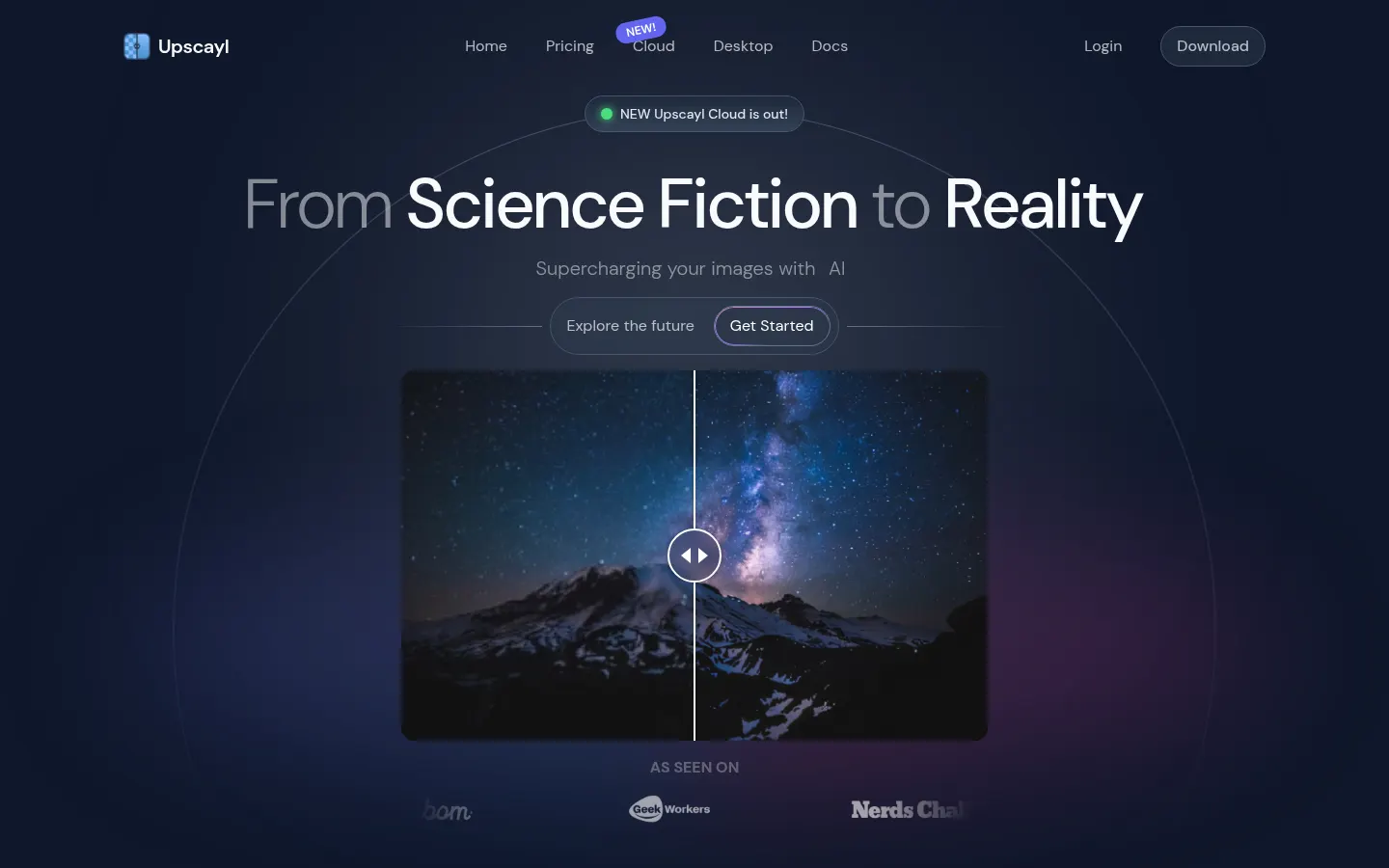
Upscayl is an open-source AI image upscaler that raises the resolution of blurry or pixelated photos up to 16x while keeping details and colors. It runs as a desktop app on Linux, macOS and Windows, and its GitHub repository has more than 50,000 stars.
What is Upscayl used for?
It rescues low-resolution images, prepares photos for printing and sharpens AI-generated artwork. You choose between several models for different image types and can process whole folders in batch mode, or run an image twice for extra quality.
How is Upscayl Desktop different from Upscayl Cloud?
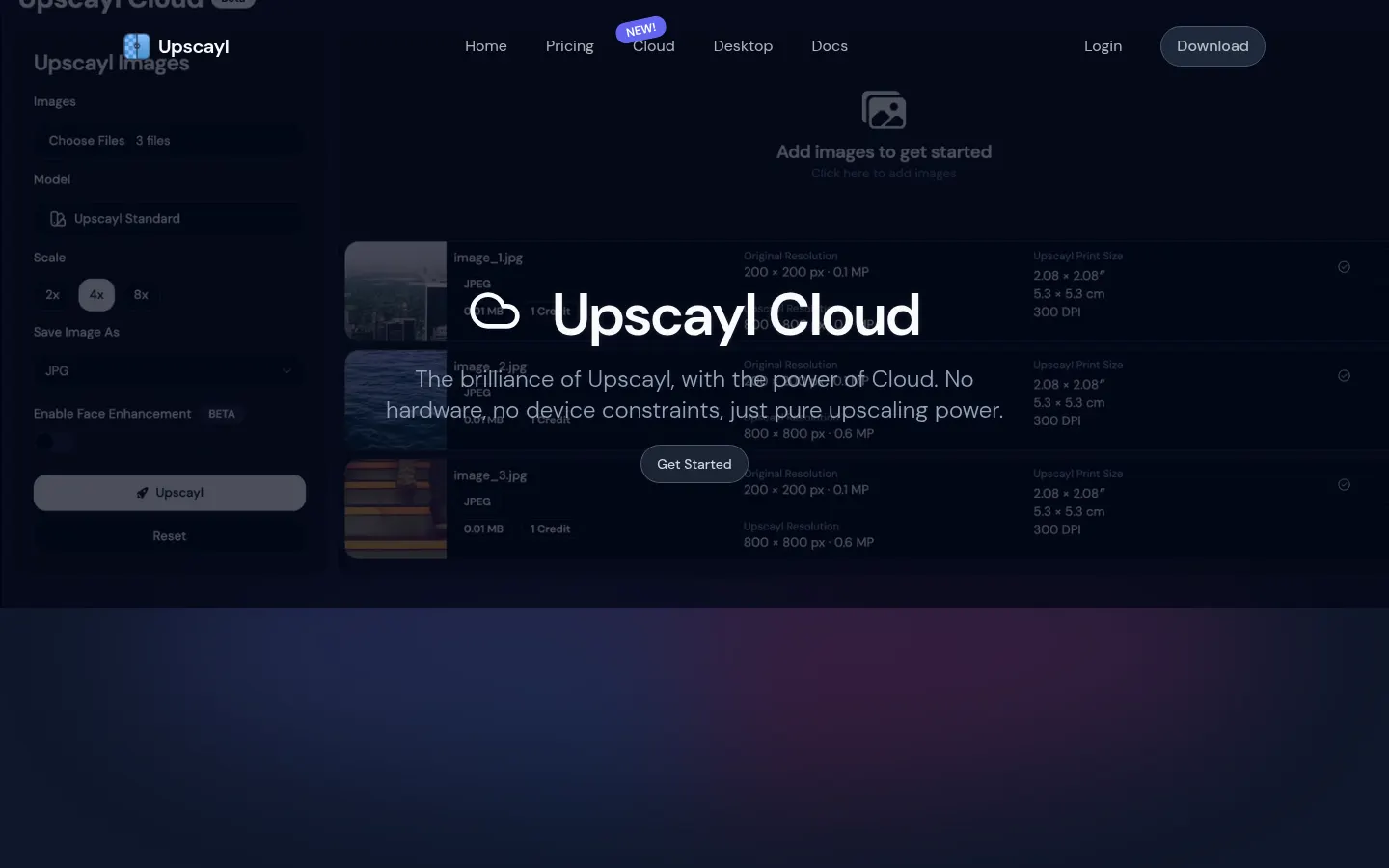
Upscayl Desktop is downloaded once, runs locally on your graphics card and keeps images on your machine, which helps privacy. Upscayl Cloud does the work on servers, runs in the browser on phone, tablet or computer, and adds face enhancement, 8x models, more formats, unlimited storage and commercial use.
What else can the cloud version do?
Upscayl Cloud includes text-to-image generation and natural-language editing: select an area and describe the change, such as adding objects, removing the background or changing the style.
Who is Upscayl for?
Photographers, designers, content creators and anyone who wants to enlarge images without expensive services, plus people who prefer to process files locally.
Upscayl pros and cons
- Pro: open source under the AGPL-3.0 license.
- Pro: local processing with no uploads.
- Pro: custom models and batch mode.
- Con: the desktop app needs a Vulkan-compatible GPU.
- Con: face enhancement and commercial models are cloud-only.
Upscayl features and use cases
How to use Upscayl
Upscayl FAQ
What is Upscayl?
It is an open-source AI image upscaler for desktop, with a cloud edition.
Is Upscayl free?
Yes, Upscayl Desktop is free and open source; Upscayl Cloud is a paid service with extra features.
Does Upscayl have an API?
It does not advertise a public API; the desktop app source code is on GitHub.
Does Upscayl work in Spanish?
Upscaling does not depend on language; Upscayl's website is in English.
How much can Upscayl enlarge an image?
Up to 16x its resolution, and the cloud edition accepts images of any size.
Do I need a graphics card?
For the desktop app, yes, a Vulkan-compatible GPU; Upscayl Cloud needs no special hardware.
Are my images uploaded to the internet?
Not with Upscayl Desktop, which processes everything on your own machine.
Can I use Upscayl commercially?
Upscayl Cloud states unrestricted commercial use; the desktop app is governed by the AGPL-3.0 license.
What are the best Upscayl alternatives?
On GptZone you can compare Topaz Labs and Magnific for AI image upscaling and enhancement.
Upscayl pricing and plans
Upscayl Screenshots
Upscayl user reviews
Write a review
Checking your session...
Upscayl Reviews
Loading reviews...
Upscayl alternatives


Topaz Labs
Topaz Labs makes AI apps that upscale, sharpen, denoise and restore photos and videos, available on desktop, web, mobile and through an API.


AlreadyRan
AlreadyRan brings dozens of AI image, video and audio models into one web studio with a single credit balance and the cost shown before every generation.

Album Art Creator
Generate professional album covers with AI. Create editable designs tailored to your music's genre and style, optimized for Spotify, Apple Music, and other streaming platforms.