Share
UpSynth
Enhance, restore, and edit images with precision. Upscale photos, restore faces, and modify areas using text prompts for total control over the final result.
General Information about UpSynth
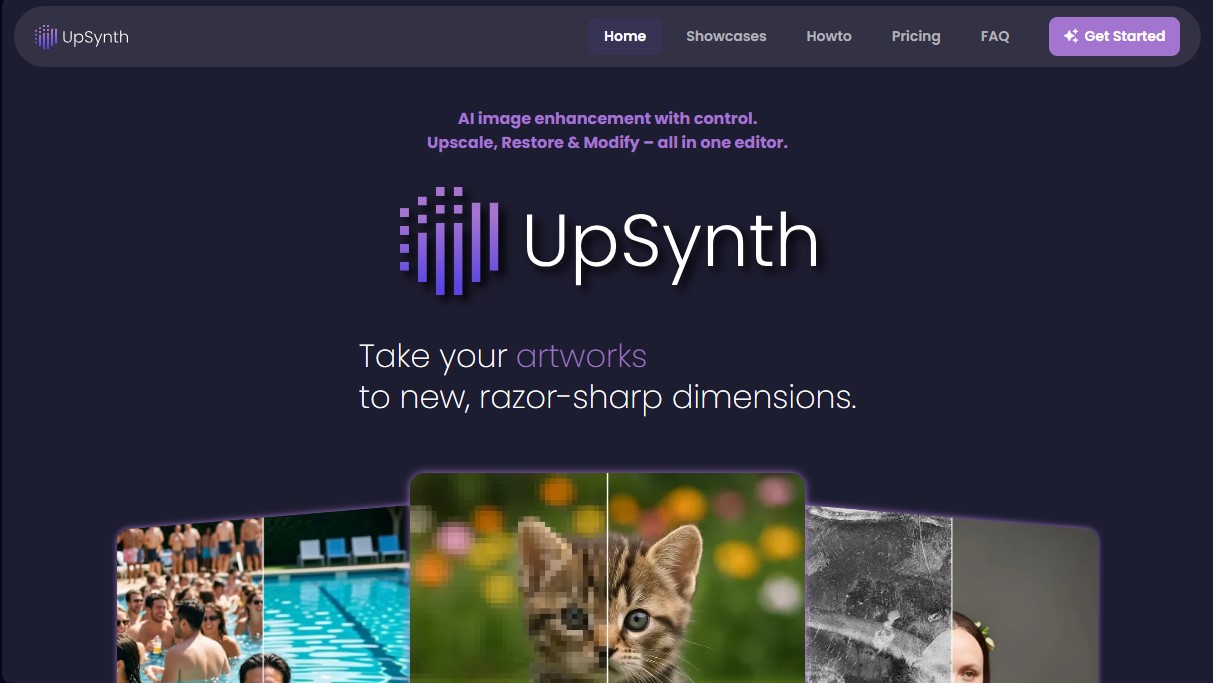
UpSynth is an advanced AI image enhancement editor designed to upscale, restore, and modify visual files with precise control over the final result. Unlike traditional auto-upscaling tools that can distort features or details, this platform focuses on a supervised workflow where the user decides which elements to keep and which to transform. It is a technical solution geared toward photographers, designers, and professionals who need to work with old photos, illustrations, posters, or video game graphics, elevating them to crisp dimensions suitable for print or high-resolution digital media.
UpSynth’s technology employs artificial intelligence models capable of analyzing image composition, reducing visual noise, and effectively removing JPEG compression artifacts. Its architecture features a control called Magic, an adjustable value that determines the AI's creative freedom during the reconstruction process:
- A low level (50%) maintains strict fidelity to the original file, ideal for conservative touch-ups.
- The standard level (100%) balances adding necessary detail with the image's original style.
- High levels (150%) allow the AI to generate new textures and complex structures, making it the optimal choice for files with significant data loss or heavy blurring.
The system is structured around three main functionalities that can be flexibly combined directly from your browser, without the need to install heavy software on your computer:
- Smart Upscale: Increases image resolution by reconstructing lost details and smoothing surfaces without warping the base structure or the character of the work.
- Selective Restoration (Restore): A specific feature for recovering faces and critical details in old photos or low-quality scans. The user marks the damaged area, and the AI reconstructs it based on the original source to preserve identity.
- Contextual Modification (Modify): Allows for specific adjustments using text prompts. By selecting an area and describing the change, the tool generates variations that integrate visually into the image's context.
One of UpSynth’s greatest advantages is its functional approach, allowing you to undo steps at any point in the editing process. This is fundamental in restoring damaged photos, where precision is vital. Additionally, the platform guarantees data privacy and security, as all processing takes place entirely within the European Union, and the images provided are not used to train external AI models. This AI image processing tool is a robust solution for transforming low-quality files into high-definition visual assets with a professional finish.
Features and Use Cases of UpSynth
How UpSynth Works
Frequently Asked Questions about UpSynth
What is UpSynth and what is it used for?
It is an advanced editing tool that uses artificial intelligence to upscale, restore, and modify images with total control over the final result.
Can I try UpSynth for free?
Yes, your first image upscale is free so you can test the tool's capabilities before committing to a plan.
How does the Magic setting work in UpSynth?
This value controls the AI's creative freedom, allowing for everything from a conservative restoration faithful to the original to a more imaginative generation of details.
What sets the Restore function apart from other UpSynth tools?
The Restore function allows you to highlight specific areas, such as faces or fine details, to reconstruct them based faithfully on the original image without any distortion.
Is it possible to change specific objects in an image with UpSynth?
Yes, using the Modify tool, you can select an area and use text prompts to describe the changes you want to make, such as replacing elements or adding new details.
Are my photos used to train UpSynth’s artificial intelligence?
No, your images are not used for model training, and all data processing is performed securely within the European Union.
What types of files can I enhance with UpSynth?
The tool is perfect for old photographs, illustrations, video game screenshots, movie posters, and any design that requires higher resolution for print or web.
Can I cancel my UpSynth subscription at any time?
Yes, you can manage and cancel your subscription whenever you want through the customer portal on the payment platform.
How does UpSynth help remove noise or artifacts from images?
The AI analyzes the image to reconstruct details lost to JPEG compression and automatically reduces visual noise without needing to increase the file size.
UpSynth Pricing
Free Trial: Your first upscale is free so you can try the tool with no commitment.
UpSynth Basic: Price not listed (check official website).
1 concurrent process (worker).
1,000 credits per month.
25 standard upscales.
10 large upscales.
40 edits.
Up to 3x retention.
UpSynth Standard: Price not listed (check official website).
3 concurrent processes (workers).
2,250 credits per month.
60 standard upscales.
25 large upscales.
90 edits.
Up to 3x retention.
UpSynth Premium: Price not listed (check official website).
5 concurrent processes (workers).
11,000 credits per month.
300 standard upscales.
125 large upscales.
440 edits.
Up to 3x retention.
UpSynth Screenshots