
Share
AI infrastructure for training, demos, and support. Convert documents into audiovisual content with voice cloning, translation, and secure hosting.
What is Velo?
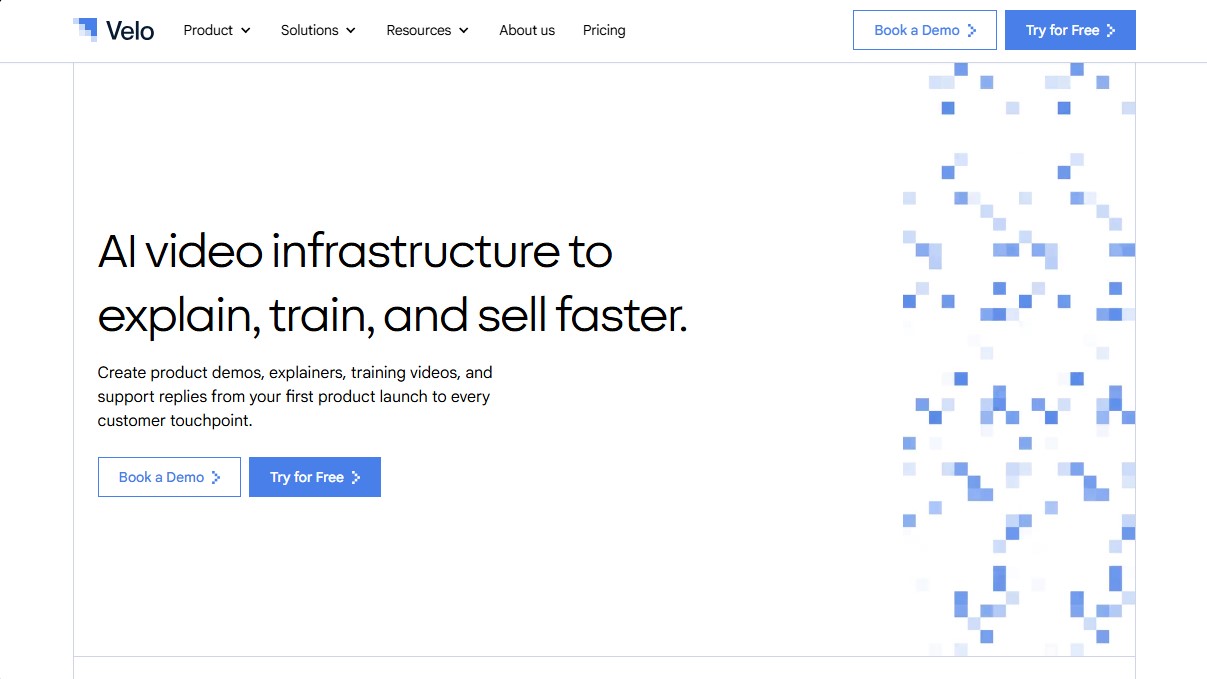
Velo is an AI video infrastructure platform designed to help companies explain, train, and sell more efficiently. Unlike conventional editors, this tool functions as a comprehensive system that allows users to create, edit, translate, and host workplace videos based on existing corporate context. Its primary focus is transforming documents, screenshots, help guides, and notes into structured explainer videos featuring professional narration and coherent visual sequences.
Velo’s operation is based on processing internal information to generate multimedia content without the need for constant manual recording. It utilizes voice cloning technology and AI video agents to produce natural-sounding voiceovers and avatars that maintain brand identity. Thanks to its Agentic Screen Recorder, the platform automates desktop process capture, facilitating the creation of product demos and technical tutorials that stay dynamically updated whenever software or policies change.
Key capabilities and functional benefits include:
- Video generation from documents: Convert product pages, help center articles, and text files into video presentations with a single click.
- Multilingual translation: Instantly localize content for global teams, adapting the voice and message to different languages.
- Enterprise asset management: Offers shared libraries, role-based access control (RBAC), SSO integration, and data security compliance.
- Support and sales automation: Facilitates the creation of personalized video responses for support tickets and sales prospecting messages.
- Analytics and distribution: Includes secure video hosting, view metric tracking, and SCORM export for learning management systems (LMS).
This tool is especially beneficial for Customer Education, Product Marketing, Sales, and Human Resources departments. By centralizing video production, Velo allows SaaS, healthcare, and manufacturing teams to drastically reduce production times and scale employee and customer training. It is a solution designed for companies that require a governed video system where brand consistency and ease of updates are operational priorities, allowing any team member to generate high-quality content from their browser or mobile device.
Velo features and use cases
How to use Velo
Velo FAQ
What is Velo, and what advantages does it offer for corporate communication?
Velo is an AI-powered video infrastructure platform that allows you to create, edit, and distribute demos and training videos at scale.
How does Velo create videos from existing materials?
The tool automatically transforms documents, screenshots, and notes into structured videos featuring professional narration and logical sequences.
Can Velo videos be quickly translated into different languages?
Yes, the platform features a one-click translation tool that simplifies content distribution across international markets.
Does Velo offer tools to ensure brand consistency across videos?
The platform includes brand kits and governance controls to ensure all generated videos align with company visual guidelines.
What team collaboration features does Velo include?
Velo allows you to create shared workspaces, centralized asset libraries, and access management systems to streamline cross-departmental collaboration.
Can I track the performance of videos created with Velo?
The tool integrates analytics and viewer tracking features to help you better understand how your audience interacts with your content.
What makes Velo different from a conventional video editor?
While a standard editor is used to modify existing files, Velo is a comprehensive system for automatically generating and updating videos based on internal company knowledge.
Is Velo safe to use in corporate environments with sensitive data?
The platform is built for enterprise use and complies with security standards such as Single Sign-On (SSO), role-based access control, and data residency.
Velo pricing and plans
Free
$0 per month. A plan to explore the tool within your own work context.
- 15 Velo minutes per month.
- 1 user (seat).
- 1 voice clone.
- 1 avatar video per month.
- Full editor access.
- "Prompt-to-video" and "Document-to-video" features.
- Professional screen recording.
- Video sharing without watermarks.
- Watermarked downloads by default.
- Basic support.
Pro
$49 per month ($41/mo billed annually). Designed for founders, marketers, and operators who create videos weekly.
- 60 Velo minutes per month.
- 1 user (seat).
- 3 voice clones.
- 1 avatar.
- Everything included in the Free plan.
- Watermark-free downloads.
- Narration editing.
- Multilingual video output.
- Secure video links and video analytics.
- 3 script retries per video and 3 voice regenerations per video.
- Link-to-video conversion (limit of 5 per month).
Ultra
$200 per month ($167/mo billed annually). For teams requiring high-volume production and collaborative creation.
- 600 Velo minutes per month.
- 3 users (seats) included.
- Unlimited voice clones.
- 3 avatars.
- Everything included in the Pro plan.
- 30 minutes of avatar video.
- Custom VeloTwins.
- Shared workspace and teammate invitations.
- Team video library and Brand Kit.
- Brand consistency controls.
- Auto-updating demos.
- Unlimited link-to-video conversion.
- 10 script retries per video and 10 voice regenerations per video.
- Priority rendering.
Enterprise
Custom pricing (contact sales). For companies that need governance and video deployment across multiple workflows.
- Custom Velo minutes, users, avatars, and voice clones.
- Everything included in the Ultra plan.
- SSO, SAML, and SCIM.
- RBAC (role-based access control) and advanced access controls.
- Content governance and shared libraries.
- Public and private share pages.
- Data residency and SCORM export.
- API and SDK access.
- Workflow-triggered and agent-generated videos.
- Knowledge base integrations.
- Custom onboarding and Customer Success Manager (CSM).
- Security review support and SLA.
Velo Screenshots
Velo user reviews
Write a review
Checking your session...
Velo Reviews
Loading reviews...
Velo alternatives


LyricEdits
AI lyric video generator: upload a song and create lyric videos, karaoke, visualizers and music videos with automatically synced lyrics.