Vocal Remover
Share
Vocal Remover
Separate vocals and instruments with AI. Split tracks, adjust pitch and tempo, detect key, and edit audio files easily and for free.
General Information about Vocal Remover
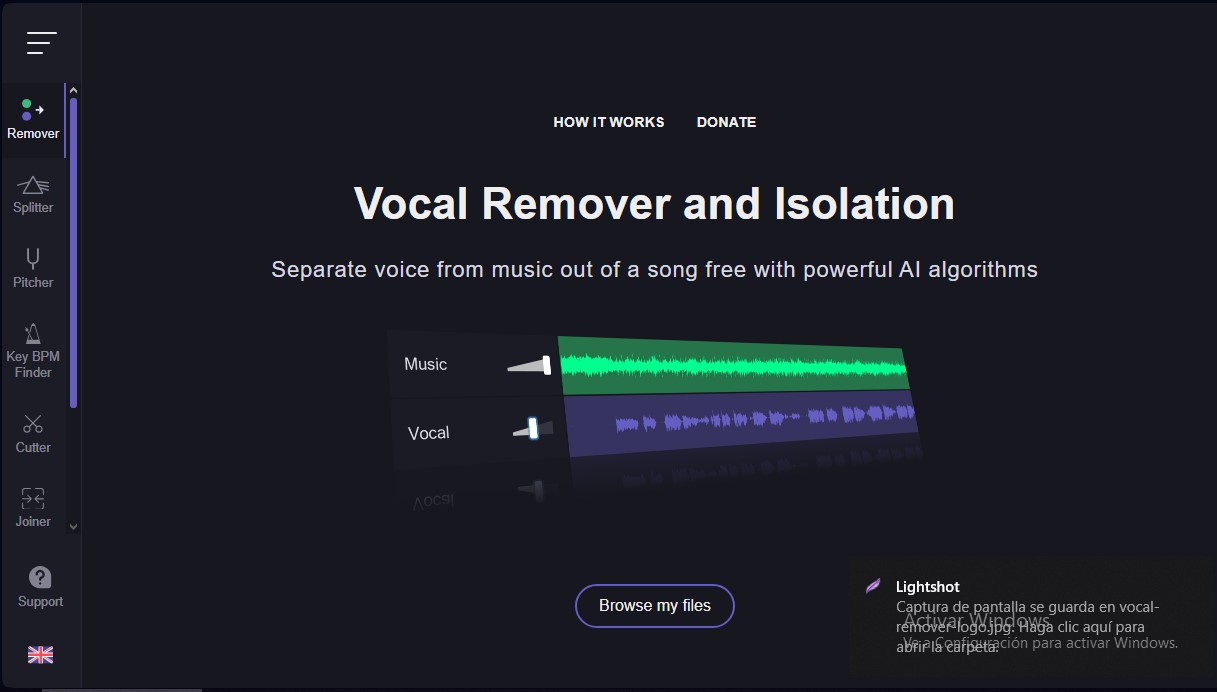
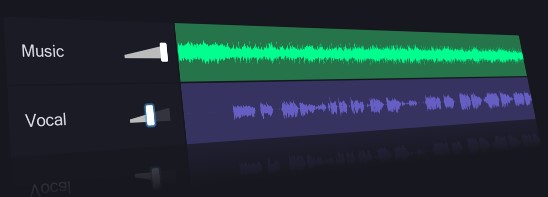
Vocal Remover is an advanced online platform that uses artificial intelligence algorithms to separate vocals from musical accompaniment in any audio file. This tool allows users to obtain two independent tracks almost instantaneously: a karaoke version (instrumental) and an acapella version (isolated vocals). Its operation is based on digital signal processing models and neural networks that identify and isolate vocal frequencies with high precision, completing the task in approximately 10 seconds.
In addition to basic vocal removal, the application includes an AI Splitter feature. This capability allows a song to be decomposed into multiple individual channels or stems, such as bass, drums, and other instruments. This functionality is essential for music producers and DJs who need multitracks to create remixes or study the technical structure of a composition. The system allows you to rebalance the volume of each track independently before exporting.
The Vocal Remover ecosystem integrates essential technical analysis tools for musicians:
- Key and BPM Detector: Automatically analyzes music to identify the musical scale and tempo (beats per minute) of multiple files simultaneously.
- Pitch and Speed Changer: Allows you to transpose a song to a different key or adjust the tempo using sliders, making it easier to rehearse pieces in different vocal ranges.
- Audio Cutter and Joiner: Tools for trimming specific fragments, applying fade-in/out effects, and merging several tracks into a single file.
- Tap Tempo: A manual utility to calculate the rhythm of a song by tapping a key in sync with the beat.
From a technical and security standpoint, the platform stands out as a serverless application. This ensures user privacy, as files do not leave the computer or mobile device during certain editing processes. By running directly in the browser, it requires no additional software installation and is fully compatible with mobile devices.
Vocal Remover is an efficient solution for content creators looking to clean up audio tracks, musicians who need backing tracks, and editors who require fast audio editing tools without resorting to complex desktop software. Its minimalist interface and cloud processing capabilities make it a practical choice for daily workflows using AI tools applied to sound.
Features and Use Cases of Vocal Remover
How Vocal Remover Works
Frequently Asked Questions about Vocal Remover
How does the Vocal Remover tool work to separate vocals from music?
The app uses powerful AI algorithms to split the original track into a karaoke version and an isolated vocal track.
Is Vocal Remover free to use?
Yes, you can use this web app completely free of charge, despite the technical complexity of the service.
How long does it take Vocal Remover to process an audio file?
Vocal separation is usually completed in about ten seconds, while a detailed instrumental breakdown takes approximately one minute.
Which instruments can the Vocal Remover AI separate?
This tool allows you to split music into independent tracks for vocals, bass, drums, and other elements to rebalance their volume levels.
Can I change the speed and pitch of my songs?
Yes, the platform allows you to easily transpose music to a different key and adjust the tempo using sliders.
Are my audio files secure when using Vocal Remover?
Your privacy is guaranteed because the app processes files locally, meaning they never leave your device.
How can I find the key and BPM of a track?
Just upload your files to the music analysis tool, which will automatically detect the key and tempo in a matter of seconds.
Is it possible to trim or merge multiple songs on the platform?
The tool features an editor for cutting audio clips with fade effects and a joiner for merging multiple tracks into a single file.
Vocal Remover Pricing
Free Plan
Price: 0 €
- Vocal removal and isolation to create karaoke and acapella versions.
- AI Splitter to separate songs into individual stems (vocals, bass, drums, and more).
- Pitch and tempo changer with automatic key and BPM detection.
- Key and BPM finder with support for bulk file uploads.
- Editing tools to cut, trim, and merge audio tracks in various formats.
- Fast processing with wait times between 10 seconds and 1 minute.
- Guaranteed privacy via local browser execution (files never leave your device).
Donation Plan
Price: Voluntary contribution (check the official website).
- Support service maintenance and the development of AI algorithms to keep them free and accessible.
Vocal Remover Screenshots