Share
Manage identity security for humans, machines, and AI agents. Centrally manage credentials, control privileged access, and audit permissions.
What is 1Password?
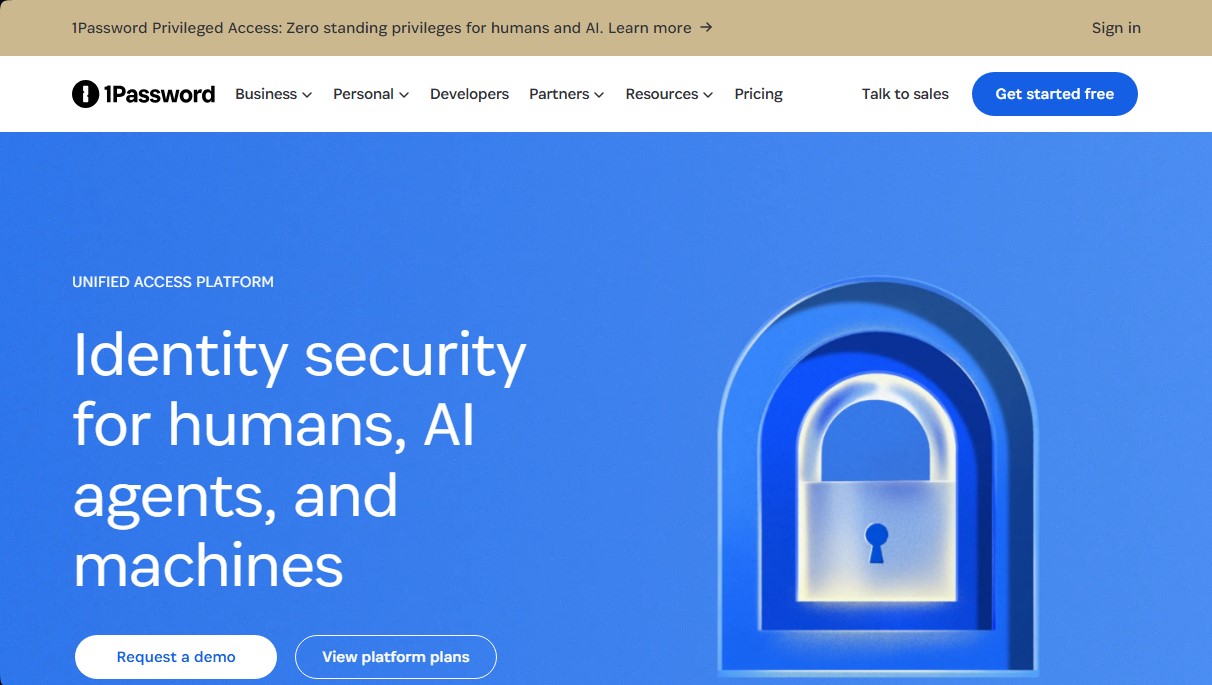
1Password is an identity security platform designed to unify access for humans, AI agents, and machines. Through its Unified Access ecosystem, the tool allows IT and security teams to manage credentials and permissions in an environment where AI usage is growing beyond traditional control. Its primary function is to close visibility and governance gaps, ensuring that every identity has the exact level of access it needs at the precise moment.
1Password's technology is based on a Zero Standing Privileges (ZSP) approach. This means that permissions are not permanent; instead, they are granted temporarily and specifically for the task at hand. For artificial intelligence, the platform utilizes a Credential Broker that verifies AI agents and workloads at runtime. It only delivers authorized credentials at that instant, preventing long-lived secrets from being exposed within the model's context or in local files on the computer.
Its core capabilities include:
- AI Discovery: Identifies unmanaged AI tools and agents running on endpoints or developer devices, mitigating the risk of Shadow AI.
- AI Consumption Control: Centralizes visibility into usage and AI token costs, breaking down spending by team, user, and model.
- Privilege Governance: Eliminates permanent access to critical infrastructure through just-in-time permissions that are automatically revoked.
- Secrets Management: Protects credentials used in CI/CD processes and development environments, preventing them from accumulating in plain text.
- Unified Auditing: Generates detailed logs that link every action to a specific identity—whether human or artificial—facilitating regulatory compliance.
Using 1Password is essential for companies integrating AI agents into their workflows. The platform monitors the behavior of these agents against their declared intent, revoking access if a suspicious deviation is detected. Additionally, its Device Trust feature ensures that only devices meeting security policies can access corporate resources, verifying the health status of mobile or desktop devices before allowing entry.
The tool's infrastructure allows for integration with leading identity providers and offers a developer toolkit. By centralizing password management and access to SaaS applications, organizations can optimize spending and ensure that no secrets are left unprotected in scripts or local files. The entire system is backed by robust encryption that protects both shared credentials and business-critical secrets, offering a comprehensive and scalable identity security solution.
1Password features and use cases
How to use 1Password
1Password FAQ
What is 1Password Unified Access and who is it for?
It is an identity security platform designed for businesses to manage and audit access for employees, AI agents, and machines from a single location.
How does 1Password help secure the use of artificial intelligence in my company?
The tool detects unauthorized AI tools and ensures that AI agents only have the strictly necessary access required to perform their tasks.
What is the difference between 1Password’s Individual and Family plans?
The individual plan is for a single user, while the family plan allows you to include up to five people and securely share items using shared vaults.
Does 1Password offer integration options with other identity management services?
Yes, the Business version integrates with leading providers like Okta, Entra ID, OneLogin, and Duo to streamline enterprise-level access management.
What does 1Password’s privileged access feature involve?
It allows you to grant temporary, specific permissions for critical infrastructure, eliminating standing privileges and reducing the overall attack surface.
Can I try 1Password before committing to a paid subscription?
The platform offers a 14-day free trial for its Team, Business, and Individual plans with no credit card required.
How does 1Password ensure that employee devices are secure?
Through Device Trust, the tool monitors the health of every device and blocks access to shared resources if they do not comply with security policies.
What features does 1Password offer for software developers?
It includes dedicated tools for managing secrets, API keys, and infrastructure credentials directly from the command line or within CI/CD workflows.
Is it possible to regain control over third-party software spending with 1Password?
Yes, the integrated SaaS manager allows you to discover apps in use, optimize license spending, and track AI token consumption.
What happens to stored credentials when an employee leaves the company?
The system allows you to automate onboarding and offboarding processes, ensuring that access to shared vaults is revoked immediately and securely.
1Password pricing and plans
Free Trial
1Password offers a 14-day free trial across all its plans (Individual, Families, Teams Starter Pack, and Business) to test all features before subscribing.
Individual Plan
Price: 4,39 € per month (or 3,65 €/mo billed annually; currently 2,74 €/mo for the first year for new customers).
Secure password generation and credential autofill.
Securely share items with anyone.
Unlimited access from all your devices.
Security alerts for weak or compromised passwords.
1Password developer tools included.
Limit: Includes 1 user.
Families Plan
Price: 6,99 € per month (or 5,75 €/mo billed annually; currently 4,31 €/mo for the first year for new customers).
Includes all Individual plan features.
Unlimited vault sharing among members.
Admin controls to manage access and recover accounts.
Limit: Includes up to 5 users (family or friends).
Teams Starter Pack
Price: 2,59 € per user per month (or 2,19 €/user per month billed annually).
Shared vault for passwords and sensitive data.
Actionable security alerts.
Access assignment via role-based permissions.
1Password developer tools.
Support and onboarding resources.
Restrictions: Minimum 10 users and maximum 20 users.
Business Plan
Price: 9,99 € per user per month (or 7,99 €/user per month billed annually).
Includes all Teams Starter Pack features.
Identity provider integration (Okta, Entra ID, OneLogin, Duo, etc.).
Watchtower reports to improve security hygiene.
Granular permissions and vault sharing.
Multi-tenant support.
Audit-ready activity logs.
Enterprise Plans (Unified Access, SaaS Manager, Privileged Access, Device Trust)
Price: Contact sales via the official website for a custom quote.
Unified identity security for humans, AI agents, and machines.
Shadow AI discovery and unmanaged tool tracking.
Consumption and spend control for AI tokens and SaaS applications.
Just-in-time privileged access (zero standing privilege).
Runtime credential delivery for AI agents and automations.
Audit logs with full attribution for actions performed by humans or AI.
Device health monitoring and policy compliance.
1Password Screenshots
1Password alternatives

rabbit OS3
Agentic OS that automates tasks and manages files, connecting your computers with AI models to run workflows using natural language.



The Drive AI
AI assistant that automatically organizes, renames, and summarizes team files. Answers questions about content and automates your team’s cloud document management.