Share
What is Adobe Podcast?
Adobe Podcast is an AI speech enhancer and browser-based podcast studio for podcasters, educators, video creators and teams who record without a pro studio but want to sound like they have one.
How does Adobe Podcast Enhance Speech work?
Enhance Speech removes background noise and echo, adjusts pitch and volume and normalizes audio in one click, no perfect mic needed. It accepts MP3, WAV, M4A, FLAC, OGG and AAC and returns the same format; the advanced tier also handles video (MP4, MOV, M4V), bulk uploads and an enhancement-strength slider for a more natural sound. It is language-agnostic, so it works on any spoken language.
What can you do in Adobe Podcast Studio?
- Remote recording solo or with guests, capturing each person as a separate 16-bit 48 kHz WAV track even on shaky connections.
- Transcript-based editing: cut, copy and paste audio like a document, using the same transcription as Premiere Pro.
- Transcripts as text or PDF, captions for video and music removal.
- Rights-cleared music for intros, outros and transitions, plus Mic Check to analyze your microphone.
Adobe Podcast pros and cons
Pros: remarkably clean results in seconds, everything runs in the browser with nothing to install, and it is backed by Adobe. Cons: the basic tier has daily caps on duration and downloads, video and bulk processing need the higher tier, Studio is still in beta, and Enhance Speech only cleans existing voice; it does not translate or generate speech.
Adobe Podcast features and use cases
How to use Adobe Podcast
Adobe Podcast FAQ
What is Adobe Podcast?
Adobe Podcast is a browser-based AI audio suite to enhance speech, record, transcribe and edit podcasts.
Is Adobe Podcast free?
Yes, there is free use with daily limits; advanced features now come with Adobe Firefly Pro. See the pricing section.
Does Adobe Podcast have an API?
Adobe does not offer a public Adobe Podcast API; it is used on the web.
Does Enhance Speech work in Spanish?
Yes, Enhance Speech is language-agnostic and cleans Spanish voices just like English.
Which formats does Enhance Speech support?
MP3, WAV, M4A, FLAC, OGG and AAC audio and, on the advanced tier, MP4, MOV and M4V video.
What are the free Enhance Speech limits?
Files up to 30 minutes and 500 MB, with up to 1 hour of enhanced audio per day.
What happened to Adobe Podcast Premium?
Since 30 August 2026 it is no longer sold standalone to new users; its features come with Adobe Firefly Pro.
Can I record remote guests?
Yes, Studio records each participant on a separate high-quality track.
Can I edit audio from the transcript?
Yes, Studio lets you cut, copy and paste audio by editing the transcript text.
What are the best Adobe Podcast alternatives?
On GptZone you can compare Descript, Auphonic and Cleanvoice.
Adobe Podcast pricing and plans
Reference price: 0 USD. Source · Verified: November 4, 2026
Information from the official site and Adobe Help (Checked on: 04/11/2026). Prices in USD.
- Free: 0 USD. Enhance Speech audio only, one file at a time, up to 30 minutes and 500 MB per file and 1 hour a day; Studio projects up to 30 minutes and 2 downloads a day.
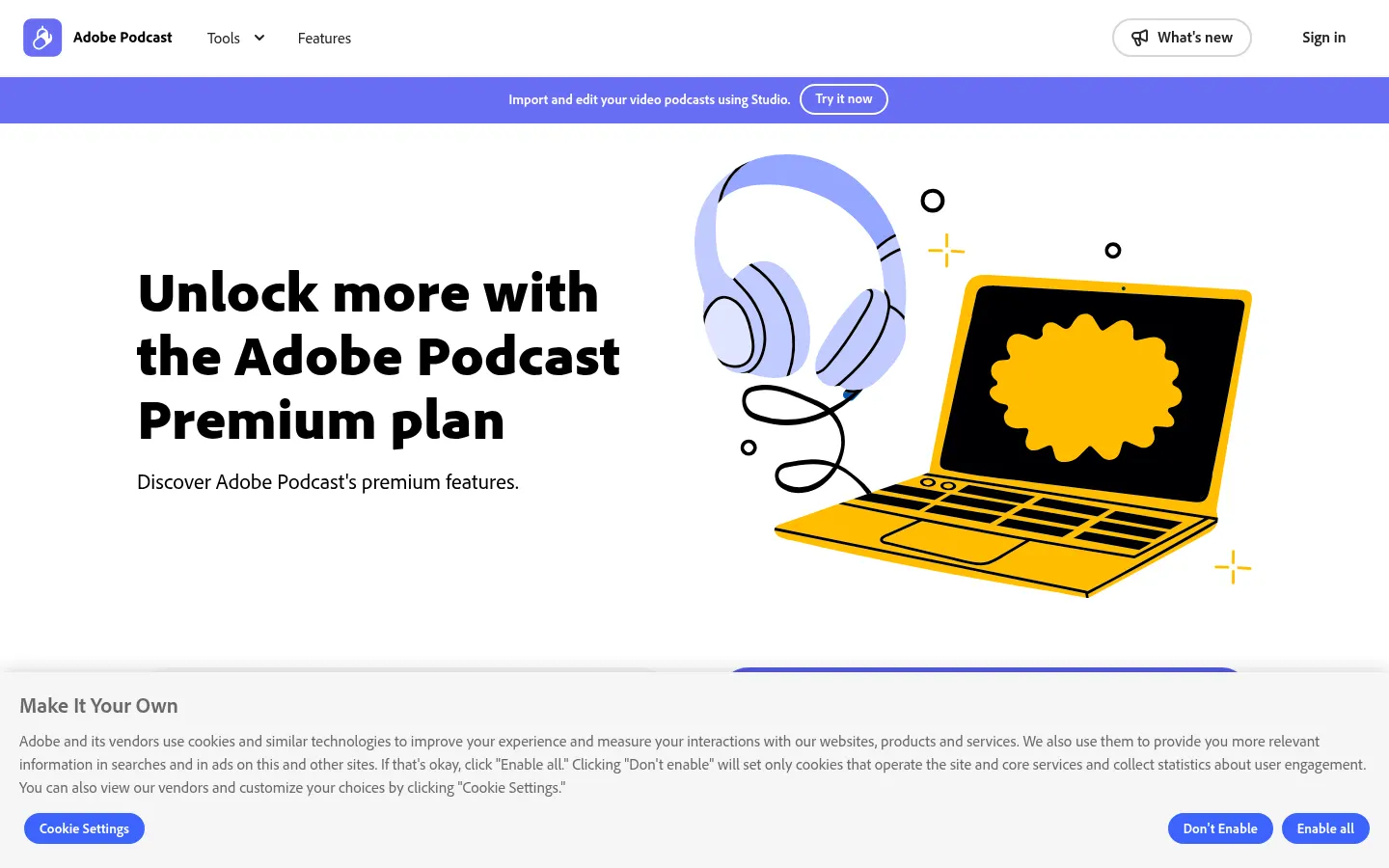
- Premium: no longer sold standalone since 30/08/2026; included with Adobe Firefly Pro (19.99 USD/month): video, bulk, strength control, up to 4 hours a day, 2-hour 1 GB files, unlimited downloads.
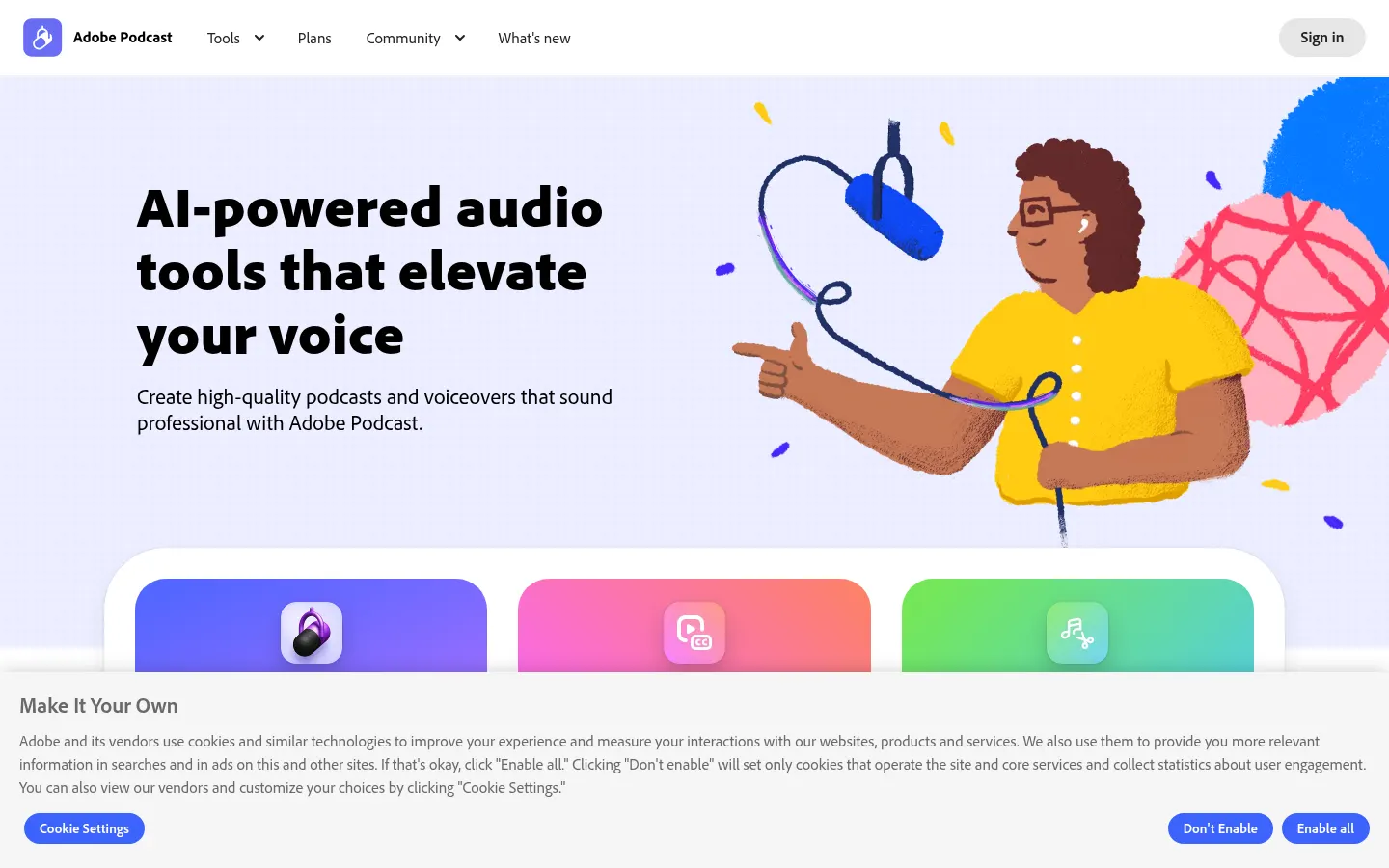
Adobe Podcast Screenshots
Adobe Podcast user reviews
Write a review
Checking your session...
Adobe Podcast Reviews
Loading reviews...
Adobe Podcast alternatives
Noise Cleaner
Remove background noise from audio and video files using AI. Clean up podcasts, interviews, and meetings in various formats with a comparison preview before downloading.

Cleanaudio
Remove background noise, wind, and echo from audio and video files with AI. Achieve professional voice clarity and studio quality with just one click.