Share
What is Captions?
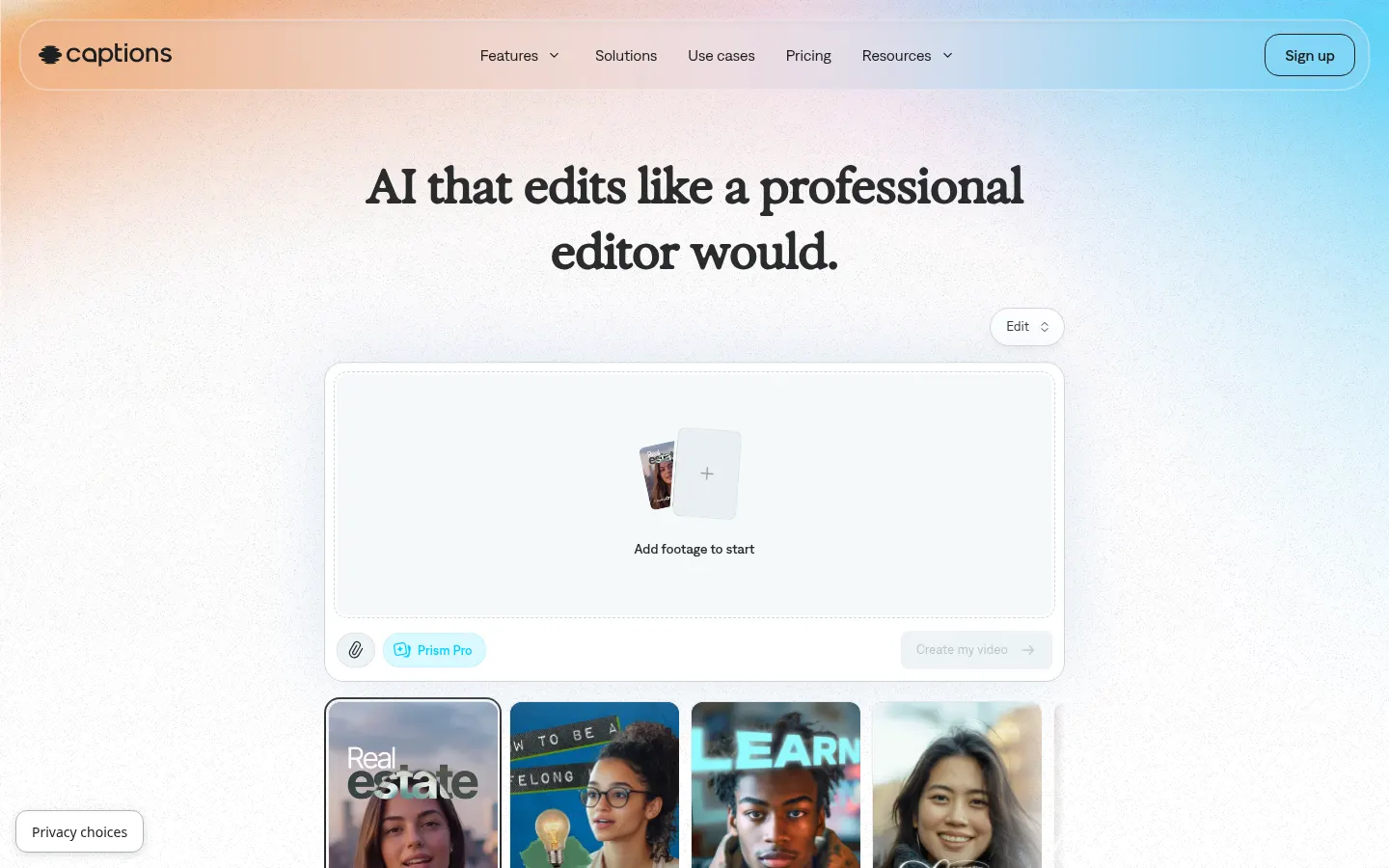
Captions is an AI video editor that turns raw footage into a finished video: it cuts scenes, adds B-roll, music, zooms and automatic captions in more than 100 languages. It runs in the browser and in iPhone and Android apps, and after merging Mirage Studio it also generates new footage with AI actors.
What does Captions do with a video?
You upload your footage, pick one of its editing styles and AI Edit assembles the whole video at once: it trims pauses and filler words, inserts B-roll, transitions and sound effects, and applies stylized captions. To change anything, the chat-based editor takes natural-language instructions, so no editing experience is needed.
Can it create videos without recording?
Yes. Captions lets you build a digital twin from your likeness or pick avatars from its library and change their outfits, backgrounds or product inserts with prompts. It also generates images, video clips, voiceovers, music and sound effects with AI, and offers one-tap formats for ads, skits or turning Reddit threads into reels.
Which audio and translation tools are included?
- Customizable captions with templates and transcript download.
- Translation and subtitles in 100+ languages.
- AI Lipdub: dubbing with lip sync.
- AI voice cloning and voiceover.
- Background noise removal and automatic word censoring.
- Eye contact correction to keep your gaze on camera.
Who is Captions for?
For creators posting short-form social videos, brands producing UGC-style ads, podcasters cutting clips and marketing teams that need versions in several languages. The Clips feature turns one long video into several post-ready pieces, and the built-in teleprompter makes recording straight from your phone easier.
Captions pros and cons
- Pro: fully automatic editing with switchable styles
- Pro: captions, translation and dubbing in 100+ languages
- Pro: avatars and digital twins to produce without filming
- Con: generative features consume limited monthly credits
- Con: automatic results may need touch-ups on complex videos
Captions features and use cases
How to use Captions
Captions FAQ
What is Captions?
Captions is an AI video editor that edits full videos, adds captions, translates with dubbing and creates avatars or digital twins.
Is Captions free?
There is a free version with basic editing and captions; AI features require a subscription. See the pricing section of this page.
Does Captions work in Spanish?
Yes for content: it generates captions, translations and dubs in 100+ languages, including Spanish.
What happened to Mirage Studio?
Mirage Studio merged into Captions and its subscribers now sign in through Captions online.
Does Captions have an API?
Its product site does not advertise a public API; Enterprise accounts are handled by the sales team.
Which devices does it run on?
In the browser and in apps for iPhone and Android.
Can I create an avatar of myself?
Yes, AI Twin builds a digital twin so you can make videos without filming again.
Do credits expire?
Not monthly: unused credits roll over up to three times the monthly allowance.
What are the best Captions alternatives?
On GptZone you can compare Submagic, Opus Clip and Descript.
Captions pricing and plans
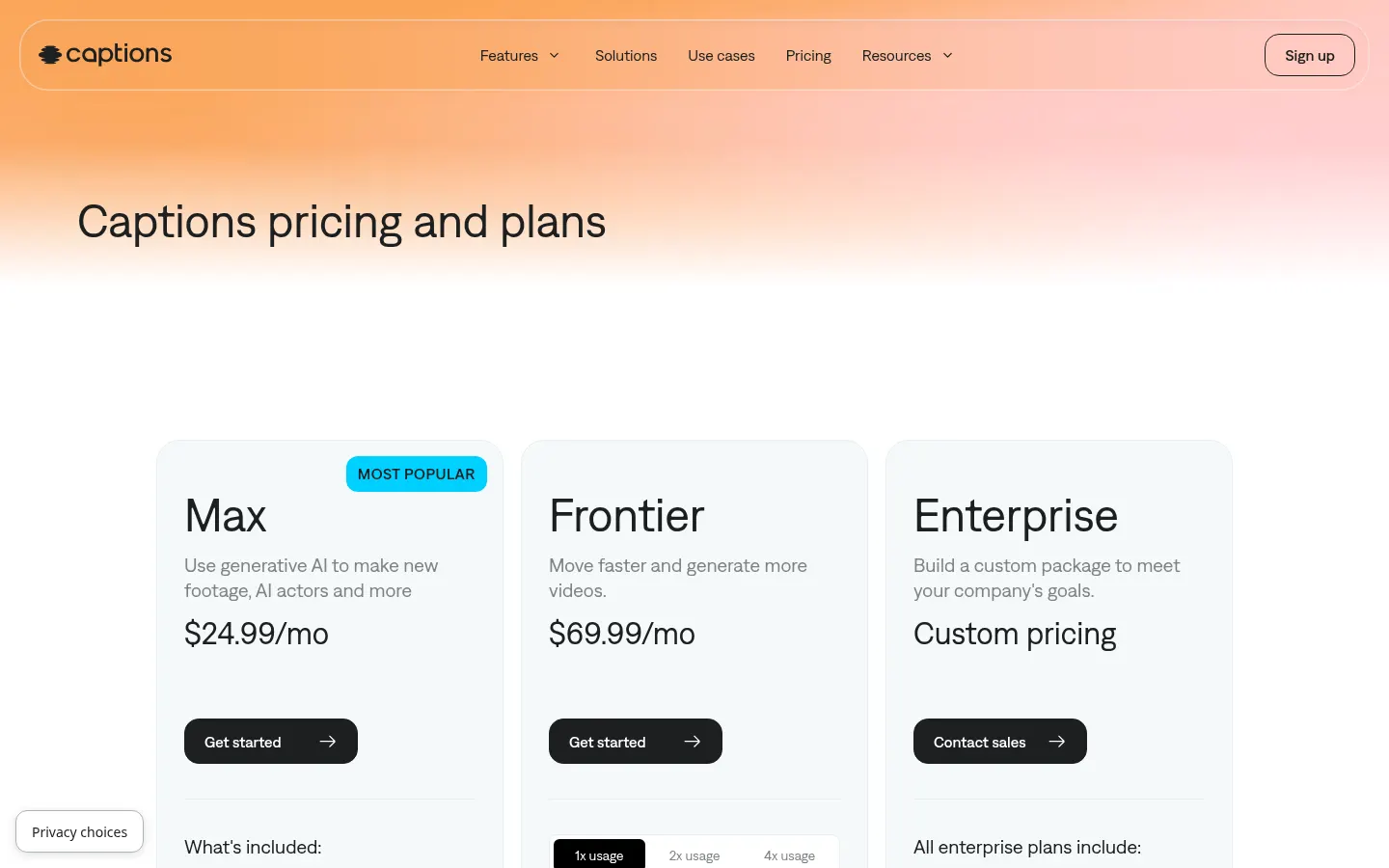
Reference price: 24.99 USD / month. Source · Verified: October 30, 2026
Prices in US dollars (USD) for the iOS plans shown on the official website; yearly billing is discounted. Checked on: 30/10/2026.
Free: $0; traditional editing, captions in 100+ languages and 1 template, no AI credits.
Max: $24.99/month; AI Edit styles, digital twin and AI actors, chat editor, Clips and 500 credits a month.
Frontier: $69.99/month (1,400 credits); Frontier 2x: $139.99/month (2,800); Frontier 4x: $279.99/month (5,600).
Enterprise: custom pricing with custom seats and an account manager.
Unused credits roll over up to 3x the monthly allowance.
Captions Screenshots
Captions user reviews
Write a review
Checking your session...
Captions Reviews
Loading reviews...