

Share
What is Colossyan?
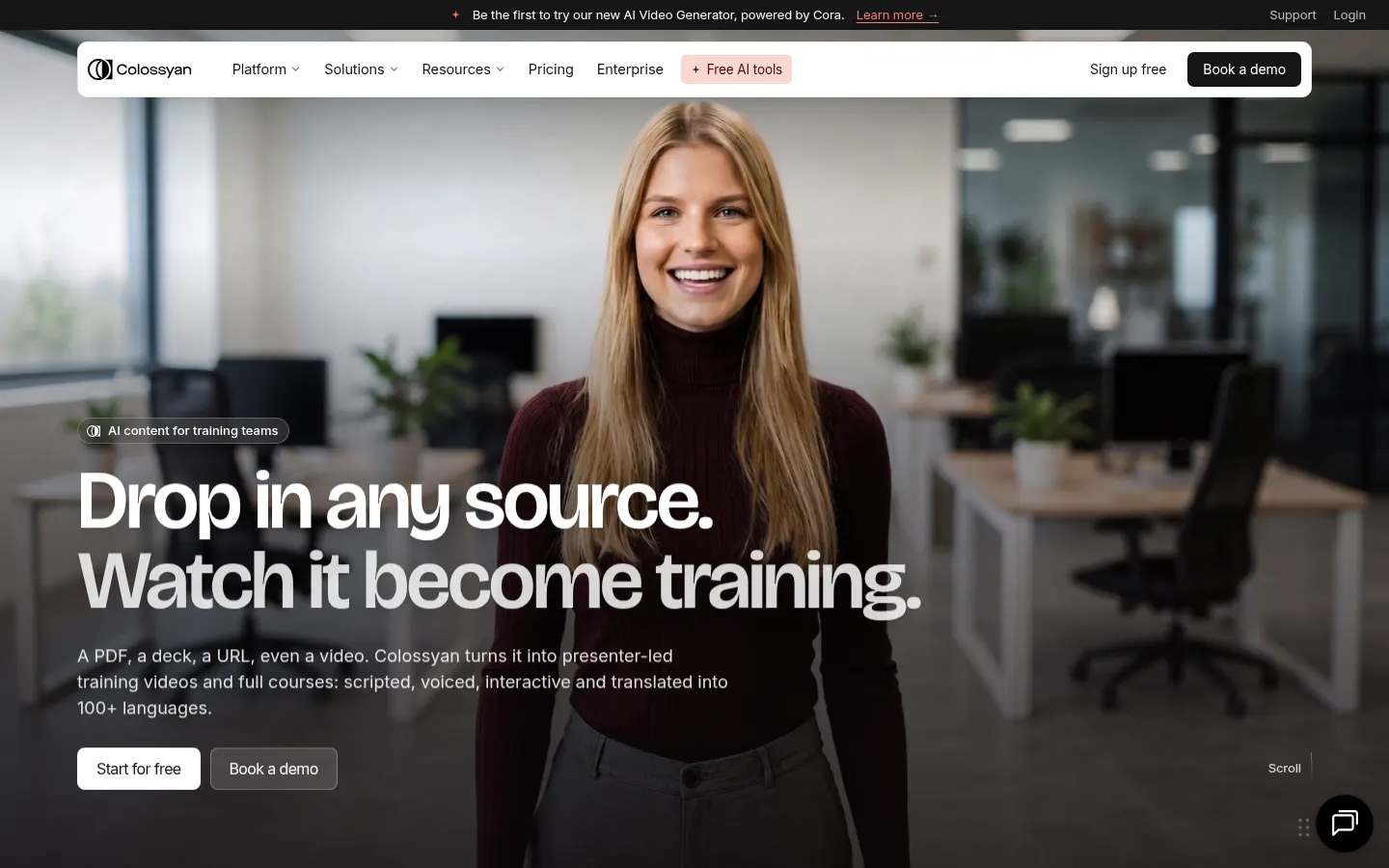
Colossyan is an AI video generator for training that turns a PDF, a slide deck, a URL or a video into presenter-led videos and full courses for L&D, HR and internal communications teams. Videos come out scripted, voiced, interactive and translated into 100+ languages.
What is Colossyan used for?
Colossyan is used to produce training videos without cameras or a studio. Its agent Cora first builds a scene-by-scene storyboard with layout and script; you review it, ask for changes in plain language and nothing is generated or published until you approve. You edit the script like a document and the voiceover follows.
Which AI avatars and languages does Colossyan offer?
- 300+ stock avatars, custom avatars from a single photo and cartoon presenters.
- Translation into 100+ languages: script, voice and on-screen text translate together with lip-sync preserved.
- Voice cloning and brand kits.
- Screen recorder and dubbing for existing videos.
Does Colossyan work with my LMS?
Yes. You can add quizzes, buttons and branching paths in the same editor and export to SCORM so scores reach your LMS; it can also convert PowerPoint straight to SCORM. It includes a course outline generator, assessments and team collaboration. Typical uses are employee onboarding, sales enablement, customer education, compliance training and product explainers.
Colossyan pros and cons
- Pro: Turns existing material into video and courses in a few steps.
- Pro: 100+ languages with lip-sync.
- Pro: Interactivity and SCORM export.
- Con: Focused on corporate training and communications, not creative or entertainment video.
Customers such as Paramount, Sonesta and AmeriSave are featured on its site, which also offers tools like a learning objectives generator and an assessment generator.
Colossyan features and use cases
How to use Colossyan
Colossyan FAQ
What is Colossyan?
It is an AI video generator for training that creates presenter-led videos and courses from documents, decks or URLs.
Does Colossyan support other languages?
Yes. It translates script, voice and on-screen text into 100+ languages with lip-sync, so one video can serve a global workforce.
Can I create an avatar of myself?
Yes. You can create a custom avatar of anyone on your team from a single photo, and clone their voice.
Does it export to SCORM?
Yes. It exports SCORM so quiz scores reach your LMS, and it can convert PowerPoint straight to SCORM.
What is Cora?
Cora is Colossyan's AI agent: it creates a scene-by-scene video plan that you can edit with plain-language instructions.
What kind of training is it used for?
Employee onboarding, sales enablement, customer education, internal communications, compliance training and product explainers.
Does anything publish without my review?
No. The site stresses that nothing publishes until you approve it, and each language has its own editable script.
What are the best Colossyan alternatives?
In this directory, the clearest alternatives are Synthesia, HeyGen and D-ID, which are also AI avatar video generators.
Is Colossyan free?
You can sign up without paying to try it; plans and pricing are in the pricing section of this listing.
Colossyan pricing and plans
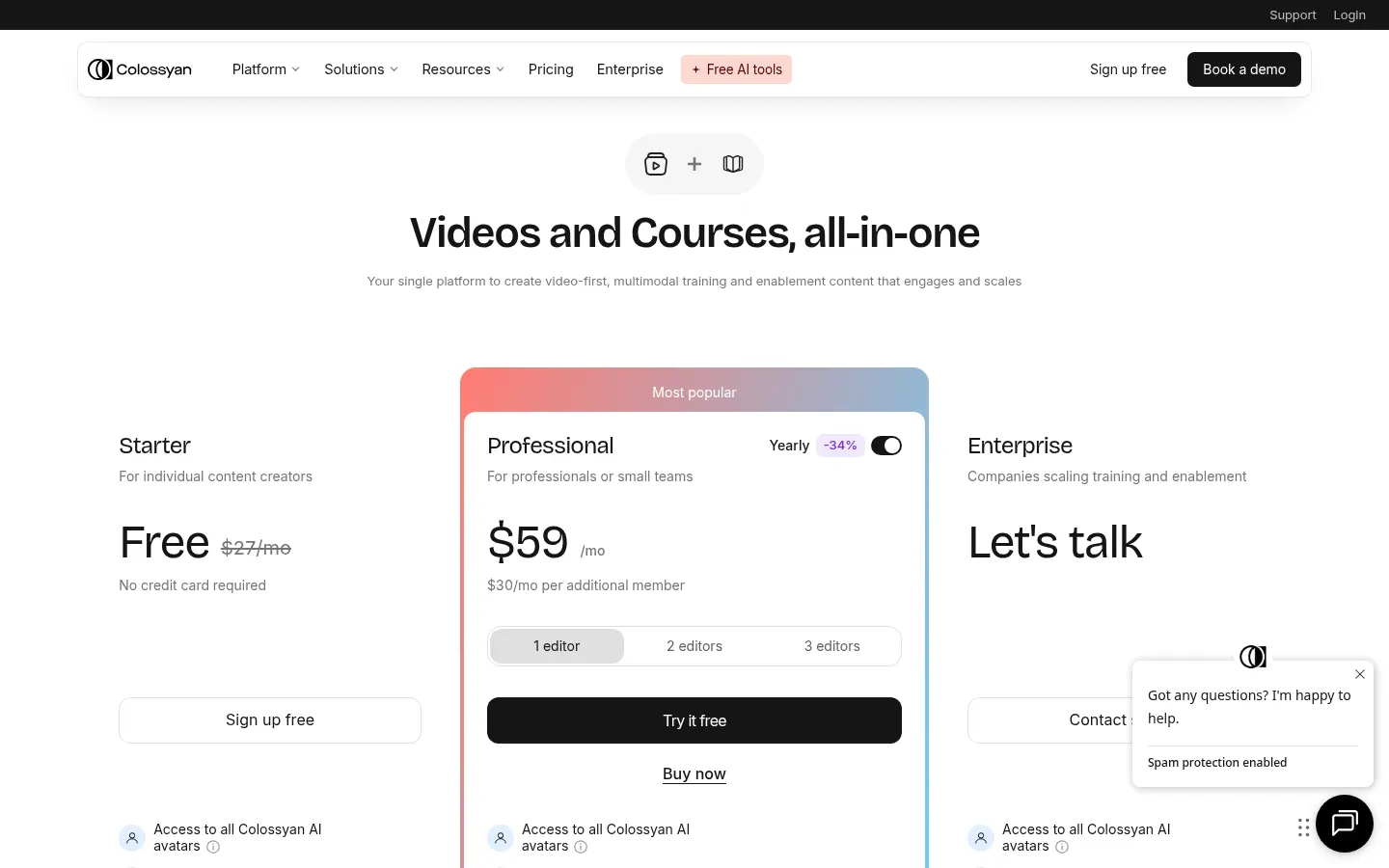
Reference price: 59 USD / month. Source · Verified: October 26, 2026
Prices in US dollars (USD). The page shows a discount for yearly billing. Checked on: 26/10/2026.
Starter: free
- 20 minutes per month
Professional: $59/month
- $30 for each additional member
Enterprise: custom pricing
Colossyan Screenshots
Colossyan user reviews
Write a review
Checking your session...
Colossyan Reviews
Loading reviews...
Colossyan alternatives

Kapwing Hinglish Subtitles Generator
Generate automatic Hinglish captions for videos in 100+ languages. Includes AI-powered editing and dubbing tools to reach bilingual audiences.


Summarize Video to Text
Convert YouTube, TikTok, and Instagram videos into summaries, transcripts, and mind maps. Generate timestamped chapters and get instant answers about the content.

Subtitle Generator
Generate AI subtitles, fix errors instantly, and apply styles. Works in-browser with no signup. Export videos or files in multiple formats.