

Densy
Share
AI-powered platform for interior designers and architects to automate inventory, manage budgets, and centralize client communication and approvals.
What is Densy?
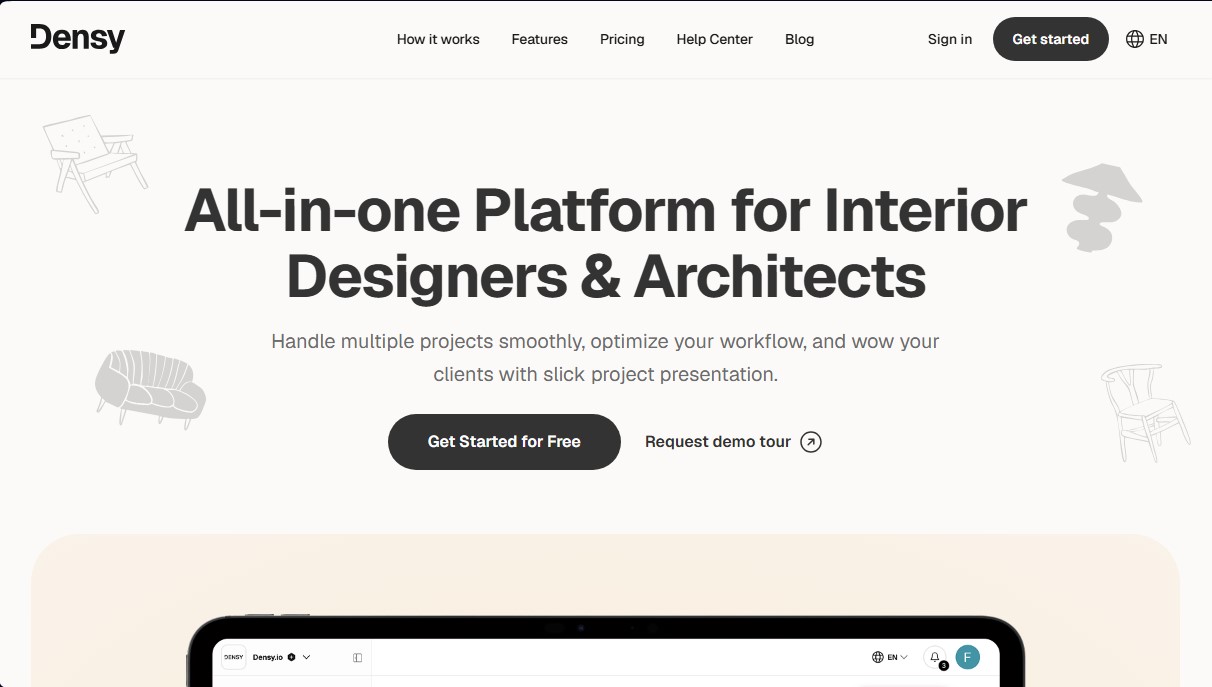
Densy is an all-in-one platform for interior designers and architects designed to centralize project management, product sourcing, and client communication within a single workspace. Its primary goal is to replace manual spreadsheets and fragmented email chains with an automated workflow that saves time on administrative tasks and elevates the professional presentation of design proposals.
The core technology behind Densy is an AI-powered product sourcing engine. This feature allows users to simply paste the URL of an item from any online store, and the tool automatically extracts critical data such as the name, price, images, dimensions, vendor, and SKU. This specification automation approach eliminates human error and manual data entry, making it possible to import dozens of products directly from a browser in just minutes.
Key capabilities include:
- Smart Budget Management: The tool automatically recalculates totals by room and project whenever a quantity is modified, a professional discount is applied, or an item is swapped. This ensures the budget is always accurate and up to date.
- Client Collaboration Dashboard: Users can share a dynamic link where clients can approve or reject products and add comments from their computer or mobile device. It does not require the client to create an account or install any apps, streamlining the decision-making process.
- Densy Studio and Muse AI: This module allows for the creation of interactive moodboards using the actual products selected. The integrated generative AI can render photorealistic visual concepts of rooms and allows for advanced editing, such as removing image backgrounds or editing via text prompts.
- Project Planner: Includes a Kanban board within each project to manage tasks, phases, deadlines, and file attachments, facilitating team organization.
- Product Library and CRM: Allows users to save recurring items and vendors for use in future projects, maintaining an organized database of contacts and materials.
Densy is particularly useful for design firms and freelancers who need to optimize their workflow and improve the client experience. By providing a collaborative workspace, it ensures that all parties are always viewing the most recent version of a project. Additionally, the ability to export product lists to Excel and PDF formats ensures compatibility with traditional working methods when physical documentation is required.
Densy features and use cases
How to use Densy
Densy FAQ
What is Densy, and who is this platform for?
Densy is an all-in-one tool designed for interior designers and architects to manage projects, budgets, and presentations in one centralized location.
Do I need to pay to start using Densy?
No, there is a forever-free plan that allows you to manage unlimited projects and products without having to enter any credit card information.
How does importing products via URL work?
Simply paste the link from any online store, and the tool will automatically pull the item's name, price, images, and dimensions.
Do my clients need to create an account to view the project?
No, your clients access the project through a secure link that allows them to approve products and leave comments without needing to register.
What are the benefits of the Densy Plus plan?
This plan includes increased storage capacity, more team members, and expanded access to AI-powered features.
How is the project budget updated in Densy?
Totals are instantly and automatically recalculated every time a quantity is changed, a discount is applied, or a client approves an item.
Can I export my product lists to other formats?
Yes, the platform allows you to easily export all your project information to Excel files or PDF documents.
How can I get a free month of subscription?
You can get a free month of Densy Plus by referring the tool to a friend or colleague through our referral program.
What AI tools are included on the platform?
It features Muse AI for generating photorealistic visual concepts, along with tools for removing image backgrounds or auto-filling product details.
Does Densy help with organizing team tasks?
Yes, the tool includes a project planner with Kanban-style boards to manage tasks, deadlines, and team assignments.
Densy pricing and plans
Free
0 € per month
3 organization team members.
3 GB of file management storage.
5 Atrium credits per month.
AI product detail enrichment: 24 per month.
AI background removal in Densy Studio: 12 per month.
Unlimited projects, products, and client collaboration.
Custom branding on client materials.
Densy Plus
15 € per month
6 organization team members.
80 GB of file management storage.
120 Atrium credits per month.
Unlimited AI product detail enrichment.
Unlimited AI background removal in Densy Studio.
Unlimited projects, products, and client collaboration.
Custom branding on client materials.
Densy Screenshots
Densy alternatives



InstantVisualizer
Visualize exterior paint colors with AI. Upload a photo to test real color schemes and see the final result with professional brand codes before painting your home.



DesignKitchen AI
Visualize kitchen remodels by uploading a photo. Test cabinet colors, countertops, and modern styles without altering the original structure or plumbing.