
Share
Convert voice channel calls into organized, searchable notes. Generate AI transcripts and summaries for meetings or RPG sessions in over 100 languages.
What is Discord DiscMeet?
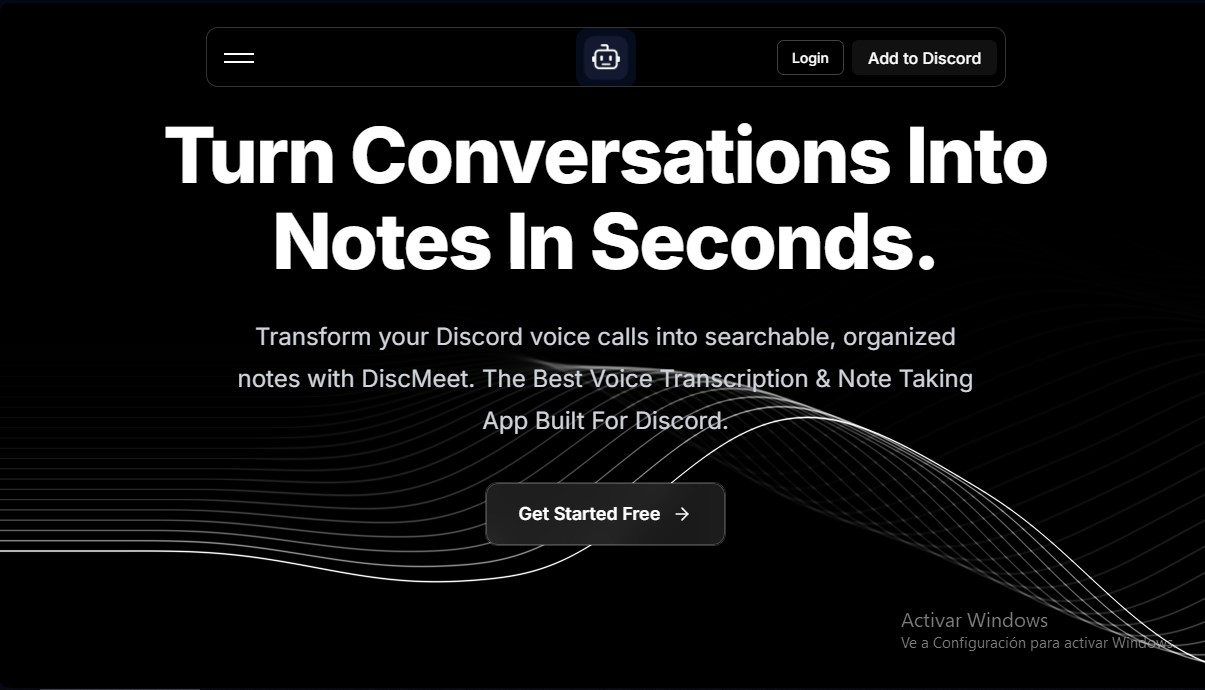
Discord DiscMeet is an AI bot designed for voice-to-text transcription and automated note creation within Discord servers. Its primary goal is to convert voice channel conversations into structured and searchable documents, eliminating the need for manual note-taking during work meetings, classes, or leisure sessions.
The system operates seamlessly within the Discord interface using slash commands. The workflow is straightforward: after inviting the bot to the server, the user configures the language and output channel using the /discmeet setup command. During a voice call, the /discmeet join command activates real-time audio capture. Upon ending the session with /discmeet stop, the tool processes the information and automatically generates a summary and detailed notes published in Discord Threads, keeping the server organized.
Key technical capabilities and features of DiscMeet include:
- Multilingual Support: The ability to transcribe conversations in more than 100 different languages.
- Speaker Identification: Recognition of different participants to ensure text coherence and logically structure the dialogue.
- Simultaneous Multi-channel Transcription: Allows processing up to 6 voice channels at once on the same server—a critical feature for large communities or companies with multiple parallel meetings.
- RPG Content Management: Specialized features for DnD (Dungeons & Dragons) and tabletop gaming communities, capable of organizing data on campaigns, characters, locations, and mentioned items.
- Export and Storage: Access to MP3 recordings of the full session and options to download notes for use in other text editors.
The tool is geared toward remote teams, game studios, educators, and role-playing communities that require an accurate record of their interactions. In addition to command-based interaction, Discord DiscMeet offers a web dashboard where users can manage advanced settings, review transcription history, and configure webhooks or API access to integrate data into professional workflows.
Regarding security, the application implements data encryption measures both at rest and in transit. Users maintain full control over their information, with simple options to export records or permanently delete transcriptions, ensuring the privacy of conversations captured on computers or mobile devices.
Discord DiscMeet features and use cases
How to use Discord DiscMeet
Discord DiscMeet FAQ
How do I get started with DiscMeet on my Discord server?
You need to invite the bot to your server, set your language using the configuration command, and use the join command to start recording audio.
How many languages does DiscMeet support for transcriptions?
The app supports over a hundred different languages, allowing it to process conversations from communities all over the world.
Is there a free version available to try the service?
Yes, the platform offers a free trial that includes two meetings of up to two hours each, with no credit card required.
Where are the notes posted once a DiscMeet call ends?
Organized notes are automatically sent to your chosen text channel using Discord threads, making them easy to search and reference.
Can I transcribe multiple voice channels at the same time?
Yes, with an add-on for Pro plans, you can transcribe up to six voice channels simultaneously per server.
Is DiscMeet useful for tabletop RPGs like Dungeons & Dragons?
Yes, the system includes special features for managing campaigns, characters, and locations, and it generates detailed summaries of every gaming session.
Are my data and conversations secure when using the app?
The tool uses advanced encryption protocols and gives users full control to delete or export their private information at any time.
What does the DiscMeet Pro plan include?
This plan offers unlimited meetings and transcription hours, MP3 recordings of up to five hours, and priority support.
Discord DiscMeet pricing and plans
Free Plan (Free Trial)
Price: Free.
Includes 2 meetings of up to 2 hours each.
Full session recording in MP3 format.
Organized and downloadable meeting notes.
Management of campaigns, sessions, characters, and locations (D&D).
Access to the web dashboard.
Pro Plan
Price: $9.99/month or $100/year.
Unlimited meetings and transcription hours.
MP3 recordings of up to 5 hours per session.
Meeting notes with export and download features.
Unlimited D&D campaigns and sessions.
Custom prompts and priority support.
Full access to the web dashboard.
Pro+ Plan
Price: $19.99/month or $200/year.
Includes all Pro plan features.
Extended data retention periods.
Integrations and Webhooks.
API access.
Multi-Channel Add-on
Price: $10/channel per month or $100/channel per year (applicable to any Pro plan).
Enables simultaneous transcription across multiple voice channels.
Limit of up to 6 concurrent channels per server.
Discord DiscMeet Screenshots
Discord DiscMeet user reviews
Write a review
Checking your session...
Discord DiscMeet Reviews
Loading reviews...
Discord DiscMeet alternatives




Fireflies.ai
Fireflies.ai joins your meetings, transcribes them, writes summaries and action items, and lets you search or ask questions across every conversation.