

Share
What is Filently?
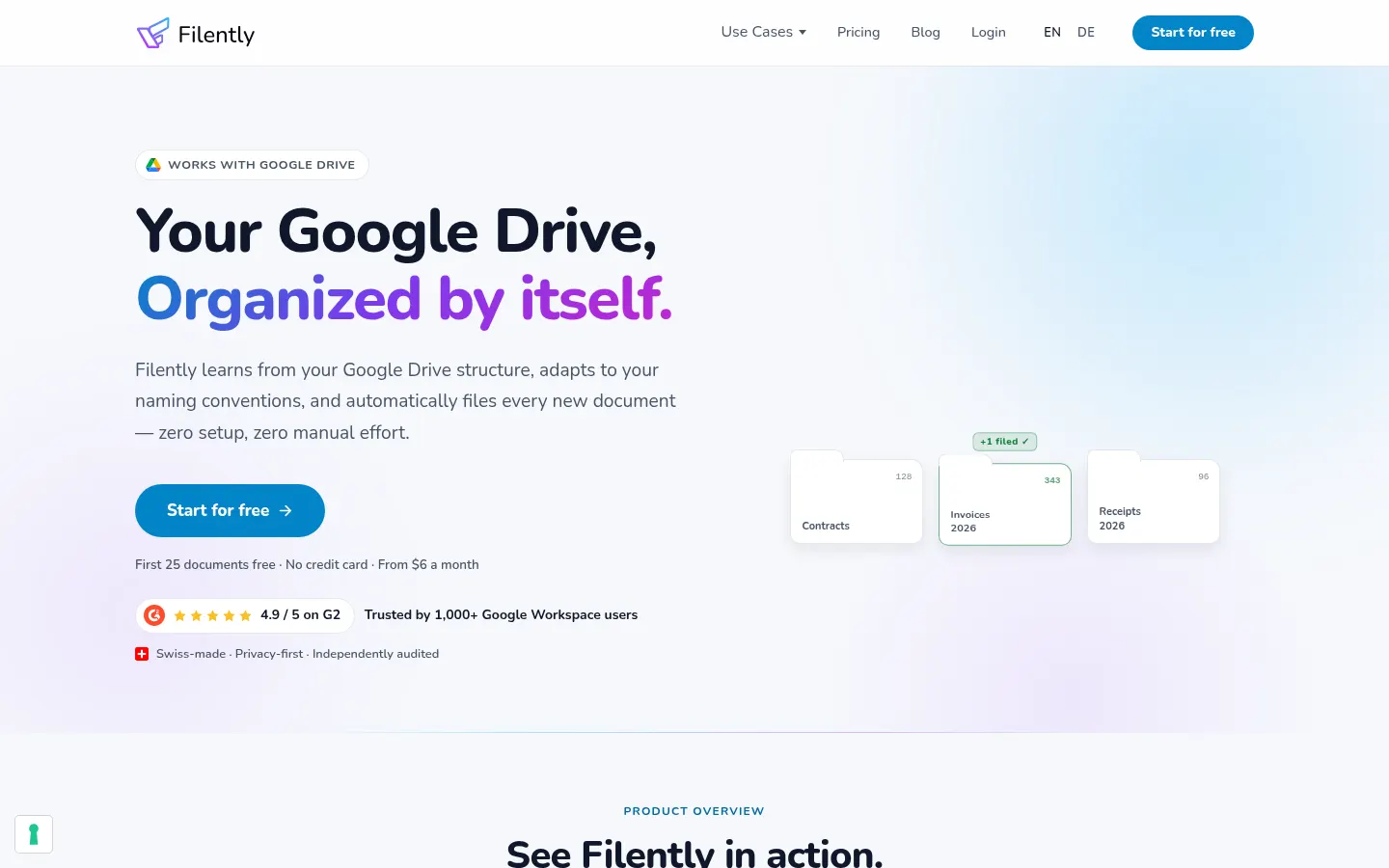
Filently is an AI tool from a Swiss team that renames and files documents in Google Drive for professionals, freelancers and small businesses dealing with a daily stream of receipts, contracts, scans and stray PDFs. It learns how your Drive is organized and puts each new file where you would have put it, with no manual rules.
How does Filently organize Google Drive automatically?
Once you connect your Drive, it reads your folders and existing file names to work out your naming convention and folder logic. Every new document, whether uploaded, forwarded by email or dropped into a Drive inbox folder (such as the one your scanner app saves to), is identified by type, date and vendor in 50+ languages, renamed (for example 2026-07-03_Invoice_Acme.pdf) and moved to the right folder. You can let it file directly or approve its suggestions first.
Is it safe to give Filently access to my documents?
According to its website, it scans documents only to name and file them, keeps no copies on its servers and processes on European infrastructure in line with GDPR. It holds Google App Defense Alliance CASA Tier 2 certification after an independent lab tested it across 14 security categories.
What happens to my files if I stop using Filently?
Nothing: they stay in your Google Drive with their new names and folder structure, with no export and no lock-in.
Filently pros and cons
Pros: setup takes under a minute, it mirrors the way you already file, it understands documents in many languages and nothing needs migrating. Cons: only Google Drive works today (Dropbox and OneDrive are on a waitlist), the Deep Clean feature for reorganizing a messy Drive is not live yet, and the volume of documents it can process depends on your tier.
Filently features and use cases
How to use Filently
Filently FAQ
What is Filently?
It is an AI assistant that recognizes, renames and files new documents in your Google Drive automatically.
Is Filently free?
Your first 25 documents are free with no card; after that you pick a tier, as detailed in the pricing section.
Which cloud storage does it support?
Only Google Drive today, including Shared Drives; Dropbox and OneDrive are planned with a waitlist.
How do documents get into Filently?
By direct upload, email forwarding or a Gmail label, or by dropping them into a Drive inbox folder.
Does Filently keep copies of my files?
According to its website, no: it scans them to name and file them, and the files stay in your Drive.
Does it work with documents in Spanish?
Yes, it recognizes documents in 50+ languages, although the website interface is in English.
Can I review before it moves files?
Yes, you can choose direct filing or approve each suggested name and folder.
Does Filently have an API?
The official website does not mention a public API; it works through Google Drive and email.
What is Deep Clean?
An upcoming feature that analyzes a messy Drive and proposes a new folder structure.
What are Filently alternatives?
Our directory lists The Drive AI, an AI file assistant for several clouds, and Docusplit AI, which splits and names batch scans.
Filently pricing and plans
Reference price: 6 USD / month. Source · Verified: November 20, 2026
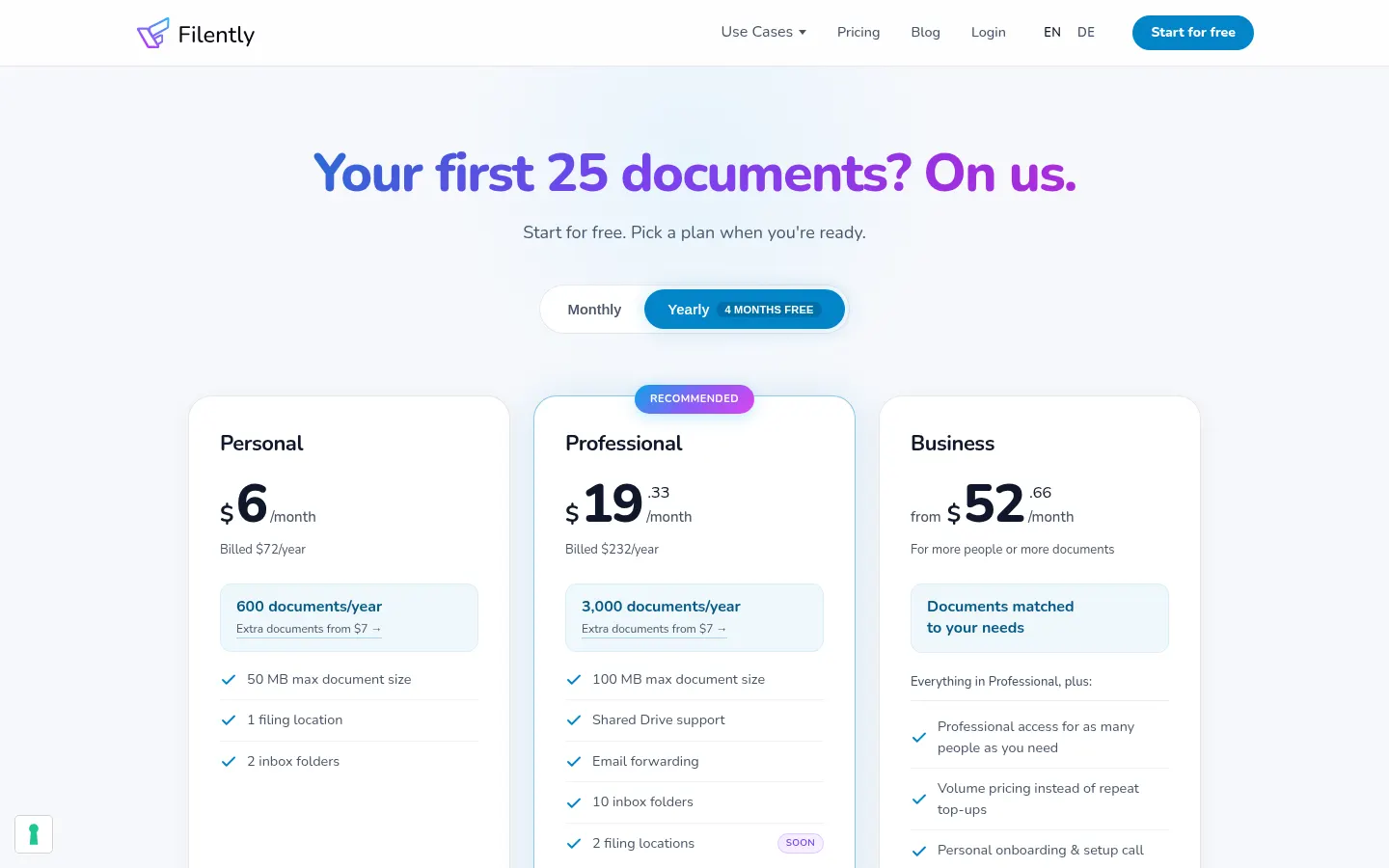
Prices in US dollars (USD), excluding VAT, from the official website. Checked on: 20/11/2026. Your first 25 documents are free with no card.
Personal: $6/month billed yearly ($72/year) or $9 month-to-month. 600 documents a year (50/month), 2 inbox folders and 1 filing location.
Professional: $19.33/month billed yearly ($232/year) or $29 month-to-month. 3,000 documents a year (250/month), Shared Drives, email forwarding and 10 inbox folders.
Business: from $52.66/month, with custom volume and access for more people.
Founding Member: one-time $799 for lifetime access (limited spots). Extra document packs are also sold.
Filently Screenshots
Filently user reviews
Write a review
Checking your session...
Filently Reviews
Loading reviews...
Filently alternatives

Document Transcribe
Document Transcribe uses AI to transcribe and translate letters, manuscripts and historical records, then organizes them into searchable collections with metadata.

Nuclr Commander
Workspace for running multiple AI agents in parallel with a file manager. Supports local or external models and remote mobile monitoring.
rabbit OS3
Agentic OS that automates tasks and manages files, connecting your computers with AI models to run workflows using natural language.


The Drive AI
AI assistant that automatically organizes, renames, and summarizes team files. Answers questions about content and automates your team’s cloud document management.
