Flair AI
Share
What is Flair AI?
Flair AI is an AI product photography tool built for online stores, brands and agencies that need commercial imagery without booking a studio shoot. You upload a product photo, pick or build a scene, and the platform generates images, videos and ads that keep the item's look and your brand rules.
How does Flair AI create product images?
The editor works as a drag-and-drop canvas: you place the product, add props and elements, and the AI blends everything into the scene. You can train custom models on your own products, regenerate backgrounds, extend the frame, create variations, upscale resolution and remove objects with Magic Erase. Reusable templates repeat one style across a whole catalog, and bulk content generation speeds that work up.
What else can Flair AI produce?
For fashion and jewelry it offers AI on-model photography: the garment or piece is fitted onto generated models with patterns and logos preserved, and a human builder lets you tune traits such as hair color or body type. It also generates product videos and ads from a template library, and has dedicated pages for beauty, food, furniture, handbags, tech and consumer goods.
Who is Flair AI for?
- Online stores refreshing their catalog without a photo studio.
- Agencies delivering visual campaigns to several clients with brand control.
- Distributors managing imagery across multiple brands and channels.
Flair AI pros and cons
It stands out for putting editing, models and video in one workspace, with brand asset management and real-time collaboration. On the downside, instant generation and ads use more of the image quota than a standard generation, the number of models and videos is capped, and the site is English only.
Flair AI features and use cases
How to use Flair AI
Flair AI FAQ
What is Flair AI?
Flair AI is an AI platform that generates product photos, on-model images, videos and ads from your own images.
Is Flair AI free?
It has a permanent free plan with a limited image allowance; each plan's details are in the pricing section.
Can I train a model on my products?
Yes, you can create custom models from your own images so results keep the real look of the product.
Does Flair AI work for fashion?
Yes, it fits garments and jewelry onto AI-generated models while preserving patterns and logos.
Does Flair AI generate video?
Yes, it creates AI product videos, although the number of monthly videos depends on your plan.
Does Flair AI have an API?
There is early API access on the Scale plan and unlimited API on Enterprise.
Can several people work at the same time?
Yes, the team workspace lets you collaborate and share designs in real time.
Do I own the designs?
According to its business page, you keep ownership of the designs created on the platform.
What are some Flair AI alternatives?
In our directory you can compare Pebblely, Claid AI and Photoroom, which also create AI product photos.
Flair AI pricing and plans
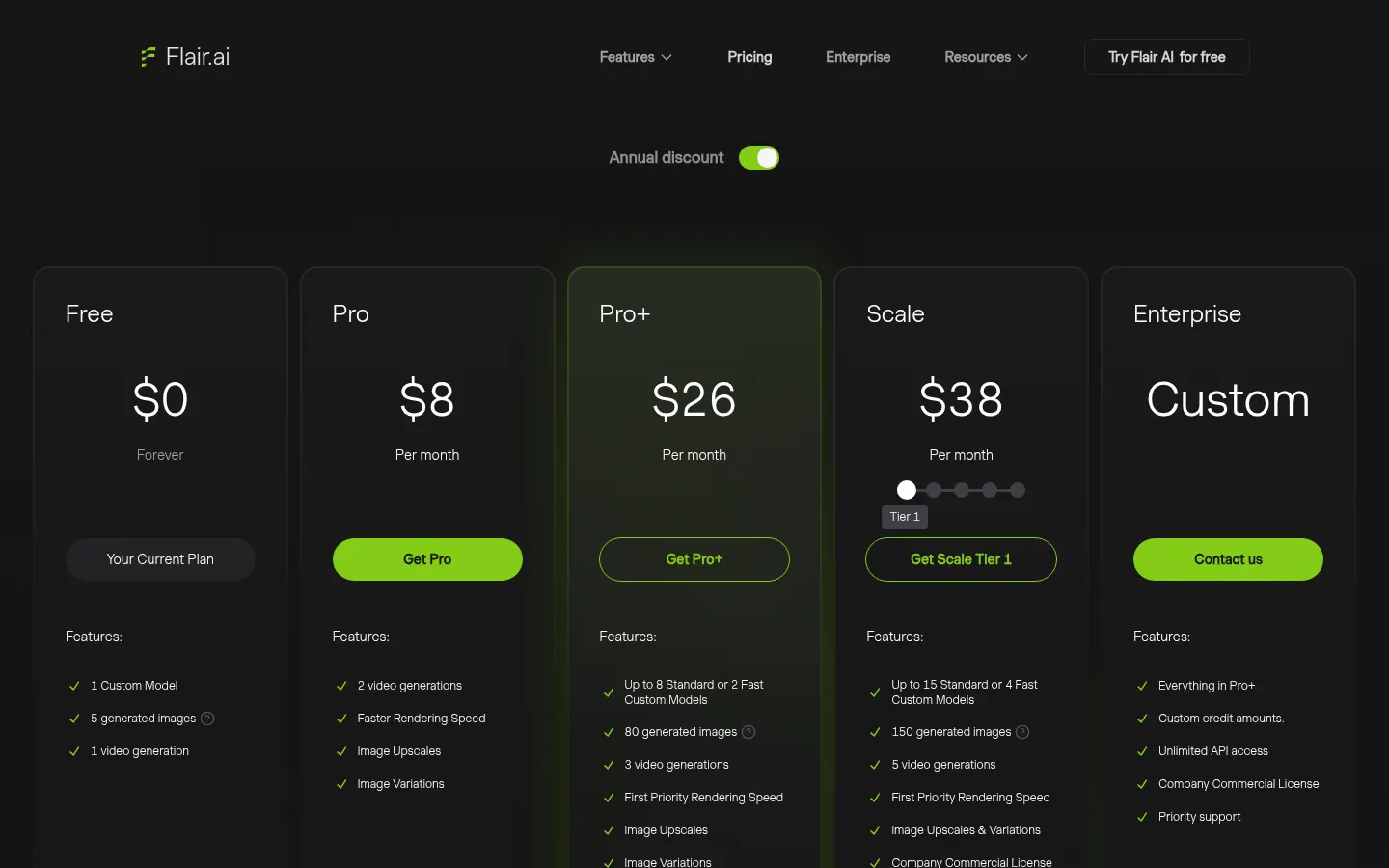
Flair AI pricing as published on its site (Checked on: 11/11/2026), with an annual discount option:
- Free: $0. 1 custom model, 5 generated images and 1 video.
- Pro: $8 per month. 2 videos, faster rendering, upscales and variations.
- Pro+: $26 per month. Up to 8 standard or 2 fast models, 80 images, 3 videos and a company commercial license.
- Scale: $38 per month. Up to 15 standard or 4 fast models, 150 images, 5 videos, priority support and early API access.
- Enterprise: custom, with unlimited API, SSO and a dedicated success manager.
Instant generation and ads cost 4x the image quota.
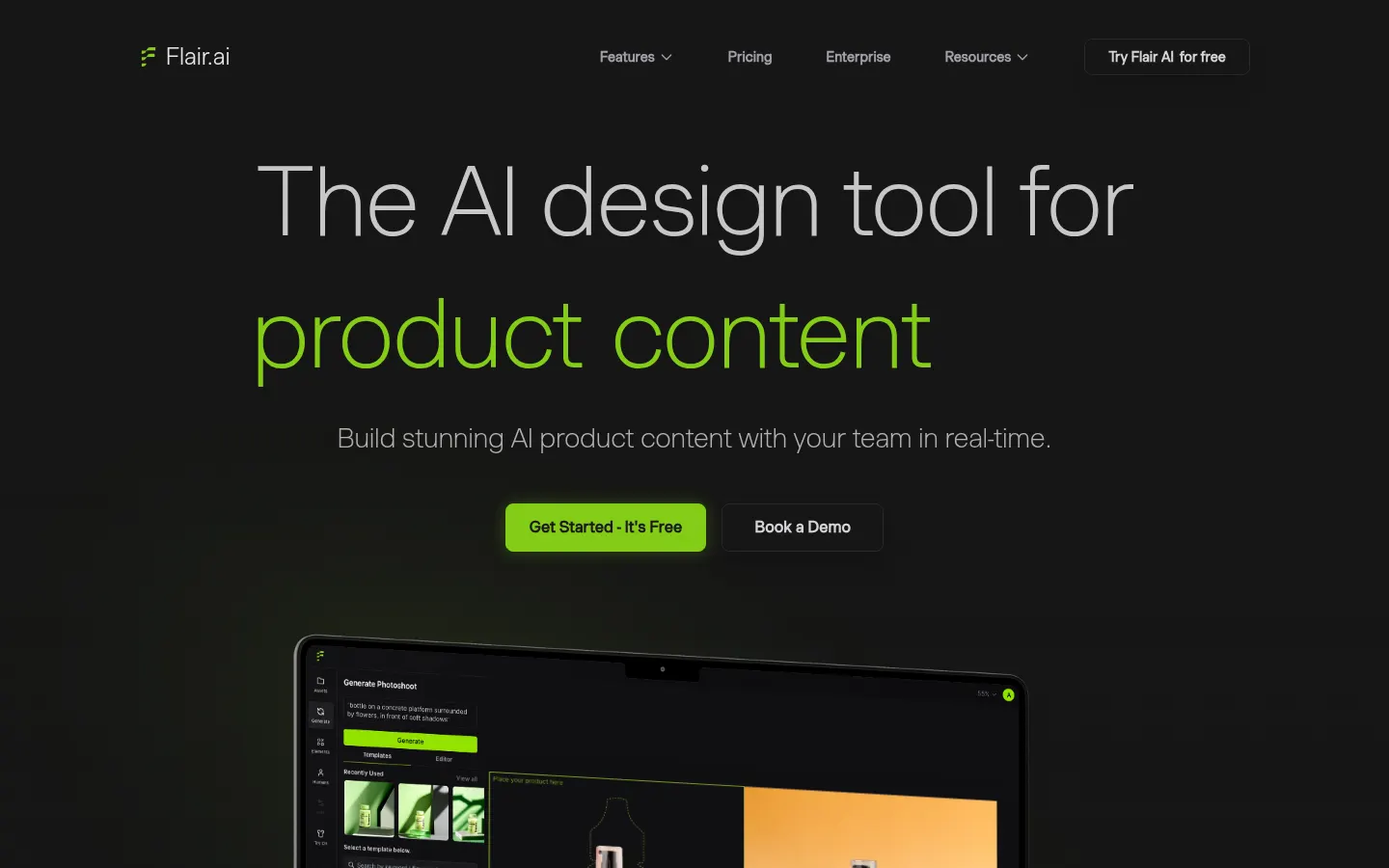
Flair AI Screenshots
Flair AI user reviews
Write a review
Checking your session...
Flair AI Reviews
Loading reviews...
Flair AI alternatives




FoodShot AI
FoodShot AI is an AI food photography tool that turns a phone photo of a dish into a studio-quality image for menus, delivery apps and social media.