

Share
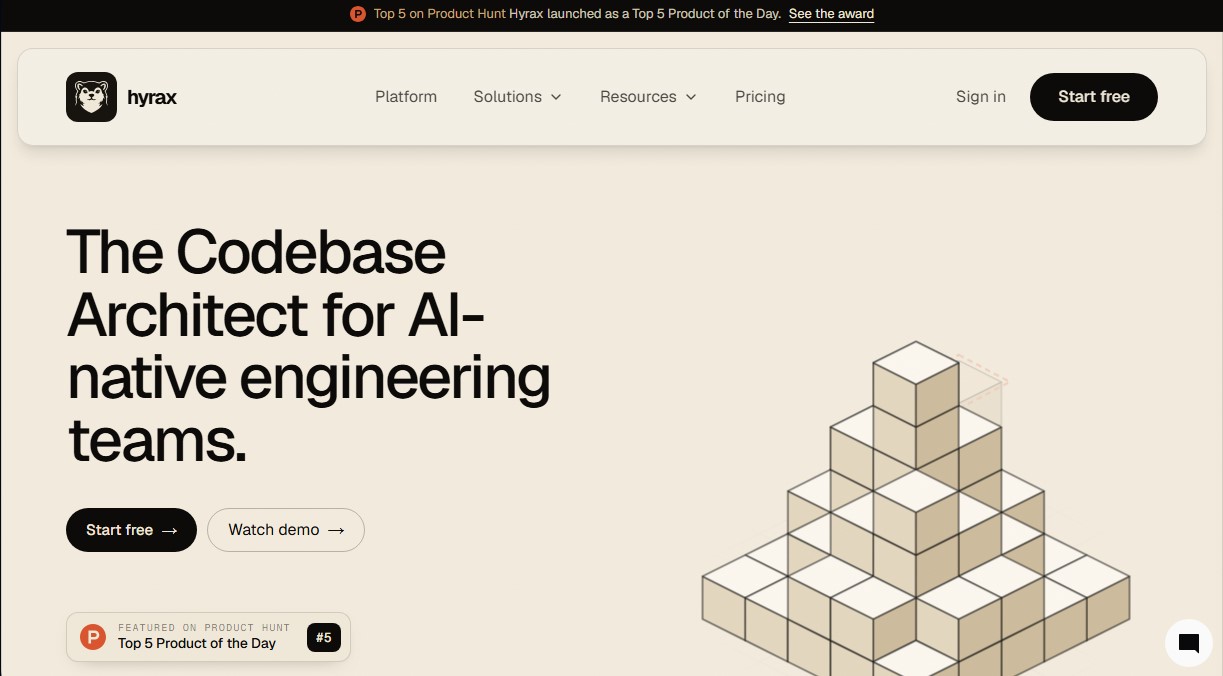
Map repository architecture and identify risks to generate verified pull requests that optimize your codebase for security and performance.
What is Hyrax?
Hyrax is an advanced platform that acts as a codebase architect for engineering teams operating in AI-native environments. Its primary function is to provide structure, context, and control over complex repositories, allowing both human developers and AI assistants to work from a single source of truth. Unlike conventional coding assistants that are limited to writing lines of code, this tool focuses on mapping software architecture, identifying services, dependencies, module boundaries, and potential technical risks.
The tool's operation is based on an automated discovery process. By integrating the application with GitHub, Hyrax generates a context file named HYRAX.md and a technical documentation folder within the repository itself. This approach ensures that the code map evolves alongside the project, preventing documentation from becoming outdated and providing tools like Cursor, GitHub Copilot, or Claude Code with the necessary context to generate changes consistent with the existing architecture.
Hyrax technology employs six specialized agents that evaluate the repository according to professional engineering standards. These agents analyze critical dimensions: security, correctness, maintainability, performance, architecture, and operations. Using a deterministic scanner, the platform identifies issues such as N+1 queries, circular dependencies, exposed secrets, or violations of inter-module import rules, prioritizing each finding based on its impact and the effort required for remediation.
Among its core capabilities, the generation of verified pull requests stands out. When the team approves a suggested improvement, the tool initiates a 13-step verification process in an isolated workspace. This workflow includes:
- Execution of existing unit and integration tests.
- Validation of the build process.
- Linter and style format checks.
- Re-scanning to confirm the resolution of the original issue.
- Secondary review by an independent agent before final delivery.
This system ensures that improvement proposals are technically sound and adhere to project conventions before reaching human review. The practical benefits of Hyrax include a drastic reduction in technical debt and an increase in delivery velocity, as the code context becomes composite; with every merge, the tool updates its internal map, allowing the next iteration to be smarter and more precise. It is a robust solution for teams looking to scale software development with AI while maintaining rigorous control over system quality and security.
Hyrax features and use cases
How to use Hyrax
Hyrax FAQ
What exactly is Hyrax, and how does it help my engineering team?
Hyrax is a code architect that maps your repository to identify services and dependencies. It uses specialized agents to evaluate security, performance, and maintainability to generate automated improvement proposals.
How does Hyrax’s pricing model work?
We offer a free plan with starter credits and limited code reviews, as well as a paid per-user plan that includes more monthly credits for repository mapping and verified improvements.
How is Hyrax different from other AI coding assistants like Copilot?
While assistants focus on writing specific snippets of code, Hyrax acts as a system architect by maintaining a map of the entire repository and ensuring that changes respect architectural and security standards.
Does Hyrax use my private code to train its AI models?
No, the tool does not train its models on customer code, and all inferences are executed securely within dedicated AWS Bedrock accounts.
What is the thirteen-step verification that Hyrax performs before creating a pull request?
It is a comprehensive validation process that includes running tests, compilation, formatting analysis, and a second review by an independent agent to ensure the improvement is safe before it reaches the development team.
Does Hyrax have permission to merge changes directly into my main branch?
No, control always remains in human hands. The tool never performs merges on its own; it always requires final review and approval from an engineer on your team.
How does Hyrax integrate into our current GitHub workflow?
Integration is handled by installing a GitHub App that automatically generates the code map of your repository without requiring any changes to your existing CI configuration.
What happens if one of Hyrax’s security checks fails during the process?
If any step of the mandatory verification fails, the process stops immediately and no pull request is ever created, ensuring that only high-quality code reaches the review stage.
Hyrax pricing and plans
Free
0 $/month
Full access to all features: repository mapping, six-dimensional assessment, verified improvements, and Pull Request (PR) reviews.
Up to 100 PR reviews per month.
30 $ initial welcome credit.
10 $ recurring monthly credit.
No credit card required.
Paid
30 $/user/month
Includes all features from the Free plan.
30 $ monthly credit per user.
Increased capacity for repository mapping, verified improvements, and PR reviews.
Optional overage management with user-configurable budget limits.
Hyrax Screenshots
Hyrax alternatives

Nuclr Commander
Workspace for running multiple AI agents in parallel with a file manager. Supports local or external models and remote mobile monitoring.

StellarFirm
AI agents for founders to plan, build, and launch apps or websites. Automate technical and management tasks under your direct supervision and approval.


miniOrange MCP Server for WordPress
Securely connect AI agents to WordPress. Control permissions, protect sensitive data, monitor actions with audit logs, and manage human approvals.