Share
Professional AI mobile video editor with auto captions, background removal, and object tracking. Features thousands of templates and 4K export.
What is KineMaster?
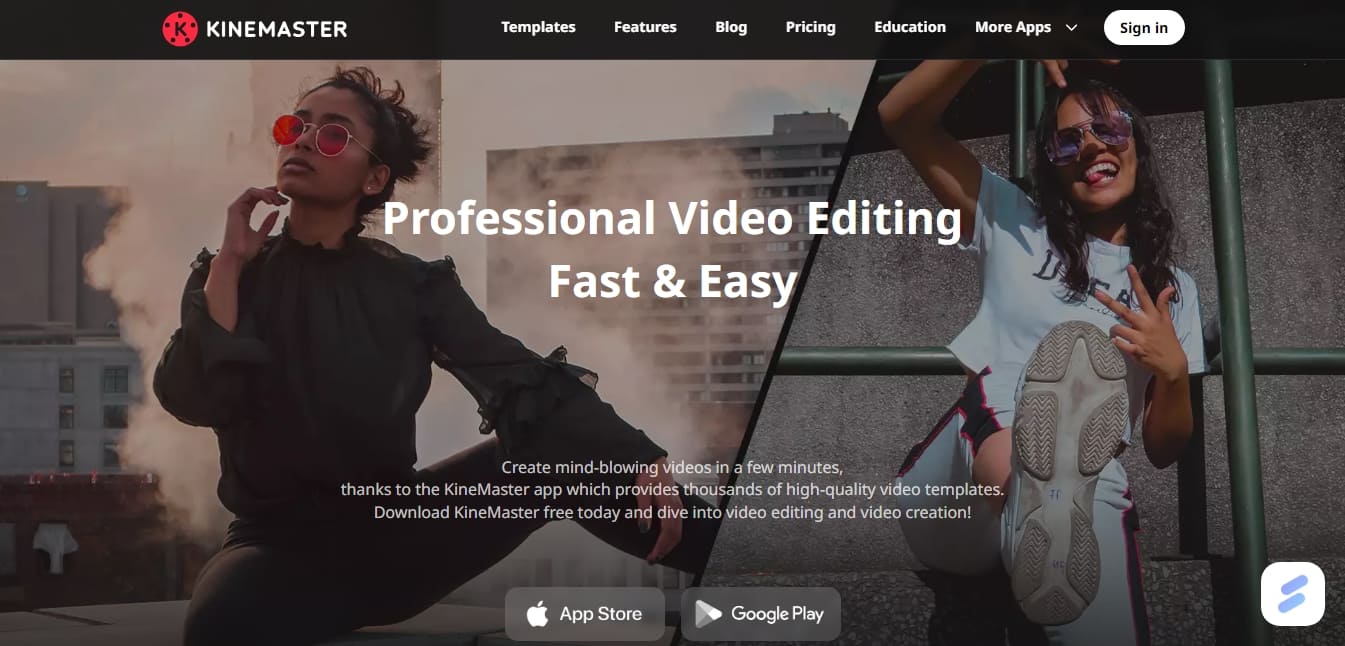
KineMaster is a professional video editing app designed specifically for mobile devices, compatible with both iOS and Android. This tool allows content creators, marketing professionals, and individual users to produce high-quality audiovisual content directly from their smartphone or tablet. Its primary focus combines the power of a desktop editor with an intuitive touch interface, making it easy to create content for platforms like YouTube, TikTok, and Instagram using thousands of customizable video templates.
The platform integrates advanced AI video technology to automate traditionally complex tasks. Key features include Auto Captions, capable of transcribing audio in 36 languages, and the AI Voice tool, which converts text into natural-sounding voiceovers with various vocal styles. Additionally, KineMaster utilizes Super Resolution algorithms for intelligent upscaling of low-resolution files and an AI Tracking system that allows text layers or effects to automatically follow the movement of objects or people within the frame.
Its technical capabilities extend to high-precision functional tools:
Multi-layer editing: Allows for overlaying videos, images, stickers, and special effects to achieve complex visual compositions.
Magic Remover: Uses AI to detect figures and instantly remove video backgrounds, facilitating clean cutouts without the need for studio equipment.
Chroma Key: A tool for green screen video compositing, featuring real-time previews and fine alpha mask adjustments.
Full-screen timeline: Optimizes the workflow for multi-layer projects, improving visibility and editing precision.
4K Export: Supports ultra-high resolutions and up to 60 FPS, ensuring professional results suitable for large screens.
For visual and audio processing, the app offers an advanced color correction system to adjust contrast, saturation, shadows, and temperature. The audio section includes a powerful editor with voice modulation, reverb, and pitch control. Users have access to a library of over 75,000 assets, including royalty-free music, transitions, and sound effects. Furthermore, the KineCloud feature allows projects to be saved to the cloud, enabling users to continue editing across different devices or share work links efficiently.
Other key features include Corner Pin, ideal for integrating footage onto perspective surfaces like billboards or screens, and variable speed control for slow or fast-motion effects. AI Styles transform conventional clips into artistic pieces using smart filters, while the ability to generate videos with transparent backgrounds allows for the creation of custom animations and branding elements for presentations and other multimedia projects.
KineMaster features and use cases
How to use KineMaster
KineMaster FAQ
Where can I download the KineMaster app?
You can download the tool for free from the Apple App Store for iOS devices or from Google Play for Android devices.
What are the benefits of KineMaster Premium?
A Premium subscription removes watermarks and ads, provides 10 GB of cloud storage, and grants unlimited access to over 75,000 premium assets.
Can I export 4K videos with this app?
Yes, KineMaster supports high-resolution project exports of up to 4K at 60 frames per second.
How do KineMaster video templates work?
Simply go to the Mix screen, select a trending template, and replace the elements with your own videos or images to create content quickly.
What AI features does the tool include?
It features auto-captions in 36 languages, text-to-speech voiceovers, image resolution enhancement, and a magic background remover.
Can I use the music in the app without copyright issues?
Yes, all music and sound effects in the Asset Store are royalty-free, so you can post your content on any platform.
What is KineMaster's KineCloud storage?
It is a service that allows you to save your projects to the cloud so you can edit them later on other devices or share them easily via a download link.
Does KineMaster support multi-layer editing?
Yes, the app supports multiple layers of video, images, stickers, and text, allowing you to create complex compositions and advanced visual effects.
KineMaster pricing and plans
Free Version
Free download and use of the app for iOS and Android.
Access to thousands of high-quality video templates.
Multi-layer editing tools, Chroma Key, and audio editing.
AI features like auto-captions, Magic Remover, and Super Resolution.
Export videos with a watermark.
KineMaster Premium (Monthly): $7.99 per month
Watermark removal on all projects.
Ad-free experience.
Unlimited access to over 75,000 premium assets (stickers, music, effects, and fonts).
Includes a free Premium subscription for the Spring app.
10 GB of KineCloud storage.
KineMaster Premium (Annual): $51.99 per year
All monthly plan features with a 46% discount ($4.33 per month).
No watermark on exports.
Ad-free.
Unlimited access to premium assets and 10 GB of KineCloud storage.
Includes a free Premium subscription for the Spring app.
KineMaster Screenshots
KineMaster alternatives

AI Video Text Remover
Use AI to remove subtitles, logos, and watermarks from your videos. Automatically reconstruct backgrounds for a clean, blur-free result.
Map Animation
Generate AI-powered animated route and map videos from text. Customize cinematic camera movements and export in high resolution and various formats.

Kapwing Hinglish Subtitles Generator
Generate automatic Hinglish captions for videos in 100+ languages. Includes AI-powered editing and dubbing tools to reach bilingual audiences.

Auto Captioner
Generate automatic AI captions for videos. Customize design with templates, edit text, and translate into multiple languages to boost your visual content's impact.