

Share
Rewrite text into clear, natural English anywhere in Chrome—built for non-native speakers.
What is Limato?
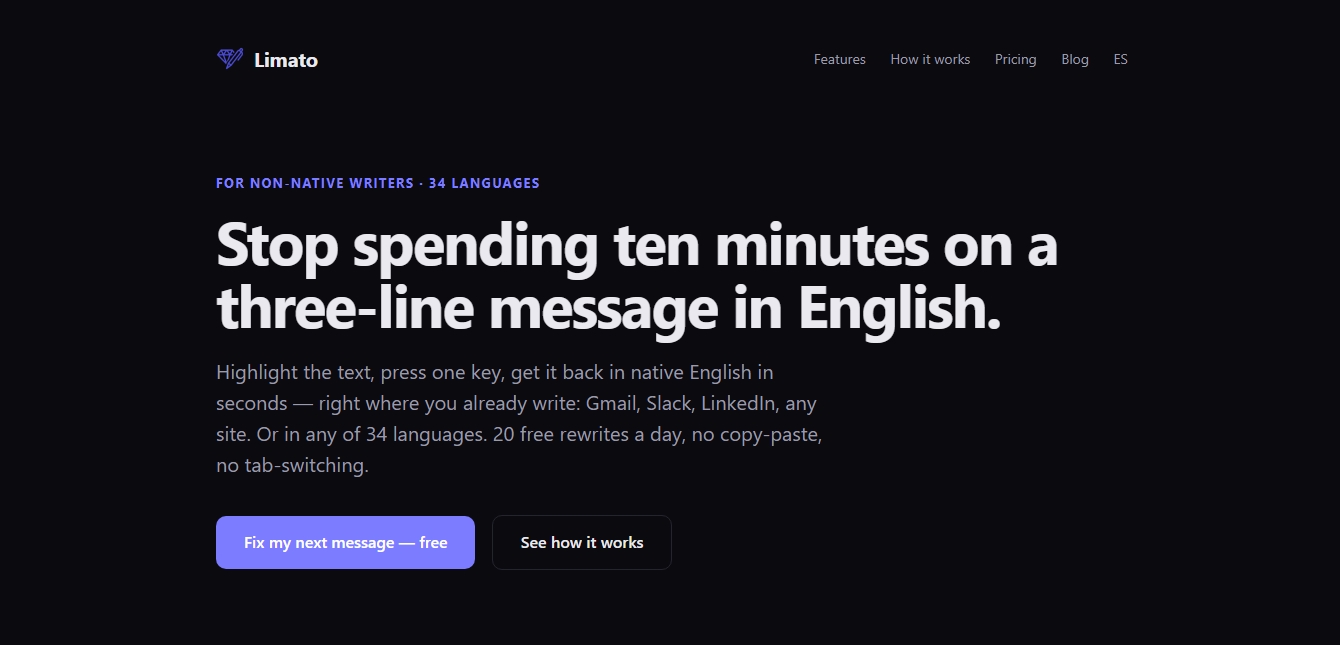
Limato is an AI writing assistant that helps non-native English speakers write with clarity and confidence. Instead of switching between writing tools, translators, and grammar checkers, you can select text directly on any webpage and rewrite it in one click.
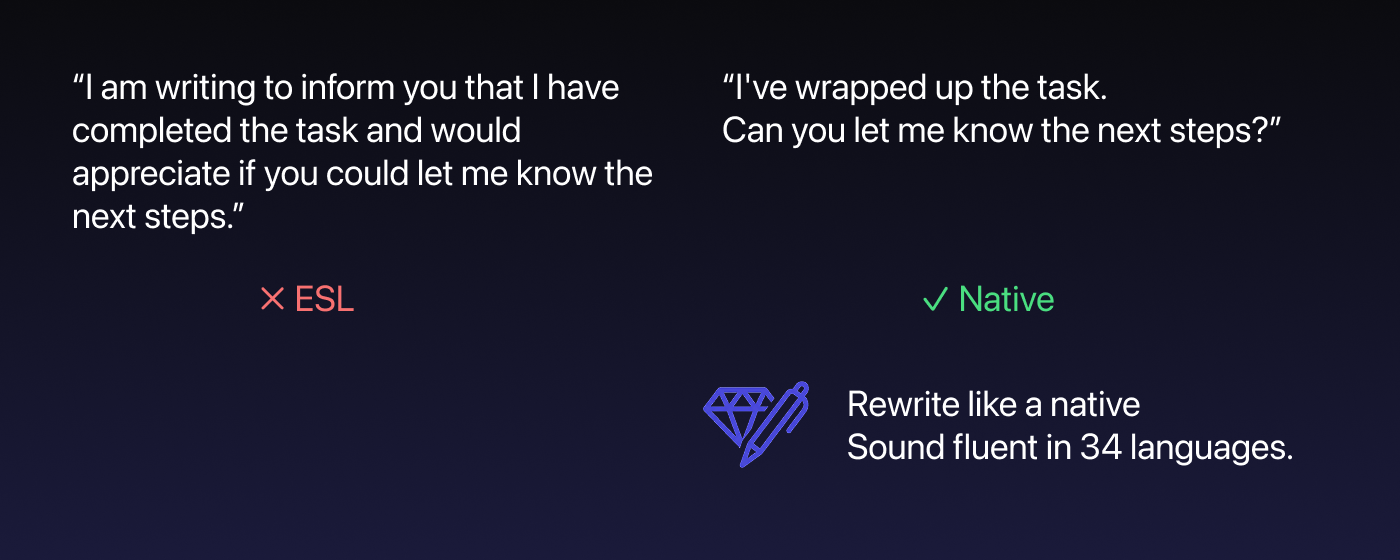
Limato turns awkward, literal, or overly wordy phrasing into clear, natural English while preserving the original meaning and intent. Use it to improve emails, Slack messages, LinkedIn posts, comments, customer replies, documents, and web forms.
Built for everyday communication, Limato focuses on native-sounding phrasing, appropriate tone, and concise writing. It works wherever you write in Chrome, so you can communicate more naturally without interrupting your workflow.
Limato features and use cases
How to use Limato
Limato FAQ
What is Limato?
Limato is an AI writing assistant for non-native English speakers. It helps you rewrite text into clear, natural, native-sounding English while preserving your original meaning.
How does Limato work?
Install the Limato browser extension, highlight text on any webpage, and choose Rewrite. Limato suggests a clearer and more natural version of your text that you can review before replacing the original.
Where can I use Limato?
Limato works anywhere you write in Chrome, including Gmail, Slack, LinkedIn, Google Docs, customer-support tools, comments, forms, and other websites.
Who is Limato for?
Limato is built for people who use English as a second language and write it every day. It is useful for professionals, remote teams, freelancers, founders, students, and anyone who wants to communicate more naturally in English.
Does Limato only fix grammar?
No. Limato goes beyond grammar correction. It rewrites awkward, literal, overly formal, or wordy phrasing into English that sounds more natural while keeping the intended meaning and tone.
Can Limato humanize AI-generated text?
Yes. You can paste or select text generated by AI tools such as ChatGPT, Claude, or Gemini and use Limato to make it read more naturally, with clearer phrasing and a more human rhythm. Limato also provides a public AI humanizer tool.
Is Limato free to use?
Yes. Limato offers a free plan with up to 20 rewrites per day after signing in with Google. Limato Pro provides unlimited daily rewrites for $5.99 per month, or $47.99 per year, with a 14-day free trial.
Limato pricing and plans
Free — $0 forever: 5 rewrites per day without signing in, or 20 rewrites per day with a free Google sign-in. Includes all writing tones and translations. No credit card required.
Pro — $5.99/month: unlimited daily rewrites, all tones and translations, priority support, and cancellation anytime.
Annual Pro — $47.99/year: equivalent to approximately $4/month and saves 33% compared with monthly billing. Includes a 14-day free trial.
Limato Screenshots
Limato user reviews
Write a review
Checking your session...
Limato Reviews
Loading reviews...
Limato alternatives



UltraHumanizer
Transform AI text into natural, human-like content. Customize styles, process documents, and preserve the original meaning to bypass automatic detection.

RewriteCmd
Rewrite and correct text in any macOS app using keyboard shortcuts. Use AI to change tone or translate instantly without copying and pasting.

Humanize Max
Transform AI text into natural, human-sounding content. Customize styles, adjust length, and rewrite sentences for free with no sign-up required.

AI Detector by Getsolved
Analyze writing patterns to detect AI text. Enhance clarity, verify facts, and check for plagiarism to ensure natural and original content.