OrbitMeet
Share
OrbitMeet
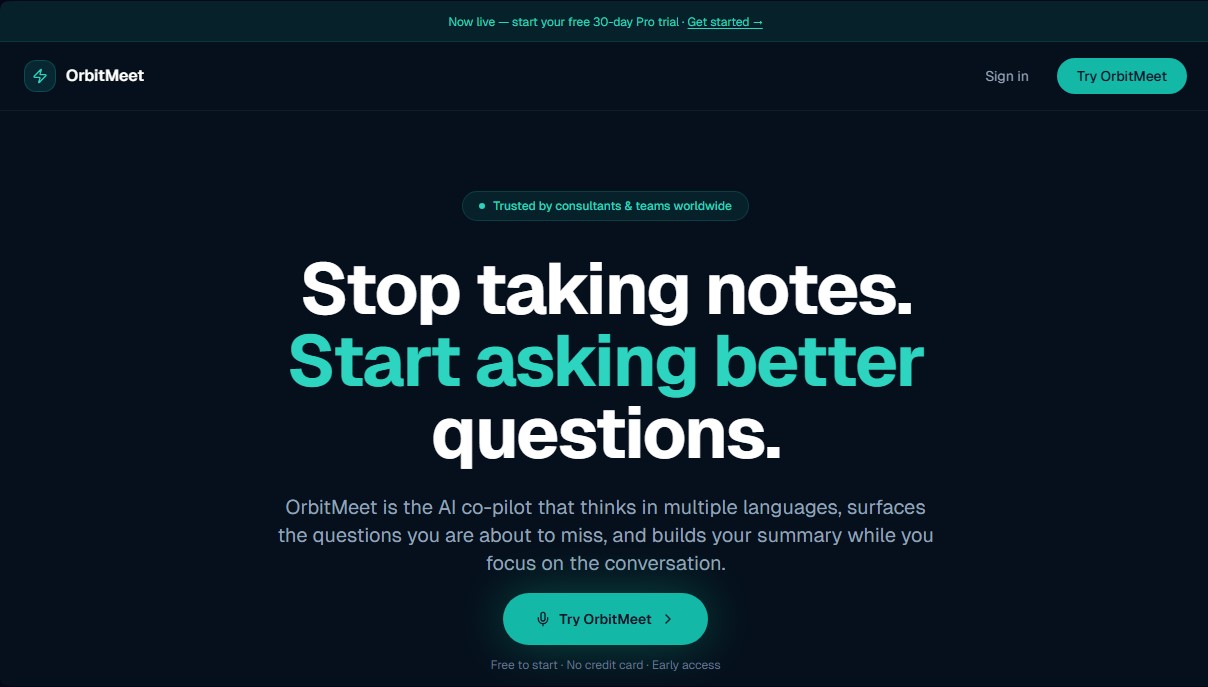
Multilingual AI meeting assistant for real-time transcription, summaries, and key questions. Extract agreements and tasks via browser with no installation required.
General Information about OrbitMeet
OrbitMeet is an AI copilot designed to optimize meeting management through automated note-taking and real-time data analysis. Unlike other transcription services, this tool works directly in the browser, eliminating the need to install plugins or add-ons on your computer. Its primary goal is to allow professionals to focus fully on the conversation by delegating content capture, key point identification, and the instant creation of structured documentation to the AI. It is an especially useful solution for independent consultants, project managers, and distributed teams that require an accurate record of their agreements.
OrbitMeet's technology stands out for its native multilingual capability, allowing users to switch between languages such as Spanish, English, French, and Portuguese without the need for prior configuration or manual pre-selection. The system utilizes natural language processing (NLP) models with a contextual intelligence approach that detects language changes mid-sentence, ensuring no information is lost in international work environments.
One of its most distinctive features is real-time AI coaching. Through its KITT Intelligence engine, the tool analyzes the flow of dialogue and, every 75 seconds, suggests critical questions or topics that might be overlooked. This functionality helps clarify success metrics, challenge assumptions, and ensure all relevant agenda items are addressed before the session ends. Its core capabilities include:
- Live transcription and automated summaries: Generates meeting minutes that summarize the general overview, decisions made, and next steps.
- Action Item detection: Automatically identifies commitments made and the individuals assigned to them during the discussion.
- Universal compatibility: Works with Google Meet, Microsoft Teams, Zoom, and also in face-to-face meetings via audio capture.
- Context briefing: Allows users to upload previous documents so the AI understands the background before the session begins.
The workflow is simple and streamlined: the user starts the recording with a single click and, once finished, has a summary ready to export to formats like Word or PDF. This makes sending immediate follow-ups easier, enhancing professional image with clients and saving time on administrative tasks. OrbitMeet also offers a session history that allows for quick searches of past conversations, ensuring that the knowledge generated in every meeting is easily accessible to the entire team from any mobile or desktop device.
Features and Use Cases of OrbitMeet
How OrbitMeet Works
Frequently Asked Questions about OrbitMeet
What is OrbitMeet and how can it help me with my meetings?
OrbitMeet is an AI assistant that transcribes your sessions, creates automatic summaries, and identifies action items while you focus on the conversation.
Do I need to install any software to use OrbitMeet?
No installation or plugins are required since the tool runs entirely through your standard web browser.
Does OrbitMeet work with apps like Zoom or Google Meet?
Yes, it is compatible with Zoom, Teams, and Google Meet, and it can also be used to record and analyze in-person meetings.
What languages can the tool automatically process?
The system supports English, Spanish, and French, allowing you to switch between languages during the same session without needing manual adjustments.
How does the live AI guidance system work?
The copilot analyzes the context and suggests key questions every seventy-five seconds to ensure you don’t overlook important details or critical decisions.
Can I try OrbitMeet's advanced features for free?
A 30-day free trial of the Pro version is available without the need to provide your credit card information.
What does the platform's free plan include?
The free plan allows you to manage up to five meetings per month and includes real-time AI guidance and post-session document generation.
In what formats can I download the information generated from my meetings?
With a Pro subscription, you can export all your summaries, decisions, and action items directly to Word or PDF format.
OrbitMeet Pricing
Free Plan
$0 per month
- 5 meetings per month limit.
- Post-meeting document generation (follow-up emails, notes, and task tracking).
- Real-time AI coaching during sessions.
- Multilingual support (English, French, and Spanish).
- Access to transcripts and notes for every session.
Pro Plan
$20.50 CAD per month
- 30-day free trial available (no credit card required).
- Unlimited recording minutes.
- Unlimited meeting summaries.
- Unlimited history with search across previous sessions.
- Upload context documents to brief the AI before starting.
- Export documents to Word and PDF.
- Priority support.
OrbitMeet Screenshots