

Share
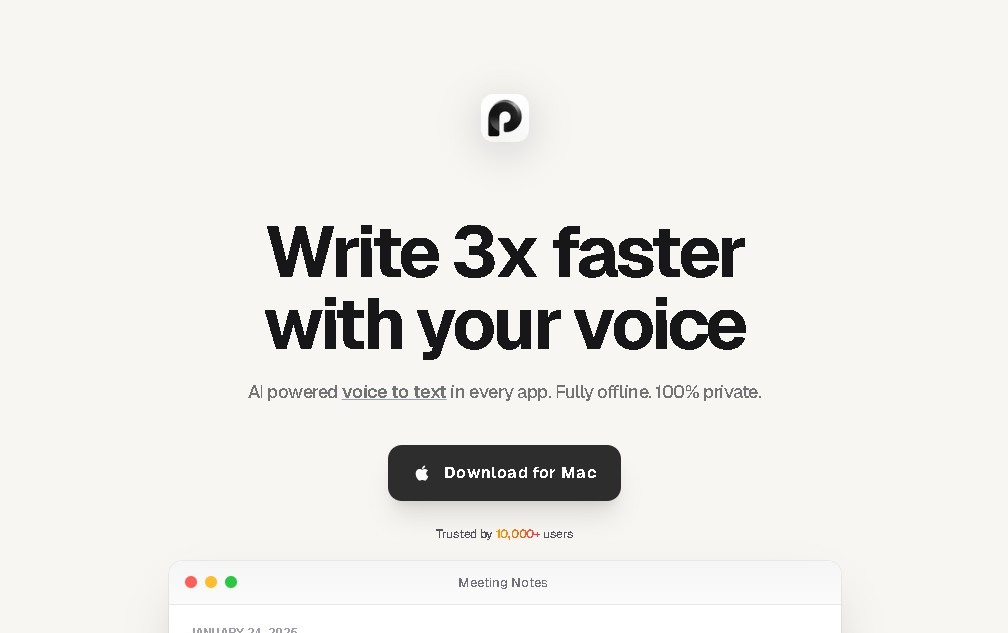
Local dictation and transcription for macOS with Apple Silicon. Works offline in 100 languages. Dictate in any app and process files with total privacy.
What is Paraspeech?
Paraspeech is an advanced speech-to-text solution designed specifically for the macOS ecosystem. Its primary standout feature is that it runs entirely and locally on your computer, leveraging the architecture of Apple Silicon processors (M-series). By eliminating the need for external servers, this AI-powered tool guarantees total privacy, keeping both audio files and the resulting transcriptions securely protected within the user's device.
The functionality of Paraspeech is versatile and integrates seamlessly across the entire operating system. Using a keyboard shortcut, users can dictate text that appears instantly in any open application, from word processors to email clients. The system includes intelligent auto-punctuation and allows for customizable substitutions to adapt dictation to technical terms or specific preferences. In addition to live voice input, the application enables audio and video file transcription, facilitating the export of results in VTT format—an essential feature for subtitling and professional documentation.
From a technical standpoint, the tool utilizes next-generation AI-driven transcription models and offers access to LLM (Large Language Model) features for rewriting and optimizing generated content. Its architecture is optimized for minimal resource consumption, ensuring smooth Mac performance even during lengthy processing tasks. It supports more than 99 languages, including English, Spanish, French, German, Italian, Japanese, Chinese, and Russian, and includes a speech-to-translated-text function.
Its most relevant functional capabilities include:
- Unlimited transcription of meetings and calls, allowing you to capture every detail without the need for manual note-taking.
- Offline functionality, which guarantees total autonomy and data security in environments without internet access.
- Transcription library with a built-in search function to quickly locate any text fragment within past records.
- Audio and video processing to transform multimedia files into structured text almost instantaneously.
By focusing on privacy and local processing, Paraspeech positions itself as an indispensable tool for users handling sensitive information. It is important to note that its use is restricted to M-series Macs and it does not offer a mobile app or cloud storage, prioritizing transcription speed and absolute confidentiality over remote synchronization. It is an efficient choice for professionals who require a high-performance intelligent dictation and file transcription system without relying on third-party services.
Paraspeech features and use cases
How to use Paraspeech
Paraspeech FAQ
What is Paraspeech and what are the system requirements for my computer?
It is a speech-to-text application for macOS that requires an M-series Apple Silicon processor to function.
How many languages can the transcription system recognize?
The program supports more than one hundred different languages and offers the ability to translate speech from various languages directly into English text.
Is it possible to transcribe audio or video files that I already have saved?
Yes, the application allows you to import media files for conversion into text, and it also features a searchable library and VTT format export options.
How does Paraspeech integrate with other apps I use on my Mac?
Using a keyboard shortcut, you can dictate words and see the text appear automatically in any application or system text field.
What additional features do the integrated language models provide?
The artificial intelligence improves automatic punctuation, allows for custom substitutions, and provides rewriting tools to polish your text.
Is there a free trial period before I pay for a subscription?
You have a seven-day free trial to test all features, and there is a fourteen-day money-back guarantee after purchase.
Can I use this tool on my mobile phone or tablet?
No, the application is currently exclusive to macOS and does not have a version available for mobile devices.
What is the subscription price and what does the service include?
The cost is seven dollars and forty-nine cents per month and includes unlimited transcriptions, access to AI models, and support for multiple languages.
Paraspeech pricing and plans
Free Trial
Price: Free for 7 days.
- Full access to transcription features to test performance on macOS devices with Apple Silicon processors before subscribing.
Monthly Subscription
Price: $7.49/mo.
- Unlimited and near-instant speech-to-text transcription.
- 100% local and offline operation for maximum data privacy.
- Transcription of audio and video files with VTT export capabilities.
- Support for over 100 languages and a direct translation to English feature.
- Access to LLM-powered rewriting and text processing tools.
- Transcription library with built-in search functionality.
- Auto-punctuation and customizable word substitutions.
- Requirement: Only compatible with Mac computers featuring M-series processors (Apple Silicon).
- Includes a 14-day money-back guarantee.
Paraspeech Screenshots
Paraspeech user reviews
Write a review
Checking your session...
Paraspeech Reviews
Loading reviews...
Paraspeech alternatives



TriggerFlow
Automate Windows apps without APIs using computer vision and AI. Manage PC fleets, monitor processes, and provide centralized remote control.



MakeASkill
MakeASkill creates a free personal skill for your AI assistant from a few quick questions, plus up-to-date steps to set it up in each app.