PDF Generator
Share
PDF Generator
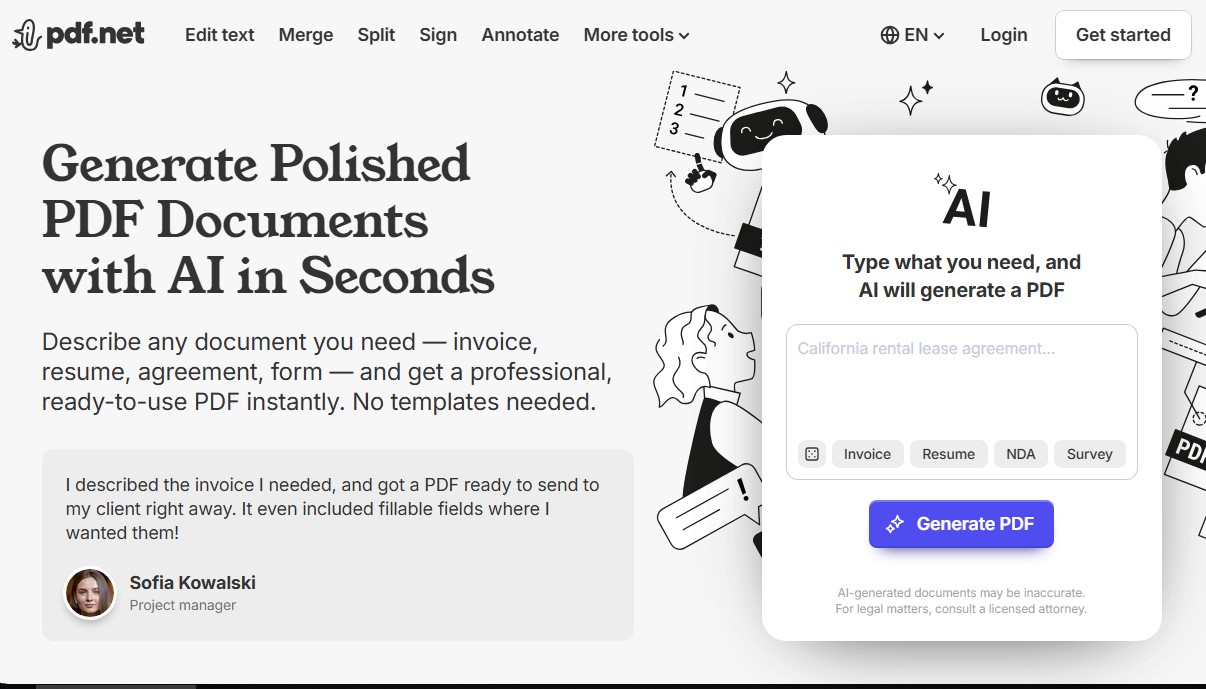
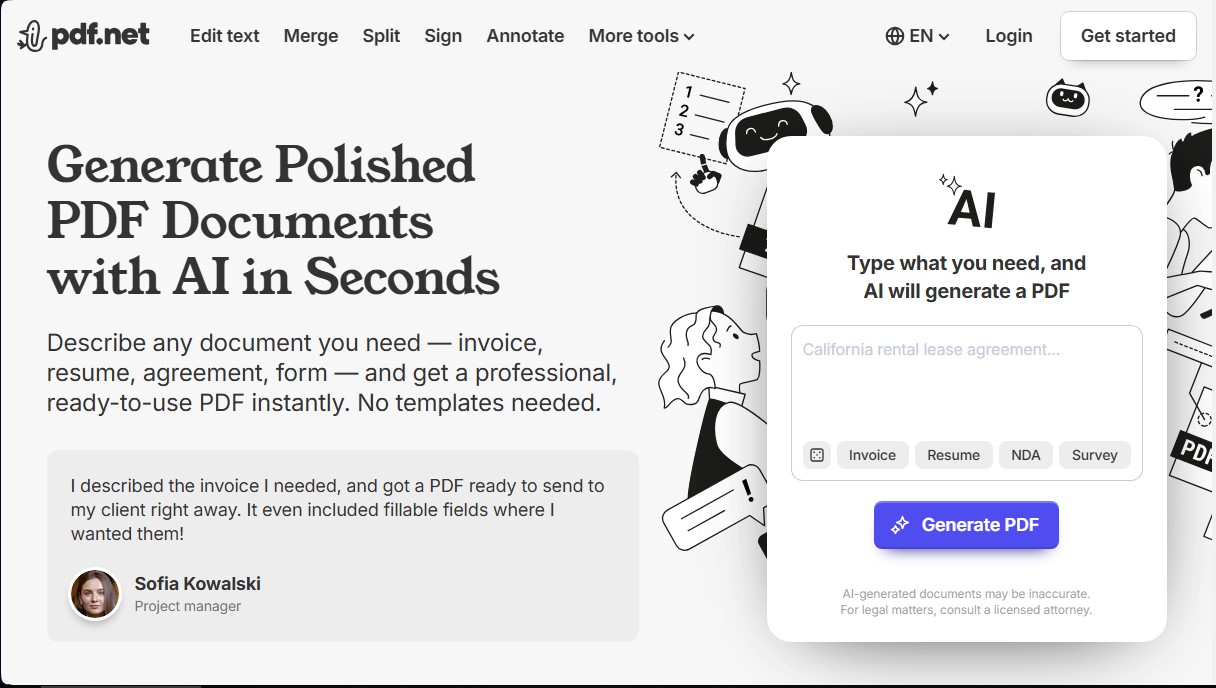
Generate and edit professional PDFs with AI. Describe what you need to create reports or invoices instantly. Plus, sign, merge, or annotate with ease.
General Information about PDF Generator
PDF Generator is a comprehensive artificial intelligence-based solution designed for advanced digital document creation and management. Unlike conventional tools, this platform allows you to generate professional PDF files from scratch using text descriptions, eliminating the need to search for predefined templates. Its primary function is to instantly transform simple instructions into structured documents such as invoices, contracts, resumes, or technical reports.
The technology behind this AI document generator is based on natural language processing models that interpret specific user requirements to apply a polished and consistent format. The workflow is straightforward and efficient: the user types what they need, the artificial intelligence generates the content, and the file then opens in an integrated web editor for final adjustments before downloading.
Among its most notable functional capabilities are:
- Automated content generation: Create study notes, business proposals, and executive summaries by simply entering a text command.
- Advanced PDF editor: Allows you to edit PDF text directly, modify images, add annotations, and customize fonts or colors without compromising the design's integrity.
- File management and organization: Includes tools to merge PDF files, split documents into multiple parts, reorganize pages, and apply Bates numbering or automatic page numbering.
- Multi-format conversion: Facilitates the transformation of documents into Word, Excel, CSV, and image formats like PNG or JPG, while also supporting Markdown to PDF conversion.
- Security and digital signatures: Implements high-level encryption to protect privacy, allows you to protect PDF with a password, and offers the ability to insert legally binding electronic signatures.
This tool is highly useful for a wide variety of professional and academic profiles. Students and educators can compile information from various sources into literature reviews, while businesses and freelancers optimize their administrative processes by quickly creating financial reports and proposals. Additionally, its interface is fully compatible with any computer, tablet, or mobile device, ensuring that the formatting remains consistent regardless of the device used.
Unlike other generic text assistants, PDF Generator specializes in delivering final files ready for professional use, even incorporating fillable fields if the user requests them in their initial prompt. The system also features accessibility functions optimized for screen readers, ensuring an inclusive environment. By not storing data long-term, the platform ensures a private and secure workflow for managing sensitive information.
Features and Use Cases of PDF Generator
How PDF Generator Works
Frequently Asked Questions about PDF Generator
What is PDF Generator and how does it work?
It is an AI-powered tool that allows you to create professional documents, such as invoices or contracts, from a simple text description in just a few seconds.
Is it free to use PDF Generator to create my files?
Using the tool to generate content is free; however, an active subscription is required to download the final document to your device.
What editing features does the platform offer besides AI creation?
In addition to generating content, you can merge files, split documents, add electronic signatures, make annotations, and convert various formats like Word or images to PDF.
Can I modify a document's content once it has been generated?
Yes, the system allows you to open the resulting file in a full editor to change the text, font size, and color, or to reorganize pages as needed.
How does PDF Generator guarantee the privacy of my work documents?
We use high-level encryption protocols and do not store your information permanently, ensuring that your files and personal data always remain under your control.
Are there accessibility options for visually impaired users?
The website includes an accessibility system activated by pressing Control-F11 for screen readers and Control-F10 to access a specific navigation settings menu.
What is the difference between using this tool and other general text assistants?
Unlike other assistants, this tool creates documents with a professional format ready for immediate use, including fillable fields and an organized structure without the need for manual layout.
Is it possible to convert a PNG or JPG image to PDF format?
Yes, the platform features conversion tools that allow you to transform individual images or multiple photos into a single file while maintaining the original resolution.
Can I use PDF Generator to create educational or academic material?
Absolutely. The tool is ideal for generating study notes, research summaries, exams with various difficulty levels, or personalized planners.
What should I do if the AI-generated document contains an error?
If you notice any inaccuracies, you can correct them immediately using the built-in text editor or regenerate the document by adjusting the details of your initial description.
PDF Generator Pricing
Free Plan
AI-powered PDF generation via prompts (invoices, resumes, agreements, etc.).
Access to document editing and customization tools.
Limitation: A paid subscription is required to download the final generated file.
Subscription (Check official website for pricing)
Unlimited downloads of AI-generated documents.
Full PDF editing: add text and images, rotate, reorder, and annotate pages.
Management tools: merge multiple files, split documents, and compress PDFs with three compression levels.
File conversion: convert PDF to Word, Excel, CSV, JPG, and PNG (and vice versa).
Advanced features: electronic signatures, Bates numbering, password protection, and file unlocking.
Markdown to PDF conversion while preserving tables and code blocks.
PDF Generator Screenshots