Supernormal App
Share
Supernormal App
Transcribe meetings without visible bots. Automatically generate summaries, follow-up emails, and work documents to streamline your professional task management.
General Information about Supernormal App
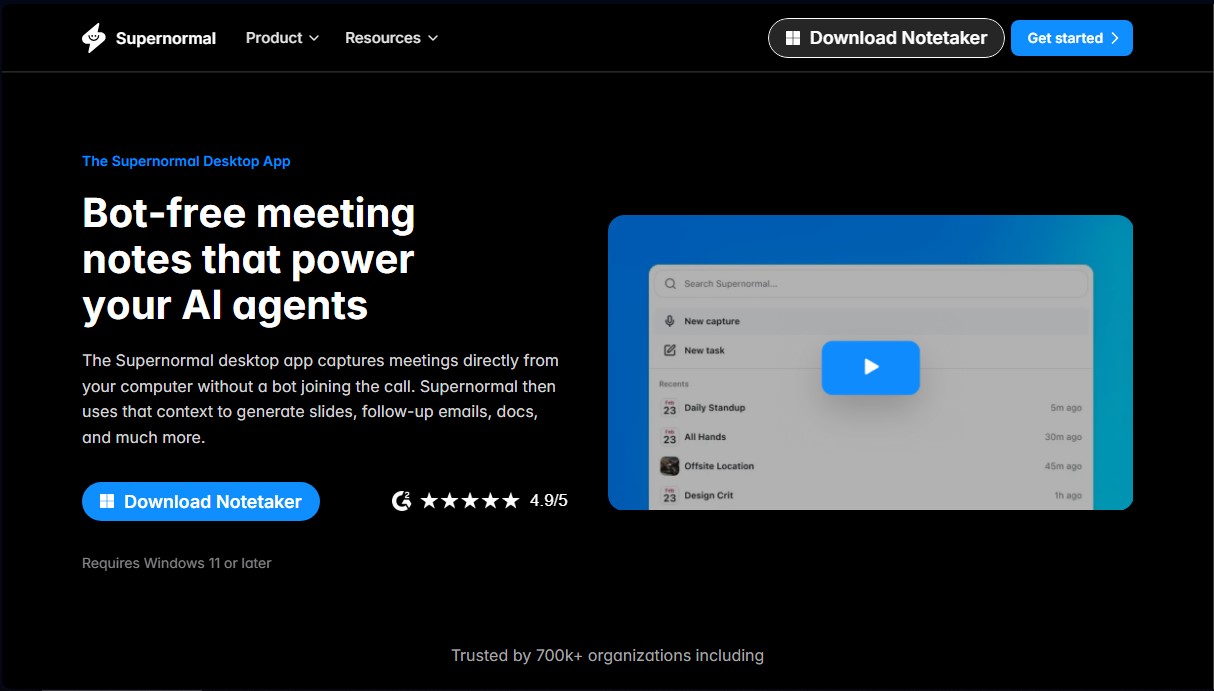
Supernormal-App is an artificial intelligence tool specializing in the automated capture and management of meeting notes. Its primary differentiator is that it operates via a desktop application that captures audio directly from the computer, eliminating the need for an external bot to join the call. This ensures cleaner and more professional meetings, as no participants see virtual assistants in the guest list.
The system is designed to transform conversations into actionable context. By using automated transcription and language analysis technologies, the tool identifies key points, decisions, and pending tasks discussed during the session. Once the meeting concludes, the user receives smart suggestions through the web platform to streamline post-meeting workflows.
Among the most notable features of Supernormal-App are:
- Generation of detailed, structured, and easy-to-scan meeting summaries.
- Creation of follow-up email drafts based on the actual content of the conversation.
- Development of project documents, creative briefs, and outlines for slide presentations.
- Direct synchronization to move tasks and text into tools like Notion, Google Docs, or Slack.
- Automatic scheduling of events and calendar invitations.
This application is especially useful for executives, product managers, and teams that handle a high volume of work sessions and need to optimize their productivity. By delegating note-taking to AI, users can maintain total focus on the conversation without manual distractions.
Regarding its technical implementation, Supernormal-App requires a simple setup that can be completed in just two minutes. It is compatible with Windows 11 or later. For Mac users, a device with Apple Silicon processors (M1, M2, M3, or M4 chips) and macOS 14.4.1 or higher is required. The platform allows you to connect your work calendar to automate the start of audio capture, ensuring that no relevant details from professional interactions are missed.
By utilizing the actual context of meetings, the tool's AI agents produce much more accurate results than generic text generators, as they have first-hand knowledge of client needs and the specific agreements reached during the dialogue. Supernormal-App runs silently in the background, allowing the technology to work for the user without interrupting the flow of the video call.
Features and Use Cases of Supernormal App
How Supernormal App Works
Frequently Asked Questions about Supernormal App
What is Supernormal-App and what are its benefits?
It is a desktop application that captures your meetings directly from your computer to generate notes, summaries, and draft documents without needing a bot to join the call.
Will a bot appear in my video calls when using Supernormal?
No, the app captures audio directly from your system, so no external bots will appear in the meeting's participant list.
What are the technical requirements to install Supernormal-App on my computer?
For Windows, you need version 11 or later, while Mac requires an Apple Silicon processor and macOS 14.4.1 or higher.
What kind of tasks can Supernormal automate after a meeting?
The tool automatically suggests and drafts follow-up emails, session summaries, calendar invites, and documents for platforms like Notion or Google Docs.
Can I use the tool without capturing a meeting?
Yes, you can use the web features independently, although the desktop app allows the AI to generate better results by having the actual context of your conversations.
How does Supernormal ensure I don't get distracted during calls?
The app runs silently in the background while capturing audio and transcribing voices, allowing you to stay fully focused on the conversation.
How long does it take to set up Supernormal-App?
The installation and initial setup process—which includes connecting your calendar and granting audio permissions—is completed in less than two minutes.
Supernormal App Pricing
Clear information regarding pricing and plans is not available in the details provided. We recommend visiting the official website to review subscription options and the features included in each plan.
Supernormal App Screenshots