AudioScribe
Share
AudioScribe
Accurately transcribe audio and video with AI. Generate summaries, find keywords, and analyze content through an integrated smart chat.
General Information about AudioScribe
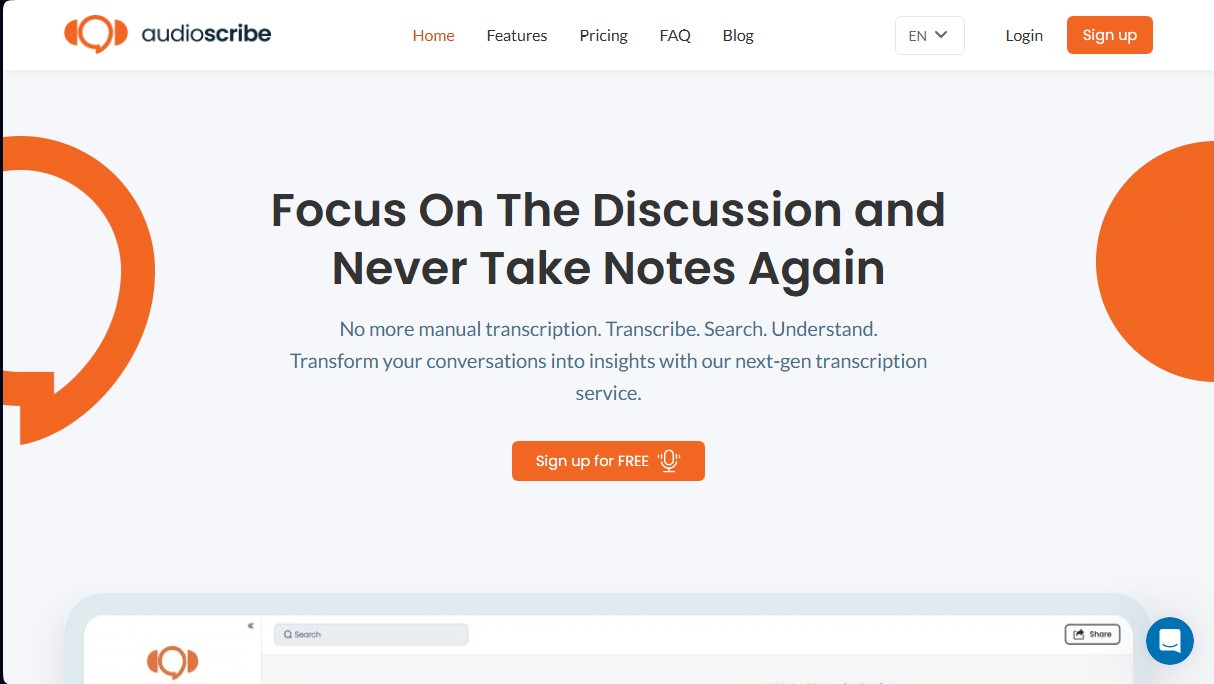
AudioScribe is an advanced web-based automated transcription platform that uses cutting-edge artificial intelligence to convert audio and video files into text with high accuracy. This tool is designed to eliminate the need for manual note-taking, allowing professionals, students, and businesses to focus fully on the content of their conversations, interviews, or business meetings.
The operation of AudioScribe.io is powered by a Large Language Model (LLM) that goes beyond simple speech-to-text conversion. Thanks to this technology, users can interact with their transcriptions through an intelligent chat to extract insights, analyze content sentiment, or request AI summaries. This natural language processing capability facilitates a deep understanding of lengthy recordings without having to listen to them again in their entirety, optimizing information management time.
The versatility of this AI tool allows it to work with a wide range of file formats and specific use cases:
- Meeting transcription on platforms like Zoom or Teams and in-person recordings.
- Audio-to-text conversion for MP3, WAV, M4A, AAC, and FLAC formats.
- Processing video files such as MP4, MOV, and WebM for written content generation.
- Creation of subtitles and technical documents through exports in SRT, VTT, and TXT formats.
- Podcast and interview management with speaker identification features.
- Digitization of voice notes recorded from mobile devices and academic lectures.
One of AudioScribe’s most practical features is its full-text search system. This index allows users to instantly locate specific words or phrases within any transcription, which is essential for writers and professionals handling large volumes of data. Additionally, the platform offers multilingual support in 18 languages, including Spanish, English, French, German, Chinese, and Japanese, ensuring optimal results in international environments.
As an entirely web browser-based service, it requires no additional software installation on your computer. Data security is managed through industry-standard encryption protocols, guaranteeing the privacy of the processed information. For organizations requiring superior control, the tool allows for advanced integrations and private deployments. Ultimately, AudioScribe positions itself as a functional and efficient solution for transforming recordings into searchable, structured digital assets.
Features and Use Cases of AudioScribe
How AudioScribe Works
Frequently Asked Questions about AudioScribe
What is AudioScribe and how can it help me?
AudioScribe is a web-based platform that uses state-of-the-art artificial intelligence to quickly and accurately convert your audio and video files into text.
Do I need to install any software to use AudioScribe?
No software downloads are required because the service runs entirely through your standard web browser.
What file types can I transcribe on the platform?
You can upload files in various popular formats, including MP3, WAV, M4A, MP4, MOV, and many other audio and video types.
Is there a free version of AudioScribe available?
Yes, the free plan allows you to process up to three files per day, with a duration limit of twenty-five minutes per file.
How many languages does the transcription system currently support?
The tool supports eighteen different languages, including English, Spanish, French, German, and Italian, among others.
Can I export the generated text into different formats?
Yes, you can export your transcriptions in plain text or subtitle formats like TXT, SRT, and VTT, depending on your needs.
How does AudioScribe protect the privacy of my conversations?
Security is a top priority, which is why we use industry-standard encryption protocols to ensure all your data remains secure.
What advantages does the Standard plan offer over the free plan?
The Standard plan offers unlimited transcriptions, files up to ten hours long, speaker identification, and maximum processing priority.
AudioScribe Pricing
Individual Plan
Free. Ideal for users with occasional transcription needs.
3 free files per day.
AI-generated summaries.
AI chat feature.
Full-text search.
Support for audio and video content.
Export in multiple formats (TXT, SRT, VTT).
Files limited to a maximum of 25 minutes.
Low processing priority.
Limited to 1 workspace.
Standard Plan
$19.99 per month. Ideal for freelancers and small businesses.
Unlimited transcriptions.
Transcriptions up to 10 hours per file.
Maximum processing priority.
Up to 3 workspaces.
Export in multiple formats (TXT, SRT, VTT).
Full-text search.
AI summaries and AI chat.
Speaker identification.
Support for 18 languages.
Enterprise Plan
Custom pricing (contact sales). A solution for companies requiring enhanced security and local deployment.
All Standard plan features.
SSO integration.
Private deployment.
AudioScribe Screenshots