BuilderStudio
Share
BuilderStudio
Native macOS IDE to build local apps using specialized AI agents, secure containerized execution, and deployment management tools.
General Information about BuilderStudio
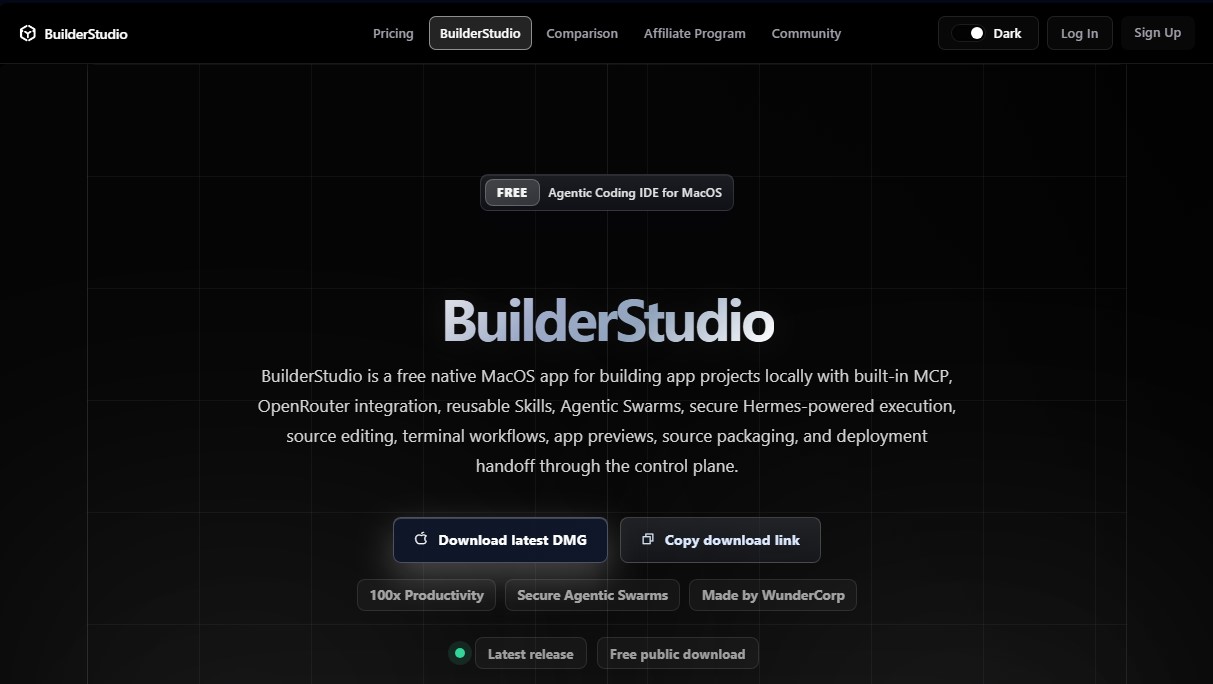
BuilderStudio is a native macOS integrated development environment (IDE) specifically designed for the local agentic development of applications. This tool allows founders, independent developers, and agencies to accelerate the software creation cycle by integrating advanced artificial intelligence. Its primary function is to facilitate the transition from an initial idea to a functional product, managing everything from source code editing and terminal workflows to application previews and packaging for final deployment.
The application's architecture is based on the concept of Agentic Swarms, which allows for the parallel execution of multiple specialized AI agents. Instead of relying on a single generic assistant, BuilderStudio coordinates specialists for user interface (UI), backend, security, and quality assurance (QA) tasks. It utilizes Hermes technology to ensure the secure and coordinated execution of these agents within isolated containers, preventing conflicts with the user's computer operating system. Additionally, it integrates the MCP (Model Context Protocol) and OpenRouter, facilitating the efficient connection of various tools and language models within the local workflow.
One of the tool's core pillars is reusable Skills—curated capabilities that enhance the quality of the generated code. These include design guides for shadcn/ui interfaces, complex animations using GSAP or Framer Motion, and standards for accessibility and visual polish. The workflow is optimized so users can iterate on their Mac and, once development is complete, perform a clean handoff to the control plane for managing domains, databases, authentication, and production operations.
Security is a critical aspect of AI-driven code generation. BuilderStudio implements dual-layer protection: on one hand, Aikido SafeChain monitors package installations (npm, Yarn, pnpm) to detect suspicious behavior; on the other, execution isolation via Hermes ensures that testing and previews take place in Docker sandboxes with explicit port mapping, keeping the global development environment safe from unverified code.
Key capabilities include:
- Increased Productivity: Execution of parallel workflows with specialized agents to avoid excessively long prompts.
- Native macOS Environment: Performance optimized for Apple Silicon arm64 architectures.
- Automatic Previews: Application structure detection and immediate launch of the test environment following file generation.
- Workspace Quarantine: Generated files and dependencies are kept within approved folders and isolated containers.
- Deployment Handoff: Clean source packaging for uploading projects directly to cloud management infrastructure.
This solution is ideal for both technical professionals seeking local control with AI acceleration and less experienced users who need a guided path to build complete applications from their computers.
Features and Use Cases of BuilderStudio
How BuilderStudio Works
Frequently Asked Questions about BuilderStudio
What is BuilderStudio, and what is it used for?
BuilderStudio is a native integrated development environment (IDE) for macOS that allows you to build applications locally using coordinated AI agents.
Is BuilderStudio a free tool?
Yes, the application can be downloaded for free from its official website for use on compatible Apple computers.
How do the integrated Agentic Swarms work?
This technology allows multiple specialized agents to work in parallel on different parts of your project, such as design or the backend, without overlapping instructions.
How does BuilderStudio ensure security when running AI-generated code?
The tool uses Hermes technology to run workflows in isolated containers, preventing installations or tests from affecting your primary operating system.
What are the system requirements for installing the tool?
You must have a Mac with Apple Silicon architecture to install the DMG file and run local development features optimally.
What is the purpose of Skills within BuilderStudio?
Skills are preconfigured capabilities that help agents generate interfaces with better aesthetics, accessibility, and professional animations by following modern design patterns.
Can I deploy my application directly from the IDE?
The process involves developing locally and then packaging the code to send it to the control plane, where domains, databases, and cloud hosting are managed.
Is registration required to try BuilderStudio?
You can download and use the IDE locally, but registration is required for deployment features, managing external services, and accessing the user community.
BuilderStudio Pricing
Free
0 $
- Free native app for macOS (Apple Silicon).
- Agentic coding IDE for local project development.
- Agentic Swarms: parallel execution of multiple specialized AI agents (UI, backend, security, QA).
- Secure execution via Hermes in isolated containers for local and cloud workflows.
- Integration with MCP (Model Context Protocol) and OpenRouter.
- Access to reusable "Skills": premium design, shadcn/ui components, animations, and workflows.
- Source code editing tools, terminal flows, and app previews.
- Source code bundling and deployment readiness.
Control Plane
See official website
- Management of cloud-deployed applications, authentication, and databases.
- Release operations, domain management, metrics, and billing.
- While billing processes are mentioned for deployment operations and production app management, specific pricing details are not available in the provided information.
BuilderStudio Screenshots