Clipdrop
Share
What is Clipdrop?
Clipdrop is an AI image editing suite that brings together web tools to remove backgrounds, erase objects, upscale, relight, extend the frame and generate images from text. It started in 2020 at InitML, was acquired by Stability AI in 2023 and has belonged to Jasper since February 2024.
What is Clipdrop used for?
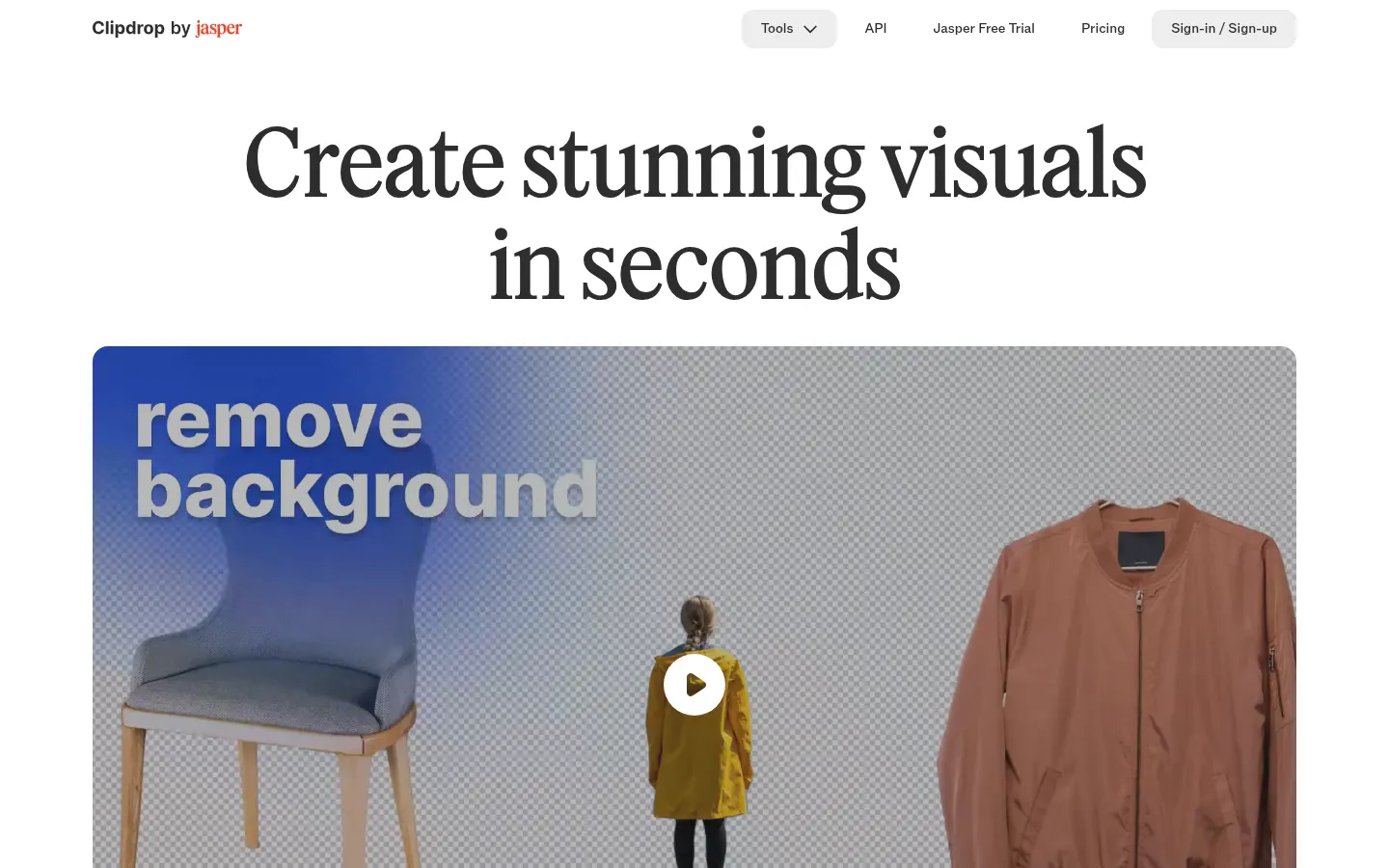
It retouches product photos, social images or personal pictures in seconds with no design skills. Each tool does one job: you upload the image, the AI processes it and you download a high-resolution result.
Which tools does Clipdrop include?
- Remove background: cuts out the main subject with high accuracy.
- Cleanup: removes objects, people, text and defects.
- Image upscaler: enlarges and denoises while recovering detail.
- Relight: adds new lights to the scene.
- Uncrop and Universal resizer: extend a photo to any format.
- Replace background, Text remover and Text to image.
Does Clipdrop have an API?
Yes, it offers an image API, now part of the Jasper API, to embed background removal and its other models in your own product and compose images on new or white backgrounds.
Can I use Clipdrop images commercially?
According to its terms, Clipdrop does not limit commercial use of generated images. Plugins also let you use it from Photoshop and other desktop apps.
Clipdrop pros and cons
- Pro: very fast, easy-to-use tools
- Pro: commercial use allowed by its terms
- Pro: API to embed it in other products
- Con: the basic tier has daily caps and lower resolution
- Con: some tools are only available on the Pro tier
Clipdrop features and use cases
How to use Clipdrop
Clipdrop FAQ
What is Clipdrop?
Clipdrop is an AI image editing suite to remove backgrounds, erase objects, upscale, relight and generate images.
Is Clipdrop free?
There is a free tier with daily caps per tool; the Pro tier is paid.
How do I remove a background with Clipdrop?
Open Remove background, upload your image and download the cut-out result.
How do I remove an object or person from a photo?
Use Cleanup: upload the image, brush over what you want gone and download the fixed photo.
How much can Clipdrop upscale an image?
The free tier upscales 2x and the Pro tier goes up to 16x at high resolution.
Can I use Clipdrop in Photoshop?
Yes, Clipdrop offers plugins for Photoshop and other desktop apps.
Does Clipdrop allow commercial use?
Yes, its terms do not limit commercial use of generated images.
Who owns Clipdrop?
Clipdrop has belonged to Jasper since February 2024, after a period under Stability AI.
What are the best Clipdrop alternatives?
On GptZone you can compare it with Photoroom, Pixelcut and Magnific for AI image editing.
Clipdrop pricing and plans
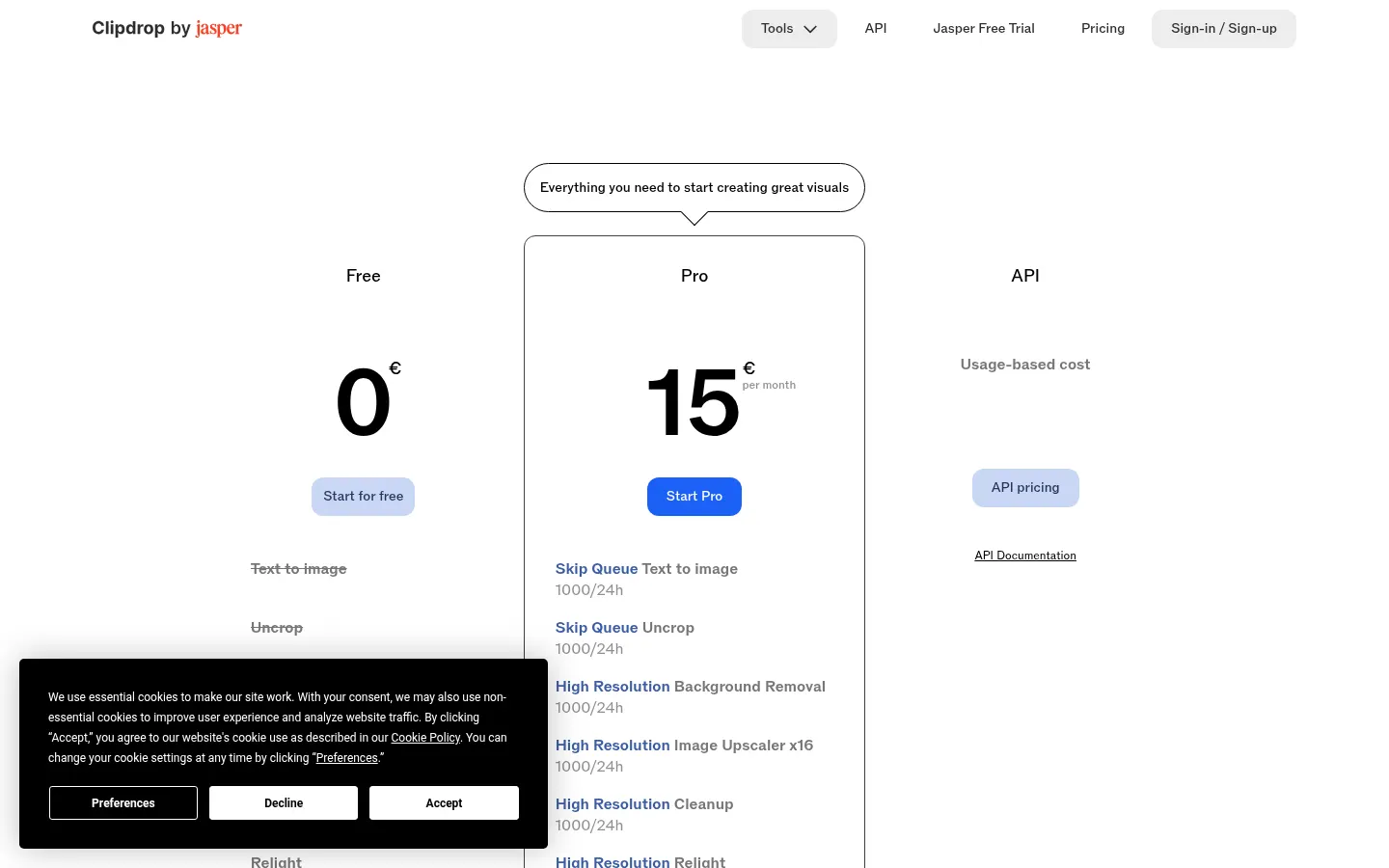
Reference price: 15 EUR / month. Source · Verified: November 2, 2026
Prices in euros (EUR) as shown on the site. Checked on: 02/11/2026.
Free: €0; background removal, 2x upscaling, Cleanup and Relight with 20 uses per 24 h, and Text remover with 50 uses per 24 h.
Pro: €15 per month; up to 1,000 uses per 24 h per tool, high resolution, 16x upscaling, no queue, Text to image, Uncrop and Replace background.
API: usage-based pricing per the API price list.
Clipdrop Screenshots
Clipdrop user reviews
Write a review
Checking your session...
Clipdrop Reviews
Loading reviews...
Clipdrop alternatives


Passport Photo Maker Ricebowl AI
Generate passport and visa photos meeting each country's official regulations. Detect potential rejection reasons and automatically adjust size and background privately.

crop.photo
Automate photo editing for online stores. Crop, resize, and batch-generate AI model images or banners to quickly optimize Shopify catalogs.