Descript
Share
Descript
Text-based video and audio editor. Edit recordings by modifying transcripts, remove filler words, enhance audio, and generate viral clips with AI.
General Information about Descript
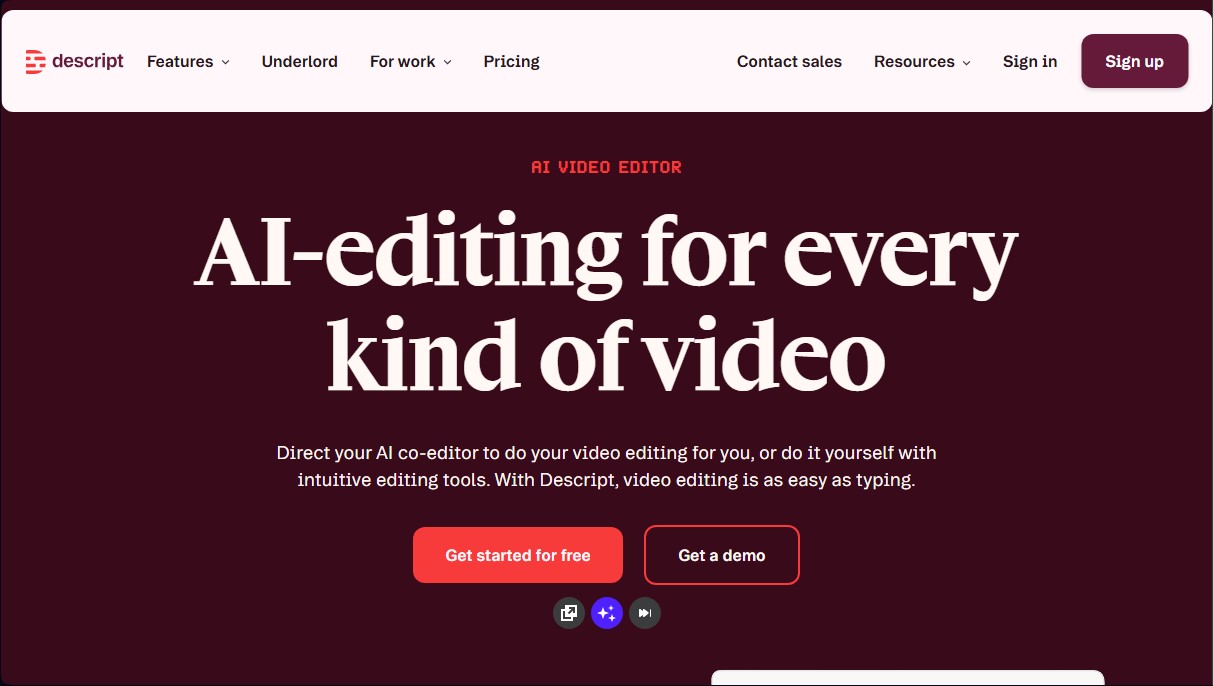
Descript is a comprehensive video and audio editing solution that uses artificial intelligence to simplify post-production through a text-based editing system. Its workflow moves away from conventional timelines, allowing users to modify their media files by directly editing the transcription automatically generated by the software. If a sentence is deleted in the text, the corresponding clip disappears from the video in sync, making the process as simple as editing a text document. This tool is designed for both audiovisual professionals and marketing, sales, and podcasting teams that require speed and precision.
The application's technological core lies in its AI assistant, Underlord, a co-editor that automates tedious tasks. Descript employs generative AI models to process language and visuals, offering capabilities that previously required a specialized technical team or a high-performance computer. Its standout features include:
- Studio Sound: Uses regenerative AI to remove background noise and enhance voice quality, achieving a professional finish even with basic microphones.
- Eye Contact: Adjusts the speaker's gaze using computer vision, simulating eye contact with the camera while they read a script or notes on the screen.
- Filler Word Removal: Instantly detects and removes filler words like "um," "uh," or repetitive words, optimizing the flow of speech.
- Regenerate: Allows you to fix speech errors simply by typing the correct word; the AI clones the user's voice and adjusts mouth movements so the change is seamless.
- Green Screen: Automatically removes the background from any recording, allowing it to be replaced with virtual backgrounds without the need for physical backdrops.
- Translation and Captions: Generates dynamic captions and translates content into multiple languages to maximize the video's reach.
In addition to editing, Descript facilitates content creation from scratch. Users can write scripts with AI assistance, generate social media clips from long-form videos, and use custom avatars for virtual voiceovers. The platform also allows for screen recording and cloud-based team collaboration, centralizing the entire workflow. By integrating quick design tools and smart transitions, the application helps transform raw recordings into professional communication pieces efficiently, saving time and resources in video marketing and training production.
Features and Use Cases of Descript
How Descript Works
Frequently Asked Questions about Descript
What is Descript and how does it allow you to edit videos using text?
It is an editor that generates an automatic transcription of your files, allowing you to make cuts and changes to the video simply by deleting or moving words in the script.
Do I need to enter credit card information to use Descript?
You don't need to provide a payment method to get started with the free plan, which includes basic features for recording and editing your projects.
What is the difference between transcription hours and AI credits in Descript?
Transcription hours measure the total length of the files you upload or record, while AI credits are used for advanced features like background removal or voice enhancement.
Can the tool improve the quality of audio recorded with a lot of background noise?
Yes, thanks to the Studio Sound feature, generative AI removes ambient noise and enhances vocal clarity to achieve a professional finish.
How does the automatic filler word removal work?
The tool identifies filler words, such as "ums," "uhs," or unnecessary repetitions, and allows you to remove them all at once with a single click to save editing time.
Is it possible to create captions and social media clips with Descript?
The platform makes it easy to add custom captions and uses artificial intelligence to identify and extract the moments with the highest viral potential.
What security measures does the platform offer to protect user privacy?
The company is SOC 2 Type II compliant and guarantees that project information is completely confidential and protected against unauthorized access.
How does the Eye Contact feature help if I am reading a script?
This technology digitally adjusts eye movement to make it look like you are looking directly at the camera at all times, improving your connection with the audience.
Does Descript offer special rates for the education sector or non-profits?
Yes, the platform offers special pricing for students, educators, and non-profit organizations, which can be requested through a specific application form.
How can I cancel my subscription if I no longer need the service?
You can cancel your subscription at any time through your account settings page, where you also have the option to permanently delete your data.
Descript Pricing
Free: 0 $
- Text-based editing.
- Access to AI tools for initial testing.
Hobbyist: 16 $ per month per person (billed annually) or 24 $ per month (billed monthly).
- 10 media hours per month.
- 400 AI credits per month.
- 1080p exports without watermarks.
- Access to Underlord (AI video co-editor).
- AI tools such as Studio Sound, filler word removal, and clip creation.
- AI Speech with custom voice clones and video regeneration.
Creator: 24 $ per month per person (billed annually) or 35 $ per month (billed monthly).
- 30 media hours per month.
- 800 AI credits per month.
- 4K exports without watermarks.
- Full access to Underlord and over 20 additional AI tools.
- Video generation with the latest AI models.
- Unlimited access to the royalty-free stock media library.
- Option to purchase additional media hours and AI credits.
Business: 50 $ per month per person (billed annually) or 65 $ per month (billed monthly).
- 40 media hours per month.
- 1500 AI credits per month.
- Team-wide access to Brand Studio.
- Video translation and dubbing into 30+ languages with review.
- Custom avatar generation from photos or text.
- Priority support (with SLA).
- Option to purchase additional media hours and AI credits.
Enterprise: Custom pricing (contact us via the official website).
- Advanced security and SSO / SCIM.
- Granular brand controls.
- Custom AI credits and media minutes.
- Tailored legal terms and AI controls.
- Flexible licensing and billing model.
Descript Screenshots