

Share
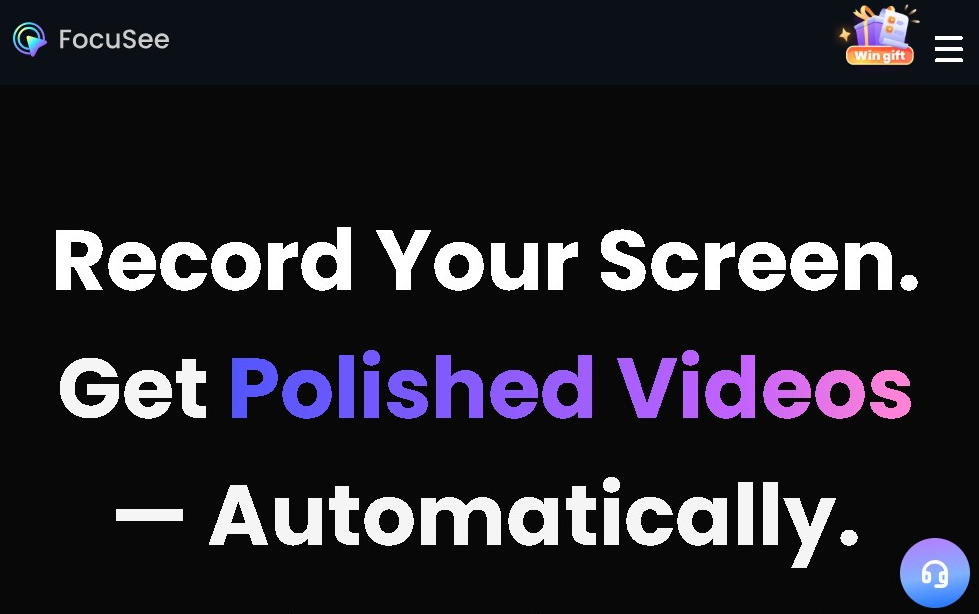
AI screen recorder that auto-edits videos using zooms and focus effects. Create professional tutorials and demos with captions and enhanced audio.
What is FocuSee?
FocuSee is an advanced AI screen recording tool designed to fully automate the professional video creation process. This application allows you to simultaneously capture your computer desktop, webcam feed, and audio, eliminating the need for complex manual editing after recording. It is a solution specifically geared toward technical professionals, educators, and sales teams who need to efficiently generate high-quality tutorials, product demos, or presentations.
FocuSee's operation relies on auto-editing algorithms that analyze user behavior during the capture session. The tool's technology detects mouse movements and clicks to apply smart zoom effects and dynamically highlight specific areas of the screen. This ensures the viewer remains focused on key interface points without the creator having to intervene later in traditional post-production software.
Among its technical and functional capabilities, the following features stand out:
- Smart Focus and Tracking: The AI automatically adjusts the framing based on cursor activity, creating fluid transitions that emulate the work of a professional editor.
- AI Audio Enhancement: The system integrates background noise removal and voice optimization features, ensuring clear and crisp narration in any environment.
- Auto-Captioning: It generates synchronized transcripts and captions in multiple languages, improving the accessibility and reach of your audiovisual content.
- Visual Customization and Privacy: It allows for the use of virtual avatars and AI background replacement, ideal for those who prefer not to show their real surroundings or are looking for a corporate aesthetic.
- High-Fidelity Exporting: It supports resolutions up to 4K at 60 fps, while also allowing you to adapt output formats for various social networks and mobile devices with a single click.
FocuSee transforms conventional screen capture into an automated production experience. By delegating editing, zooming, and audio cleanup tasks to artificial intelligence, users can focus exclusively on the message they want to convey. This tool is particularly useful for optimizing workflows in online training and digital marketing environments, where speed and a professional finish are essential to the content's success.
FocuSee features and use cases
How to use FocuSee
FocuSee FAQ
What is FocuSee, and what advantages does it offer over other screen recorders?
FocuSee is a recording tool that uses artificial intelligence to automatically edit your videos by effortlessly adding professional zoom and focus effects.
Can FocuSee capture my screen and webcam simultaneously?
The system automatically applies smart zoom effects and highlights cursor movements to make your content clearer and more engaging for viewers.
Can I automatically generate captions for my FocuSee recordings?
Yes, the tool includes an auto-captioning feature in multiple languages and also allows you to remove background noise and silences.
What export quality does the tool support?
FocuSee allows you to export your projects in high resolution up to 4K at 60 fps, with preset formats ready for social media.
Is there a free version of FocuSee?
The app offers a free trial that allows you to export one high-quality video, but a paid plan is required for ongoing access to all features.
What are the pricing options for FocuSee?
You can choose between monthly or annual subscriptions starting at around $20 per month, or opt for a one-time purchase plan for lifetime access.
What are the AI credits included in FocuSee plans used for?
These credits are used to process advanced features such as auto-captioning, virtual avatars, and AI-powered audio cleanup.
FocuSee pricing and plans
Free Trial
Price: Free.
- Test out recording and auto-editing features.
- Limit: One high-quality video export.
Monthly Plan
Price: ~€19.99 per month.
- Simultaneous screen, webcam, and audio recording.
- AI-powered auto-editing (zoom effects and smart focus).
- Auto cursor highlighting.
- Voice enhancement and background noise removal.
- High-quality exports (up to 4K and 60 fps).
Standard Annual Plan
Price: ~€49.99 per year.
- Includes all Monthly Plan features at a discounted annual rate.
- Multi-language auto-captioning.
- Access to virtual avatars and background replacement.
- Social media-optimized formats.
Advanced Annual Plans
Price: Starting at ~€69.99 per year.
- Designed for use across multiple computers.
- Includes all premium AI recording and editing features.
One-Time Purchase Plans (Lifetime License)
Price: From ~€199.99 to ~€719.99 (one-time payment).
- Lifetime access to the tool with no recurring subscriptions.
- Pricing varies based on the number of linked devices.
- Includes AI credits for specific features like auto-captioning, silence removal, and virtual avatars.
FocuSee Screenshots
FocuSee alternatives

AI Video Text Remover
Use AI to remove subtitles, logos, and watermarks from your videos. Automatically reconstruct backgrounds for a clean, blur-free result.


KineMaster
Professional AI mobile video editor with auto captions, background removal, and object tracking. Features thousands of templates and 4K export.
Map Animation
Generate AI-powered animated route and map videos from text. Customize cinematic camera movements and export in high resolution and various formats.

Kapwing Hinglish Subtitles Generator
Generate automatic Hinglish captions for videos in 100+ languages. Includes AI-powered editing and dubbing tools to reach bilingual audiences.

Auto Captioner
Generate automatic AI captions for videos. Customize design with templates, edit text, and translate into multiple languages to boost your visual content's impact.