Share
What is Morgen?
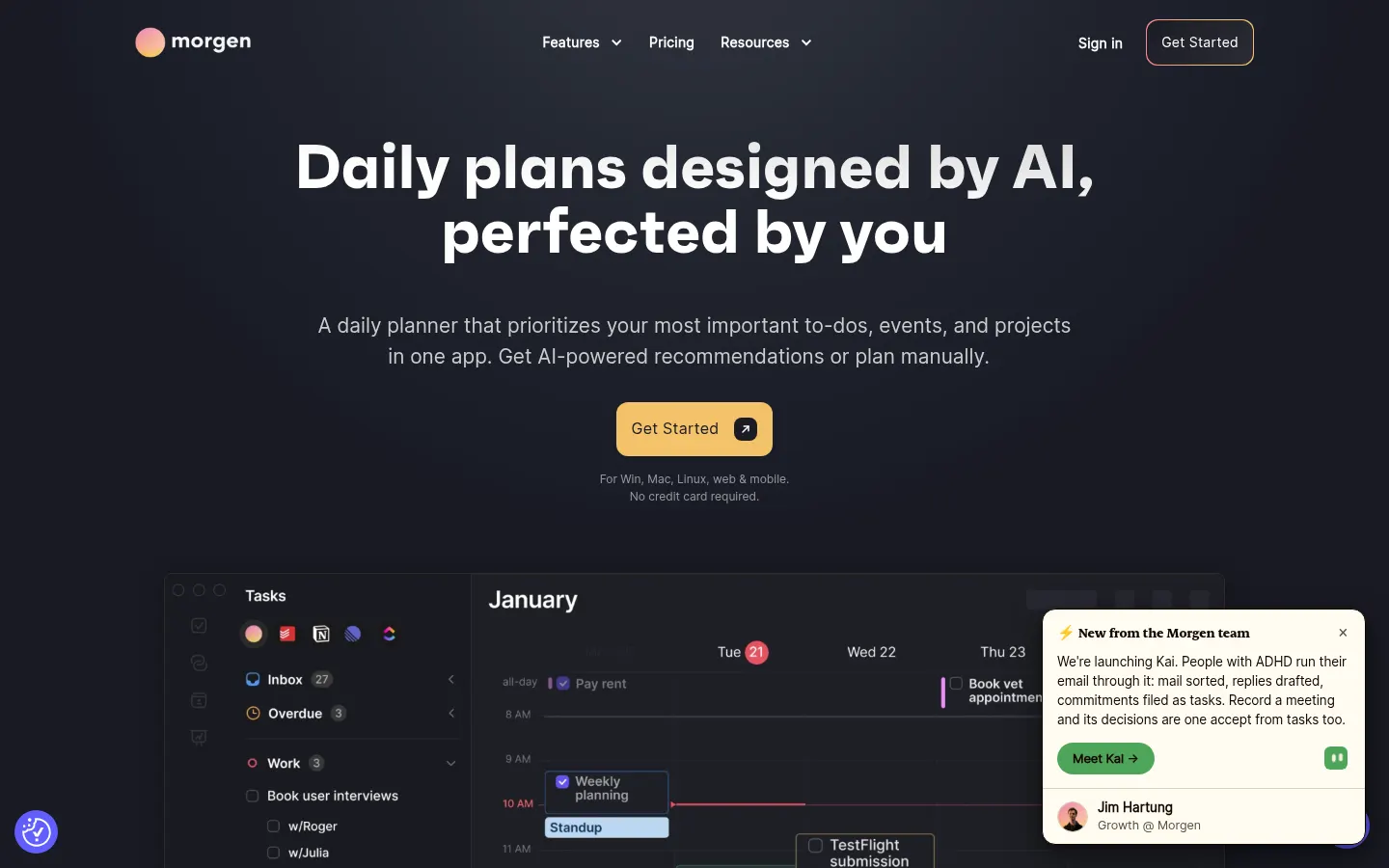
Morgen is an AI tool (by Morgen) that works as an AI daily planner for professionals and teams who juggle several calendars and task managers. It brings events and to-dos into one view, recommends what to work on and when, and leaves the final call to you. According to its website, more than 248,000 professionals use it, and the company is Swiss-based and Swiss-hosted, with GDPR compliance.
How does the Morgen AI daily planner work?
The AI Planner takes your open tasks and places them as time blocks on the calendar around meetings and focus time. With templates called Frames you design your ideal week, such as mornings for deep work and afternoons for calls, and the AI shows live recommendations. When conflicts appear it reprioritizes, reminds you of unfinished tasks from previous days and flags tasks at risk of running late.
Which calendars and task tools does it unify?
- Google Calendar, Outlook and Microsoft 365, Apple iCloud and Fastmail, among others.
- Tasks from Notion, ClickUp, Linear and Todoist, plus Morgen's own tasks.
- Due dates shown on the calendar.
- Shortcuts to view calendars together, one at a time or in subsets.
- Reminders per calendar or per event.
Which scheduling automations does it include?
Calendar automations sync events between calendars to avoid double bookings, block commute time based on location and travel mode, and add buffers around meetings. It also offers a booking page and scheduling links that check real availability, and suggests meeting times that will not break colleagues' focus.
Which devices does it run on?
There are apps for Windows, macOS and Linux, a web version and mobile apps for iOS and Android, which is rare among planning tools. Teams can share availability and coordinate meetings from the same app.
Morgen pros and cons
- Pro: unifies multiple calendars and task tools in one view
- Pro: native Linux app
- Pro: Swiss data hosting and GDPR compliance
- Con: its full value depends on connecting several accounts
- Con: AI planning works best if your tasks are kept up to date
Morgen features and use cases
How to use Morgen
Morgen FAQ
What is Morgen?
Morgen is an AI daily planner that unifies calendars and tasks in one app and suggests time blocks for your day.
Is Morgen free?
There is no permanent free tier, but it offers a 14-day trial with no card required. See the pricing section of this page.
Which calendars does Morgen support?
Google Calendar, Outlook and Microsoft 365, Apple iCloud and Fastmail, among others.
Which task managers does it integrate with?
Notion, ClickUp, Linear and Todoist, plus its own built-in tasks.
Is Morgen available in Spanish?
Yes, its website has a Spanish version, and you can use it with calendars and tasks in any language.
Does Morgen have an API?
Morgen offers a developer API; check its documentation for the current scope.
Does Morgen work on Linux?
Yes, it has a native Linux app, plus Windows, macOS, web, iOS and Android.
Does the AI change my calendar without asking?
No, the AI Planner shows recommendations and you decide whether to accept or adjust them.
Where is my data stored?
The company is based in Switzerland, hosts data there and complies with GDPR.
What are the best Morgen alternatives?
On GptZone you can compare it with other AI planners such as Reclaim, Akiflow and Sunsama.
Morgen pricing and plans
Reference price: 30 USD / month. Source · Verified: November 1, 2026
Prices in US dollars (USD). Checked on: 01/11/2026.
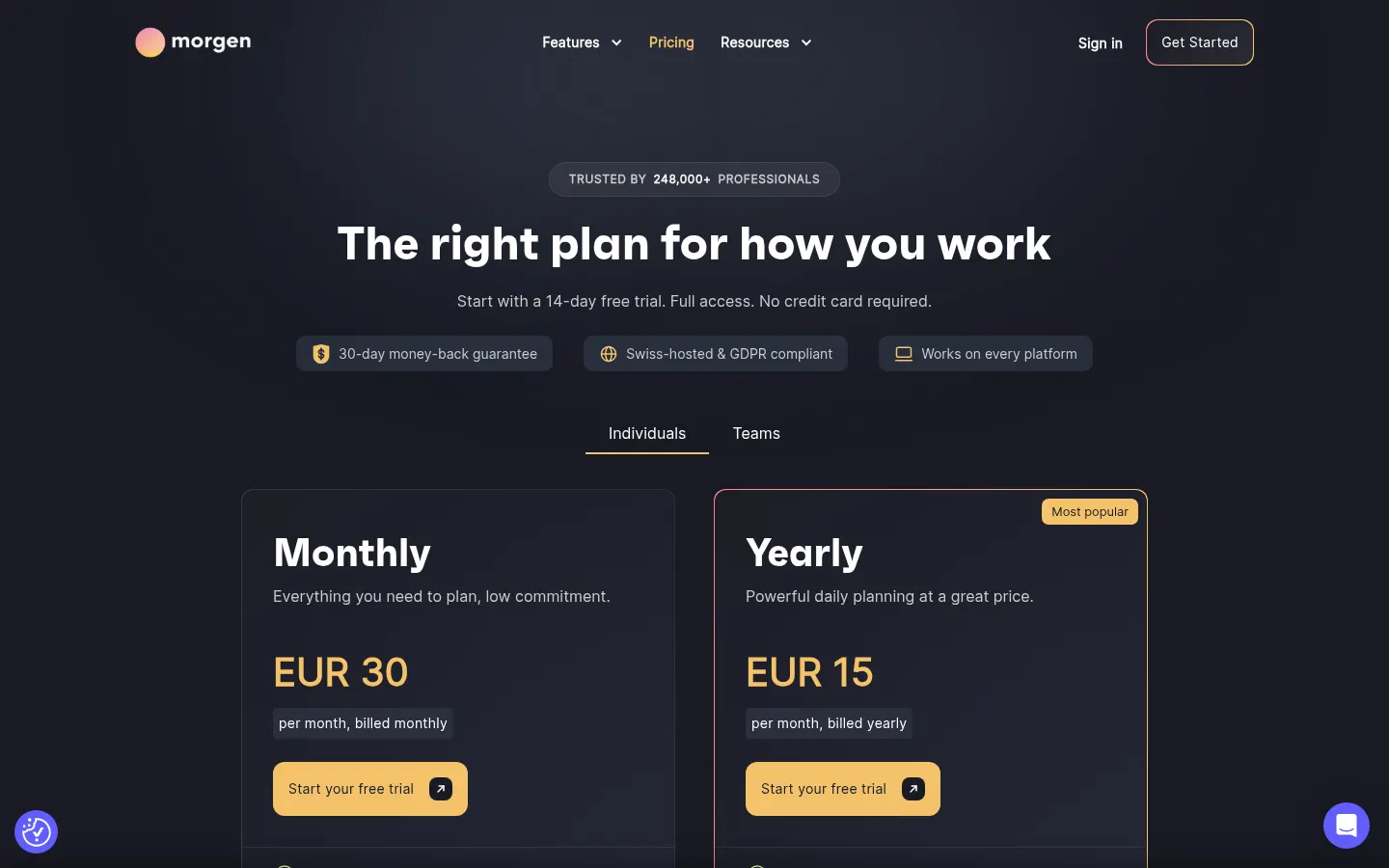
Pro Monthly: $30/month billed monthly.
Pro Yearly: $15/month billed yearly.
Team Monthly: $25 per seat per month, minimum 2 seats.
Team Yearly: $10 per seat per month billed yearly, minimum 2 seats.
All include the AI Planner, unlimited calendar and task integrations, automations and booking links.
14-day trial with full access and no card, plus a 30-day money-back guarantee.
Morgen Screenshots
Morgen user reviews
Write a review
Checking your session...
Morgen Reviews
Loading reviews...