Mumble AI
Share
Mumble AI
Transcribe meetings without bots, generate summaries, and dictate text on Mac. Features smart voice notes and a local mode for processing data with total privacy.
General Information about Mumble AI
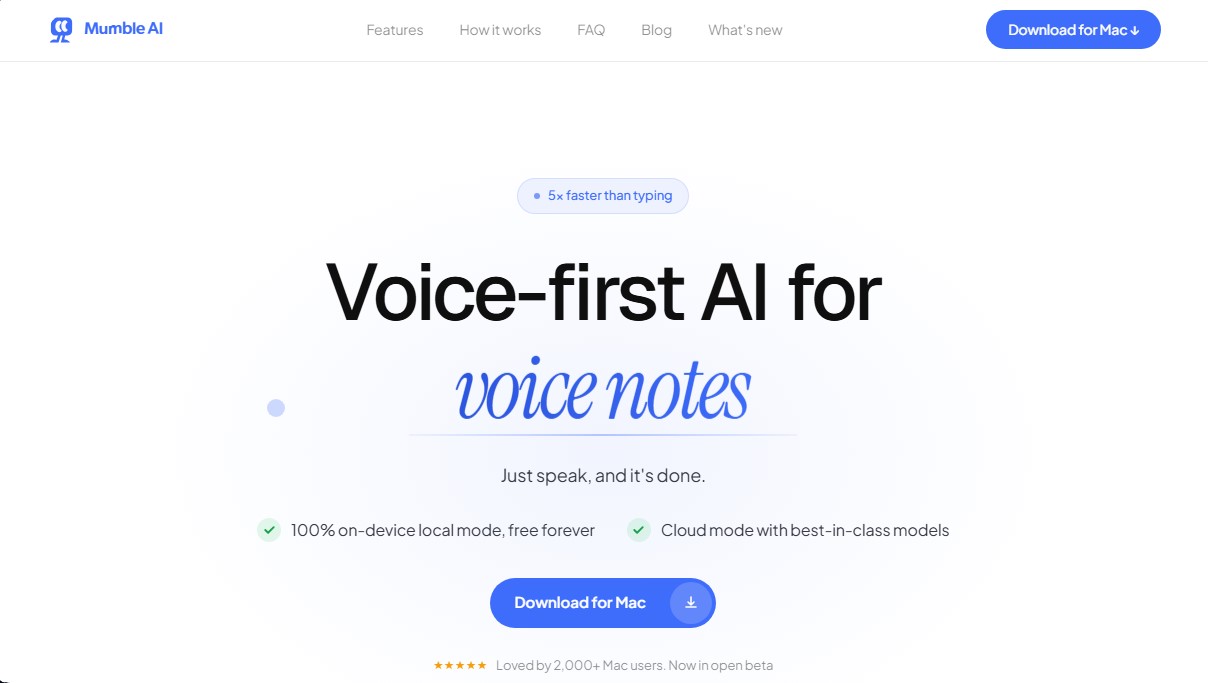
Mumble AI is a voice productivity solution designed specifically for Mac and iOS users looking to optimize information capture and task management. This AI tool functions as a comprehensive control center that combines meeting note generation, an intelligent dictation system, and the creation of structured voice notes. Its architecture allows for speech processing up to five times faster than manual typing, facilitating a smoother and more natural workflow directly from your computer.
Mumble AI technology stands out for its operational flexibility, offering two distinct processing modes. Cloud mode leverages cutting-edge AI models for maximum accuracy in over 50 languages, including real-time transcription with speaker identification. On the other hand, local mode processes all information entirely on-device, ensuring absolute privacy by not sending audio to external servers and allowing for offline functionality.
In the professional meeting space, the app sets itself apart by not introducing external bots into video calls. The system captures audio directly from the system and the microphone, making it compatible with platforms like Zoom, Google Meet, Microsoft Teams, and Slack. Key capabilities for session management include:
- Automatic meeting detection through calendar synchronization.
- Instant generation of structured summaries upon session completion, including decisions and next steps.
- Transcript organization using speaker labels to facilitate later review.
For document creation and daily communication, Mumble AI offers a system-wide AI dictation system. This allows users to type in any application—from email to tools like Notion or WhatsApp—simply by speaking. Using keyboard shortcuts, you can immediately format text, create bulleted lists, or apply custom rules.
Additionally, the tool integrates so-called Voice Skills, specialized features that execute complex tasks via voice commands:
- Competitor analysis and market audits.
- SEO strategy optimization and content planning.
- Deep research backed by citations and source verification.
- Calendar management and event scheduling.
This app is particularly useful for professionals such as product managers, analysts, and legal teams who handle sensitive information and require efficient note management. By centralizing voice workflows into a single interface, Mumble AI eliminates the need for multiple separate subscriptions, offering a secure and powerful environment for transforming spoken language into organized digital assets.
Features and Use Cases of Mumble AI
How Mumble AI Works
Frequently Asked Questions about Mumble AI
Does a bot need to join my video calls for Mumble AI to work?
No, the tool captures audio directly from your Mac, so no additional participants or bots need to join your meeting.
What is the difference between Local Mode and Cloud Mode in Mumble AI?
Local Mode processes all data directly on your computer without an internet connection to ensure total privacy. Cloud Mode, on the other hand, provides maximum accuracy and speaker identification.
Can I use Mumble AI with any application on my computer?
Yes, the global dictation feature works in any text field on your Mac, allowing you to draft emails or take notes in Slack and Notion using just your voice.
What are the technical requirements for installing Mumble AI?
You need a Mac with an Apple Silicon M1 chip or newer, running macOS 14 or later, for the app to function properly.
Does Mumble AI offer a free plan?
The app is currently free during its beta phase, and Local Mode will remain free permanently.
How does Mumble AI organize my meeting summaries?
The system automatically generates a clear outline including key takeaways, decisions made, and action items immediately after your session ends.
Can I use the tool on devices other than my Mac?
Yes, there is an iOS app that lets you record voice notes and automatically sync them with the desktop version.
Mumble AI Pricing
Local Mode: Free Forever
- 100% on-device processing (Mac) with no internet connection required.
- Local recording and transcription with complete privacy.
- Dictation runs entirely on your machine.
- Audio never leaves your device.
Beta Plan: Free
- Unlimited free access to all features during the open beta phase.
- Includes both Local and Cloud modes.
- No credit card required.
Cloud Mode: Check official website for paid plans
- Will include a generous free tier after the beta phase.
- Real-time transcription with speaker labels.
- Superior accuracy in 50+ languages using advanced AI models.
- Smart summaries, action items, and structured follow-ups.
- Sync between the Mac app (Apple Silicon) and the iOS app.
- Paid plans for advanced features and higher usage limits.
Mumble AI Screenshots