
Share
iPad drawing app that generates real-time art guided by your strokes. Refine sketches, use layers, and upscale images with advanced AI tools.
What is Muse Pro?
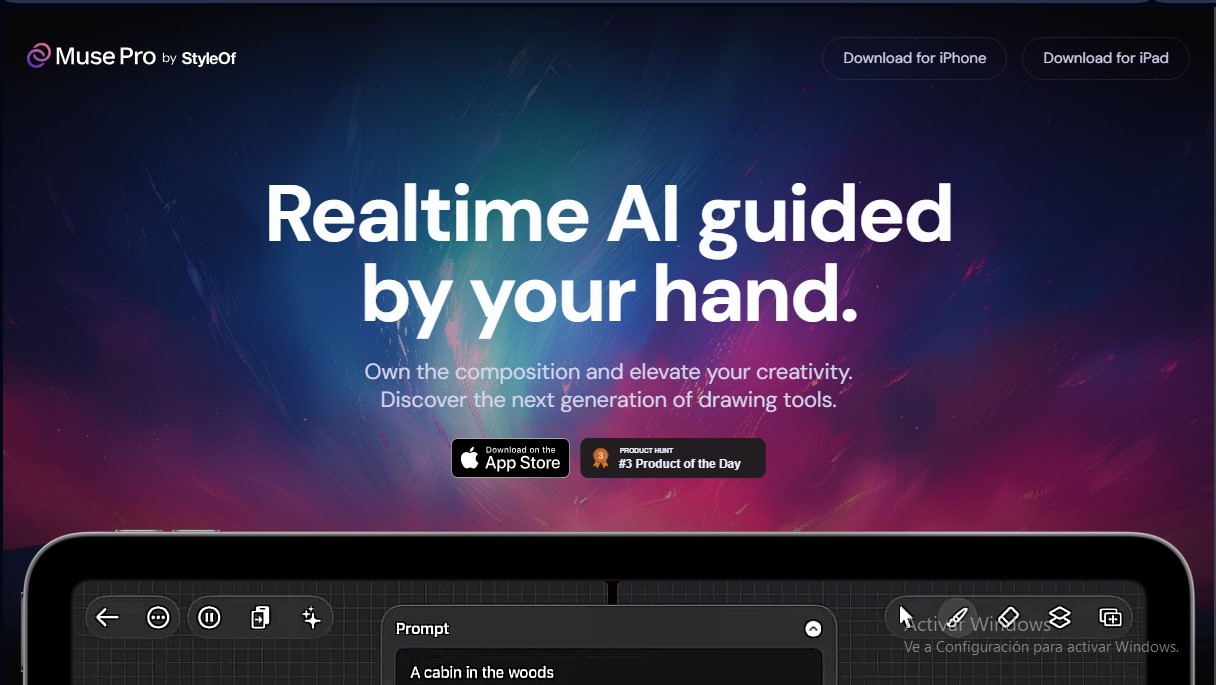
Muse Pro is an advanced drawing and painting application for iPad that integrates real-time artificial intelligence to transform manual strokes into high-quality visual compositions. This tool is designed for artists and designers to maintain absolute creative control, using AI as a collaborator that reacts instantaneously to every movement of the Apple Pencil. Its technical approach ensures that hand-guided creativity remains the core of the process, leveraging pressure sensitivity to define shapes and styles with professional precision.
The operation of this generative AI platform is based on constant synchronization between the user and the algorithm. As strokes are made on the canvas, the AI interprets the lines and combines them with text prompts to materialize complex concepts immediately. The Text-to-Image feature facilitates quick shifts in artistic direction via written commands, while Vision technology allows the AI itself to describe the drawing's content, improving workflow coherence.
The functional capabilities of Muse Pro are structured to offer flexibility and technical power on the go:
- Adjustable AI Control: Users can determine the level of AI intervention using intuitive sliders and explore infinite variations by changing the generator's seed.
- Enhance Tool: This allows for adding refined details and polishing the artwork with a single tap, including upscale features to generate files with high enough resolution for printing.
- Asset and Layer Management: Includes a layer system for risk-free experimentation, along with a diverse brush library and the ability to add shapes, images, or text.
- Randomize Mode: A feature designed to eliminate creative block by offering random starting points that spark imagination on the canvas.
This app is an ideal solution for concept art, illustration, and digital design professionals who require an AI sketching tool that feels natural and fluid. The ability to pause the AI collaboration ensures the artist always has the final word on the composition, allowing them to alternate between manual work and automated assistance. Optimized for the iPad, it brings a next-generation creative workflow anywhere, guaranteeing high-quality results through an interface designed for tactile precision.
Muse Pro features and use cases
How to use Muse Pro
Muse Pro FAQ
What exactly is Muse Pro, and how does it work?
Muse Pro is an iPad drawing and painting app that uses real-time AI to instantly transform your sketches and brushstrokes into finished works of art.
Is Muse Pro compatible with the Apple Pencil?
Yes, the tool is fully compatible with the Apple Pencil and leverages pressure sensitivity to provide a natural, fluid drawing experience.
Can I use text descriptions to guide the AI?
Absolutely. You can enter text prompts to give the AI instructions and quickly change the direction of your creation using descriptive keywords.
How can I control the level of AI intervention in my drawings?
You have access to intuitive sliders that let you adjust the AI's influence, modify the random seed, or pause the collaboration whenever you want to work manually.
Does Muse Pro allow high-resolution image exports for printing?
Yes, the app includes an enhancement and upscaling feature that optimizes details and prepares your designs for professional-grade printing.
Does the app have a layering system to organize my work?
The interface features a comprehensive layering system that allows you to experiment with different elements and refine your artwork freely and effortlessly.
What types of brushes and additional resources are included?
You'll find a diverse brush library for any artistic style, along with the ability to add shapes, images, and text to your compositions.
Can I try Muse Pro for free before making a purchase?
You can download and try the app for free to experience firsthand what it’s like to creatively collaborate with AI on your iPad.
Muse Pro pricing and plans
Free Version
Price: Free
- Trial access to experience AI-powered creative collaboration.
Muse Pro
Price: Check official website
- Real-time AI-assisted drawing and painting.
- Apple Pencil support with pressure sensitivity.
- Text-to-Image generation tools and randomization features.
- Enhance (detail enhancement) and Vision (AI-powered drawing descriptions) features.
- Advanced AI control via sliders and seed adjustment.
- Image upscaling for print-ready outputs.
- Layer management system.
- Comprehensive library of brushes and assets (shapes, images, and text).
Muse Pro Screenshots
Muse Pro alternatives

CoverUpInk
Generate AI cover-up designs for old tattoos. Upload a photo of your skin to visualize new ideas and get sketches for your tattoo artist.

AI Watercolor Generator
Transform photos or text into watercolor art. Use chat to retouch textures, colors, and faces for a fully personalized artistic finish.


StitchCraft
Turn photos and text into DMC cross-stitch patterns. Optimize colors, remove stray stitches, and export ready-to-stitch PDF charts.