
Share
What is Numerous.ai?
Numerous.ai is an AI add-on for Google Sheets and Excel that lets you use ChatGPT inside cells with a formula: type =AI with your instruction and the sheet returns the result row by row. It's designed for working with AI at volume without coding or managing API keys, and the team is based in San Francisco.
What is Numerous.ai used for?
It turns a spreadsheet into a way to run ChatGPT at scale. With one instruction you can summarize, rewrite or extract data from long text, sort survey answers or social comments into categories, and clean or normalize messy input. It also produces content ideas, ad keywords, campaign copy and post variations from a column of data.
How does Numerous.ai work in Sheets and Excel?
You install the add-on and use its functions like any other formula. Besides =AI, the site highlights =INFER, which learns from examples you've already filled in to complete the remaining rows, and a generator that writes complex formulas from a plain-English description. Numerous.ai caches results to avoid paying for duplicate queries and lets the whole team share the same account.
Who is Numerous.ai for?
- Digital marketers preparing keywords, ads and SEO copy for several clients.
- Content creators planning schedules and post variations.
- Students and researchers summarizing and categorizing data in Sheets or Excel.
- Product teams testing prompts and prototyping AI features.
Numerous.ai pros and cons
Pros: no OpenAI keys needed, it works in both Google Sheets and Excel, and it uses the sheet's structure to process hundreds of rows with one prompt. Cons: usage is capped by an allowance of input and output characters, and outputs still need checking, since they depend on the quality of the instruction like any language model.
Numerous.ai features and use cases
How to use Numerous.ai
Numerous.ai FAQ
What is Numerous.ai?
It's an add-on that brings ChatGPT to Google Sheets and Excel through the =AI function, so you can generate, summarize or classify data right in the sheet.
Is Numerous.ai free?
There's no permanent free plan; the first 7 days cost $1 and then there are subscriptions, listed in the pricing section.
Do I need an OpenAI API key?
No, Numerous.ai doesn't ask for API keys: you install the add-on and start using the formulas in your cells.
Does it work in Excel as well as Google Sheets?
Yes, the add-on works in both Google Sheets and Microsoft Excel under the same account.
What does the =INFER function do?
It learns from examples you've filled in on a few rows and completes the rest following the same pattern, without a long prompt.
Can it write formulas for me?
Yes, the site says it generates complex spreadsheet formulas from a plain-language description.
Is it good for cleaning and classifying data?
Yes, a core use is normalizing messy input and sorting open-ended text, such as surveys or comments, into categories.
Can my whole team use it?
Yes, there are options to share with several people and a per-user option for larger teams.
What happens to my tokens if I cancel?
According to the site, you can cancel anytime and keep any remaining tokens forever.
What are some Numerous.ai alternatives?
Our directory lists SheetAI App and Coefficient, which also add AI to spreadsheets.
Numerous.ai pricing and plans
Reference price: 19 USD / month. Source · Verified: November 8, 2026
Prices in US dollars from the official site (Checked on: 08/11/2026). The first 7 days cost $1. If you cancel, you keep your remaining tokens.
- For individuals: $19/month billed monthly or $8/month billed yearly. 1 million characters of input and output, Sheets and Excel, single user.
- For professionals: $39/month billed monthly or $24/month billed yearly. 5 million characters, shareable with up to 3 people, email support.
- Enterprise (teams): $10 per user per month billed monthly or $8 billed yearly; 1 million characters per person, priority support and video onboarding.
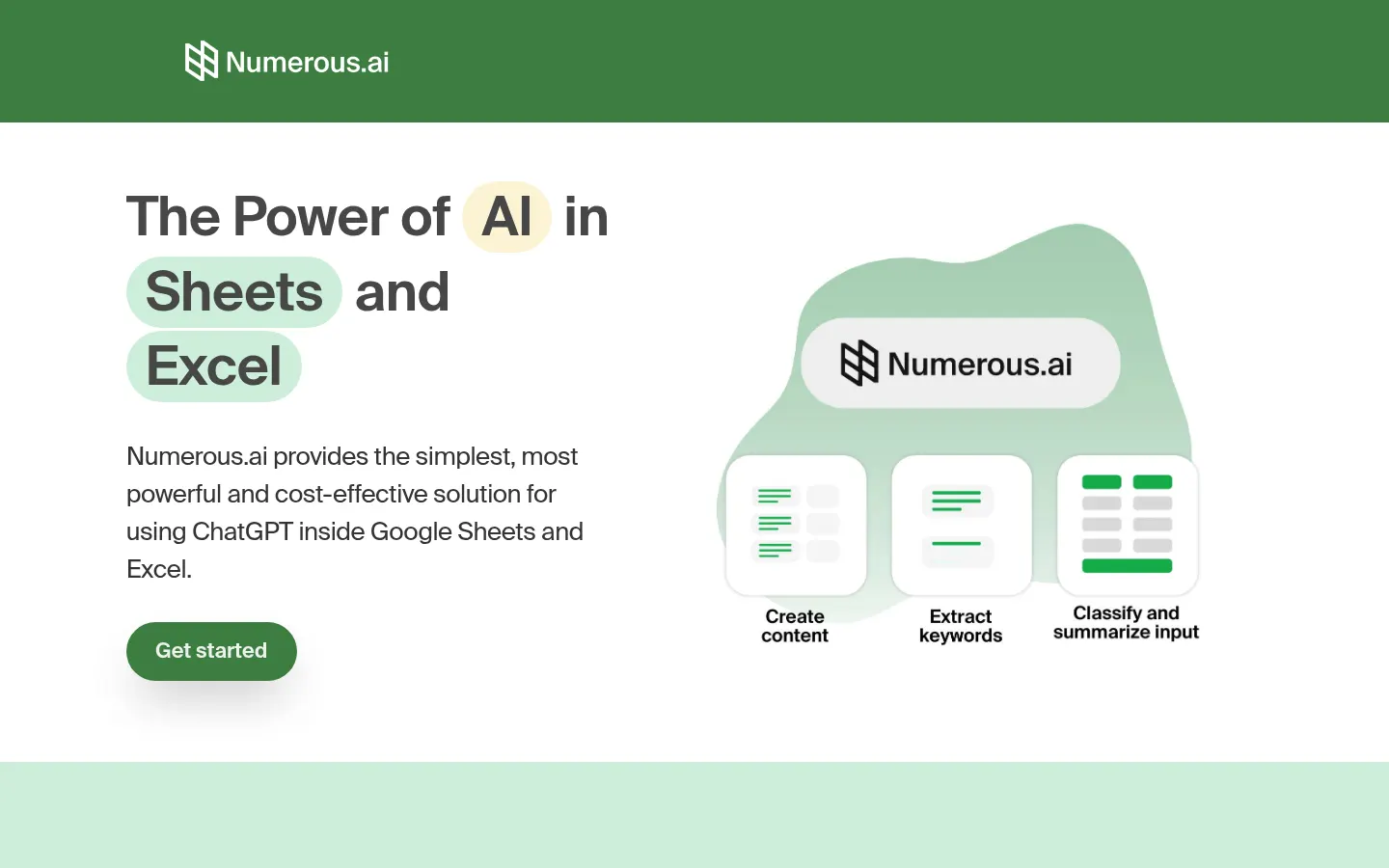
Numerous.ai Screenshots

Numerous.ai user reviews
Write a review
Checking your session...
Numerous.ai Reviews
Loading reviews...
Numerous.ai alternatives

Better Analyst
AI data analyst, formerly Formula Bot: answers in plain language with charts, builds dashboards and alerts and connects to sheets, analytics and databases.



Messy2Sheet
Convert PDFs, images, and emails to Excel or CSV. Extract data from messy files to generate structured tables and automate recurring extractions.

SheetAI App
Integrate AI into Google Sheets to generate content, analyze data, and automate complex tasks using simple, effective functions.