RemoteX
Share
RemoteX
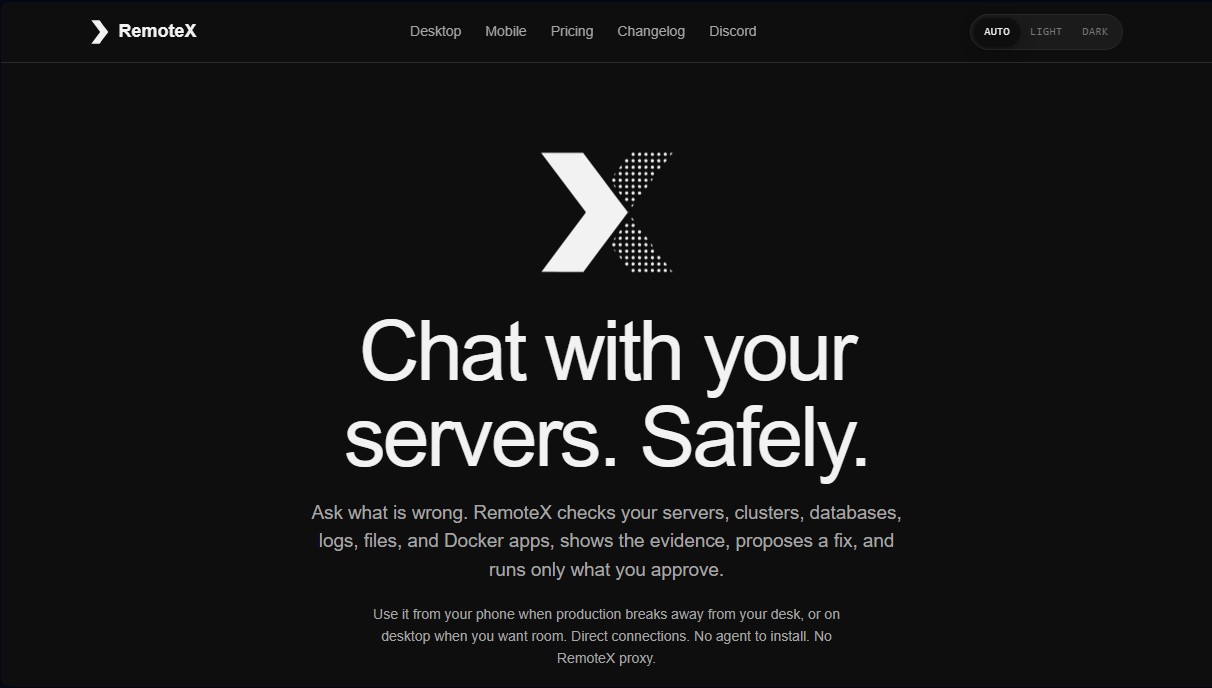
Manage servers, databases, and clusters with AI. Diagnose issues, analyze logs, and securely execute solutions from your mobile device or computer.
General Information about RemoteX
RemoteX is an artificial intelligence workspace designed for secure, remote IT infrastructure management and monitoring. This tool allows you to interact via chat with servers, Kubernetes clusters, databases, and Docker containers from your computer or mobile device. Its primary purpose is to simplify diagnostics and incident resolution in production environments by providing a unified command center, eliminating the need to constantly switch between terminals, database clients, and dashboards. It is specifically built for system administrators, developers, and operations teams who need to oversee their assets with agility.
The application’s architecture stands out for being local-first, meaning connections are made directly from the user's device to their infrastructure without intermediate proxy servers. RemoteX supports the integration of up to 14 different AI providers, including local models like Ollama or LM Studio, as well as cloud services like OpenAI, Anthropic, and Google Gemini. Privacy is a fundamental pillar: API keys and SSH credentials are stored in the operating system's secure vault (such as macOS Keychain or Android Keystore), and the tool never accesses prompts or acts as a data gateway.
Its core capabilities and functional benefits include:
- Assisted Diagnostics: The AI agent analyzes logs, processes, and metrics to propose solutions for issues like memory saturation or service failures.
- Total Control and Security: Any command that modifies the system state requires explicit approval via biometrics (Face ID or Touch ID) or a local password, always displaying the exact bytes that will be executed.
- Database Management: Native support for querying and exploring Postgres, MySQL, SQLite, and Redis directly from the chat interface, complete with table and schema visualization.
- Agentless Monitoring: Monitor CPU, memory, and disk usage via SSH without needing to install additional software on remote servers.
- Intelligent Automation: Create snippets and playbooks using natural language to execute complex maintenance routines deterministically.
- Remote File Explorer: Navigate the file system with syntax highlighting and attach local folders as context to help the AI better understand the project’s code.
The workflow in RemoteX is organized through projects that group various connections. Users can activate Plan Mode to have the AI suggest a step-by-step investigation before taking any action. Additionally, the tool facilitates the recovery of previous contexts via its local memory feature and allows for the export of encrypted backups to sync the workspace between mobile and desktop. By integrating a direct terminal with the AI chat, users maintain constant visibility of the evidence, ensuring full traceability during any technical intervention.
Features and Use Cases of RemoteX
How RemoteX Works
Frequently Asked Questions about RemoteX
What exactly is RemoteX, and what is it used for?
It is an AI-powered workspace designed to manage and troubleshoot servers, Kubernetes clusters, and databases from your mobile device or desktop.
Where are my access keys stored in RemoteX?
Your SSH and database credentials are stored exclusively on your own device within its local secure storage.
Do I need to install any software or agents on my servers?
No installation is required on your infrastructure because the tool connects directly via SSH.
Which AI models can I use with RemoteX?
The tool allows you to connect to fourteen different providers, including OpenAI, Anthropic, Google Gemini, and local models running via Ollama.
Can the AI make changes to my infrastructure without supervision?
Any command that modifies the server's state requires your explicit approval via biometrics or a password before it is executed.
What does the RemoteX free plan include?
The free plan offers full access to the AI agent to manage one server with no time limits, forever.
How does the monitoring system work in RemoteX?
The app performs native CPU, memory, and disk sampling over SSH and alerts you via local notifications if specific thresholds are exceeded.
Can I use my ChatGPT or GitHub Copilot subscription?
Yes, you can sign in directly with your accounts for these services to use their language models without needing to generate API keys.
Which operating systems can I install the app on?
RemoteX is available for iOS and Android mobile devices, as well as for computers running macOS, Linux, and Windows.
Is it possible to sync my data across different devices?
You can export encrypted backups to securely move your servers, settings, and workflows between your mobile device and your computer.
RemoteX Pricing
Free
0 $ forever
- Full AI agent to diagnose, propose, execute approved commands, and verify results.
- Access to chat, terminal, file viewer, approval cards, and themes.
- Compatibility with 14 AI providers (user must provide their own key or subscription).
- 1 server limit.
- 1 snippet and 1 playbook limit.
- 1 monitoring rule limit per server.
- Secure data export in JSON format.
Pro
6,99 $ per month or 59,99 $ per year
- Everything included in the Free plan.
- Unlimited servers.
- Unlimited snippets, playbooks, and monitoring rules.
- AI-assisted creation to build alerts or workflows using natural language.
- Encrypted backups (.rxbackup) to transfer SSH and AI credentials between devices.
- Background monitoring for the desktop app (Mac).
- Single subscription valid for all devices (iOS, Android, Mac, Linux, and Windows).
RemoteX Screenshots