Share
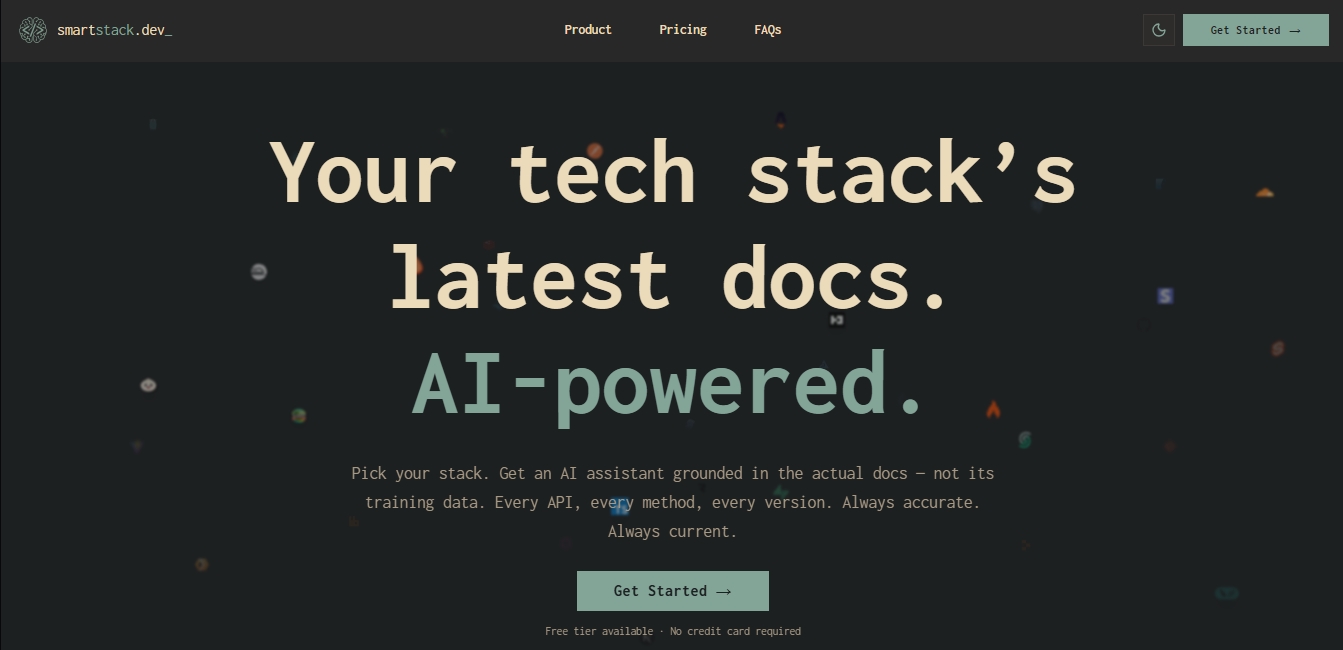
AI assistant for developers that answers questions based on your stack's official documentation. Provides accurate, up-to-date, hallucination-free answers.
What is Smart Stack?
Smart Stack is an AI assistant for developers designed to provide precise answers based exclusively on the official documentation of the tools in your tech stack. Unlike other language models that rely on static training data, this tool uses a retrieval-augmented generation (RAG) approach to ensure information is current and accurate, eliminating the hallucinations common in general-purpose AI.
Smart Stack’s workflow is straightforward and functional: users select the specific technologies they are using—such as React, Next.js, PostgreSQL, Bun, or Tailwind CSS—and the platform generates a personalized chat environment. The system crawls, indexes, and updates official sources daily, monitoring npm releases, GitHub tags, and sitemap changes to ensure developers always work with the latest available version of every API or method.
Technologically, the application is powered by advanced models like Google Gemini 1.5 Flash, leveraging its large context window to process multiple documentation sources simultaneously. For precise crawling and information retrieval, it integrates technologies like Firecrawl and Exa, enabling web searches across GitHub repositories, Stack Overflow, and release notes when official documentation doesn't provide the answer.
Key capabilities and practical benefits include:
Cross-stack context: The AI understands how different tools interact, making it possible to resolve questions about complex integrations between databases, frameworks, and authentication services within the same project.
Integrated source reader: Allows users to open original documentation directly within the app's interface, avoiding constant tab-switching on their computer.
Zero hallucinations: All responses are grounded in indexed documents. If information doesn't exist, the system indicates so or resorts to an assisted web search.
Citations and verification: Every response includes direct links to the exact page of the original source, making manual validation easy for the user.
Augmented web search: The ability to check GitHub issues or technical support threads to find solutions for specific errors or recent workarounds.
This tool is particularly useful for software engineers, full-stack developers, and systems architects who need fast technical answers without distractions. By centralizing over 200 technical documentation sources, Smart Stack optimizes mobile and web development workflows, allowing programmers to focus on implementing code rather than manually searching through scattered information.
Smart Stack features and use cases
How to use Smart Stack
Smart Stack FAQ
What is Smart Stack, and how does it help developers?
It's an AI assistant specialized in technical documentation that provides accurate answers based on real, up-to-date sources rather than outdated training data.
How does Smart Stack avoid hallucinations in its answers?
The tool only searches through indexed official documentation for the technologies you select and provides direct citations to the original source so you can verify the data.
What are the main differences between the free plan and the Pro version?
The free plan allows you to consult the entire documentation collection with a generous daily limit, while the Pro version offers usage limits fifteen times higher and advanced web search.
How often is the available documentation updated?
We monitor daily releases on platforms like npm and GitHub to automatically re-index the latest versions of each technology without any user intervention.
Can the AI understand how different tools in my tech stack work together?
Yes. When you select multiple technologies, the assistant analyzes all the documentation collectively, allowing it to answer complex questions about specific integrations between different libraries.
Can I request a technology that isn't currently in the Smart Stack catalog?
Absolutely. Users can submit requests directly from the dashboard, and we prioritize indexing new sources based on the most frequent community requests.
Are my private conversations used to train the AI?
We do not use your data or chat history to train language models, ensuring that your information and queries always remain private.
What is the purpose of the integrated web search feature?
This Pro plan feature allows the AI to expand its knowledge by consulting GitHub issues and Stack Overflow discussions when official documentation doesn't contain the necessary answer.
What advantage does the platform's built-in document reader offer?
It allows you to open the original documentation page within the same chat tab to read the full context of a function or API without needing to switch windows.
Which AI model does Smart Stack use to generate answers?
We use Google Gemini for its speed and large context window, which enables it to process multiple documentation sources simultaneously and efficiently.
Smart Stack pricing and plans
Hobby
0 $/mes
Full documentation library.
AI chat with document context.
Web-enhanced responses.
Image and file uploads.
Priority support.
Limit: Includes a reasonable daily message limit to evaluate the tool.
Pro
12 $/mes
Full documentation library.
AI chat with extended context.
Web-enhanced responses.
Image and file uploads.
Priority support.
Limit: Offers usage limits approximately 15x higher than the free plan, which reset monthly on your billing date.
Smart Stack Screenshots
Smart Stack user reviews
Write a review
Checking your session...
Smart Stack Reviews
Loading reviews...
Smart Stack alternatives
Together Link
Connect coding agents to open models to cut costs. Keep your existing tools and settings while optimizing token usage in every session.


Optimus by Iacon Autonomics
Autonomous researcher designing experiments and evaluating algorithms to train AI models. Automates improvement cycles for LLMs, robotics, and various complex systems.


Nuclr Commander
Workspace for running multiple AI agents in parallel with a file manager. Supports local or external models and remote mobile monitoring.