
Share
What is TimeLoop?
TimeLoop is an AI day planner for iPhone, Android, Mac and the web that turns a sentence like "doctor Thursday, gym three times, six hours of study by Friday" into a real schedule. It is built for individuals and families who want to organize events, tasks and errands without filling in forms or sorting boards.
How does TimeLoop schedule your day?
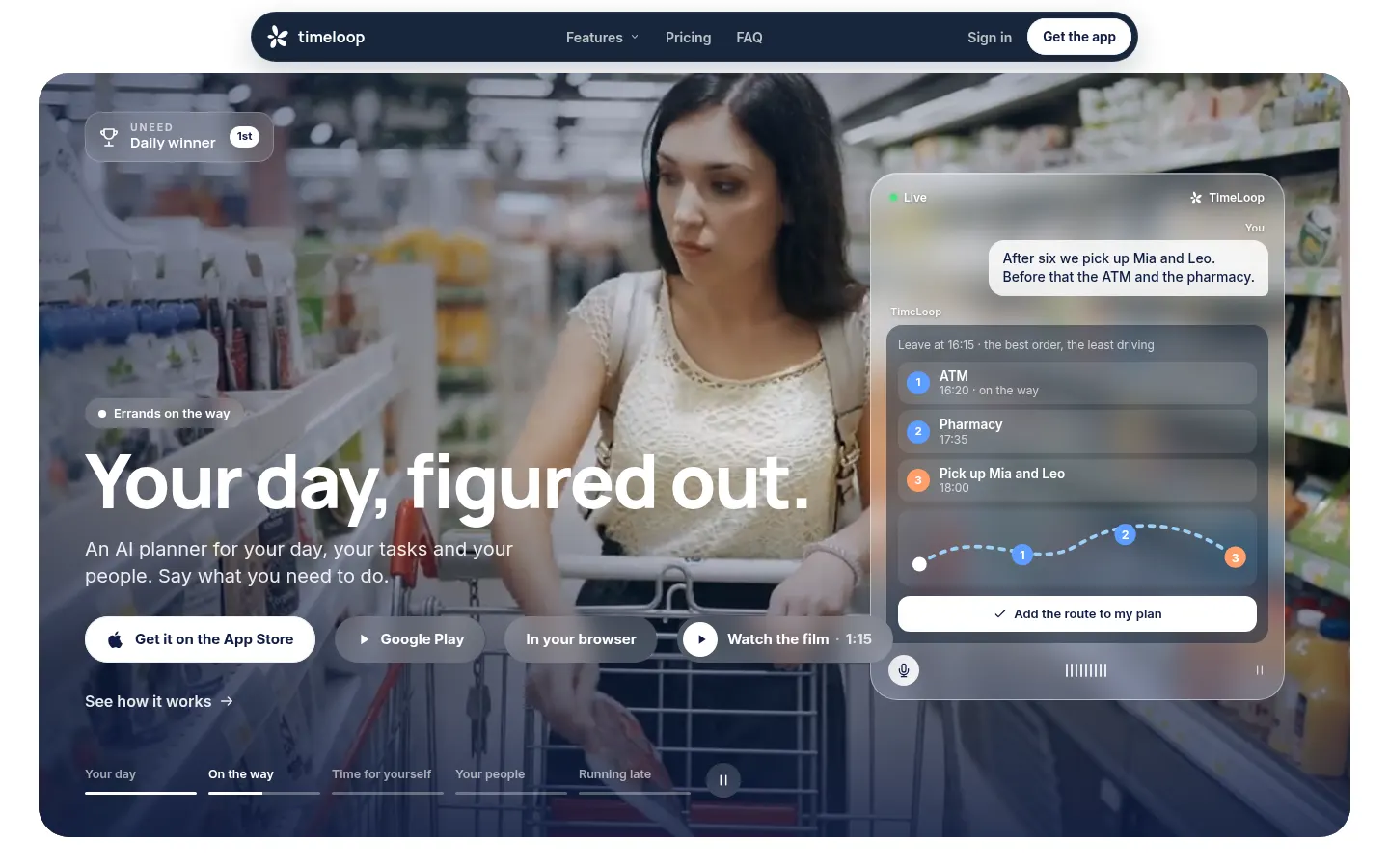
You type or dictate what you need to do in your own language, and the app shows what it understood before building the schedule. Fixed events stay put and everything else finds a slot, travel time included, along with when to leave. Mention a few errands before a pickup and it tries every order, keeping the one with the least driving. When the day slips, the running late button shifts whatever can move and shows a before-and-after view. The language model only reads your words; time slots are assigned by rules, so the same words always produce the same day.
What else does TimeLoop include?
There are weekly goals with real slots, untimed tasks and shared lists, circles to see when your family has time, a booking link, a morning brief, weather at each destination and a bedtime worked back from tomorrow's first commitment. It syncs both ways with your phone calendar, Google Calendar and iPhone Reminders, and works with widgets, CarPlay, Apple Watch and Siri.
Who is TimeLoop for?
- Parents juggling work, school runs and errands.
- Students spreading study hours up to a deadline.
- Anyone building habits such as going to the gym several times a week.
TimeLoop pros and cons
It stands out for natural language planning, an interface in 35 languages and a solid set of features at no charge. On the downside, planning from what you say, leave-time alerts and the morning brief are Pro features, and it is designed for personal and family schedules rather than company teams.
TimeLoop features and use cases
How to use TimeLoop
TimeLoop FAQ
What is TimeLoop?
TimeLoop is an AI planner app that organizes your day from what you type or say and adjusts it when things change.
Is TimeLoop free?
Yes, there is a free version with no end date; natural language planning and other features are in Pro (see pricing).
Which devices does TimeLoop support?
It runs on iPhone, iPad, Android, Mac, Apple Watch and in the browser, with one subscription covering all of them.
Does TimeLoop sync with Google Calendar?
Yes, it syncs both ways with Google Calendar, your phone calendar and iPhone Reminders.
What happens when I run late in TimeLoop?
Tap running late, choose how many minutes, and the app moves what can move while keeping fixed events in place.
Can families use TimeLoop together?
Yes, circles show when others are free, let you propose plans and share task lists.
Which languages does TimeLoop support?
The interface comes in 35 languages and you can type or dictate plans in any language your phone understands.
Do I need an account for TimeLoop?
Signing in with Apple, Google or email is recommended to keep your plan, but on a phone you can continue without one.
Does TimeLoop have an API?
It does not advertise a public API; it connects with calendars, Reminders and Siri.
What are the best TimeLoop alternatives?
In our directory you can compare Motion, Reclaim and Morgen, which also plan your calendar with AI.
TimeLoop pricing and plans
Reference price: 4.99 EUR / month. Source · Verified: November 12, 2026
TimeLoop pricing (Checked on: 12/11/2026), as listed on its site:
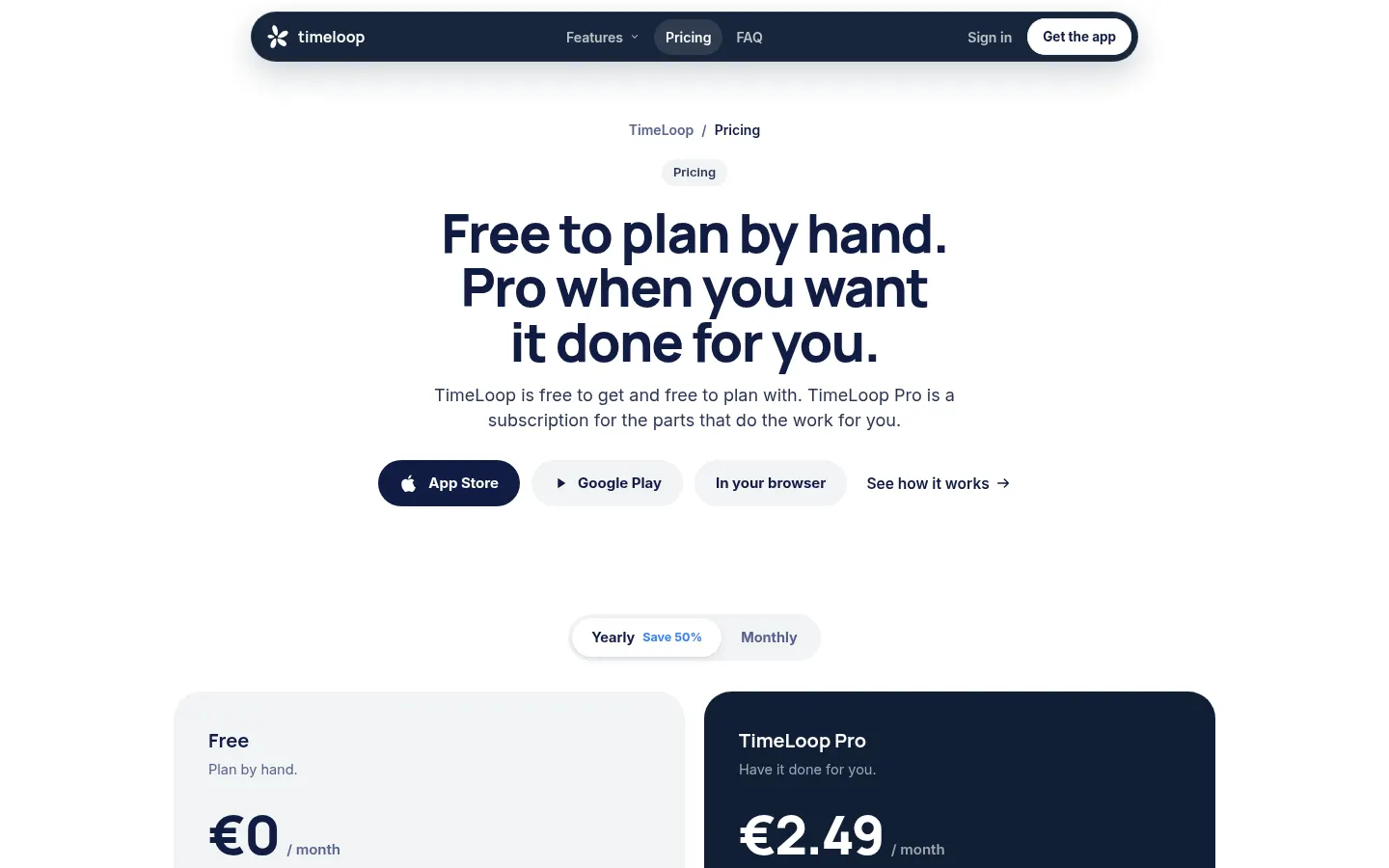
- Free: €0 / $0, no card and no end date. Timeline, manual adding and editing, one-tap replanning when late, tasks and shared lists, calendar sync, widgets, 1 goal and 1 circle of your own.
- TimeLoop Pro: €4.99/month or €29.99/year in Europe; in the US $3.99/month or $24.99/year. Adds natural language planning, leave times with travel, the morning brief, telling others when you run late, unlimited goals and circles, and bedtime.
The yearly plan starts with a free week on the App Store and the web. One subscription covers every device.
TimeLoop Screenshots
TimeLoop user reviews
Write a review
Checking your session...
TimeLoop Reviews
Loading reviews...
TimeLoop alternatives

Agenda Hero
Agenda Hero is an AI tool that turns text, images, emails and PDFs into calendar events and builds shared calendars for families and groups.