
Wondershare Repairit
Share
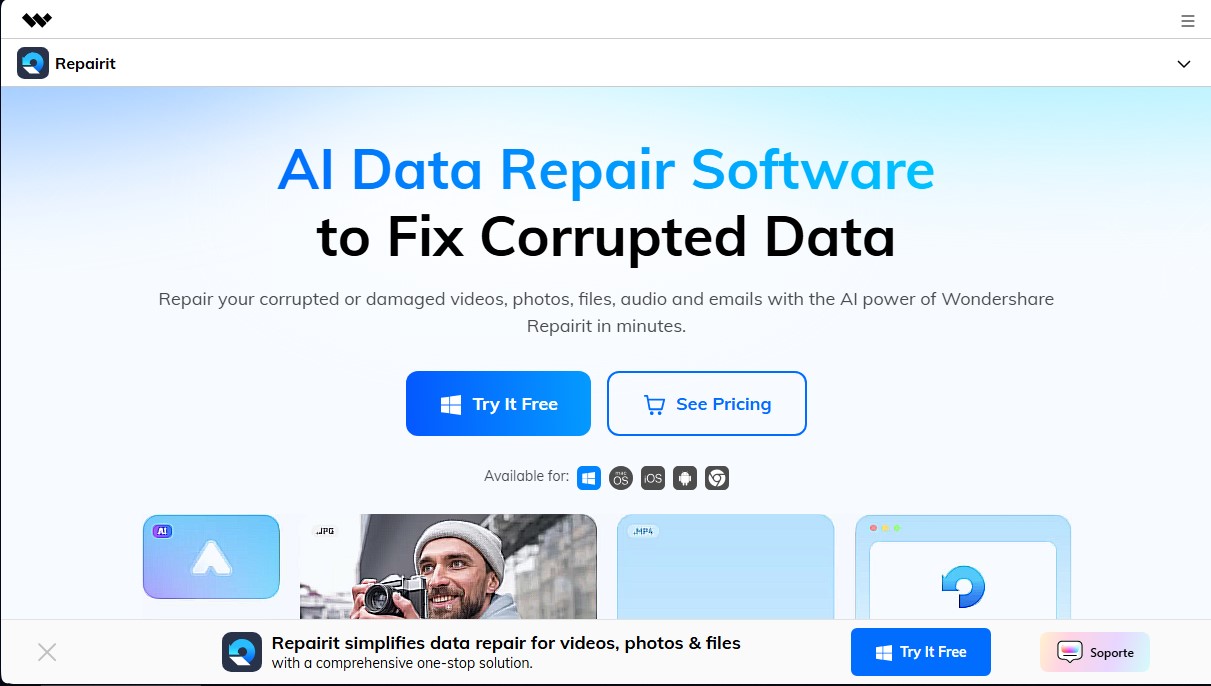
AI-powered software to repair damaged videos, photos, audio, and documents. Enhance image quality, restore old photos, and recover corrupt data quickly.
What is Wondershare Repairit?
Wondershare Repairit is a comprehensive AI file repair solution designed to restore damaged or corrupted data quickly and effectively. This multi-platform tool—available for Windows, Mac, iOS, and Android, as well as an online version—allows users to recover the integrity of videos, photos, documents, audio files, and emails that have become inaccessible due to various technical failures.
Wondershare Repairit's core technology is powered by patented AI data repair algorithms, enabling it to tackle complex scenarios such as transfer errors, power outages, software crashes, virus attacks, or physical damage to storage devices. Its operation follows a simple three-step process: add the corrupted files (via drag and drop), run the automatic repair process, and preview the results before saving them to a computer or mobile device.
Key capabilities include:
- AI Video Repair: Compatible with popular formats like MP4 and files from professional cameras. It includes upscaling and noise reduction features to transform damaged footage into high-quality content.
- Old Photo Restoration: Uses deep learning models to colorize black-and-white images, remove scratches, and improve the sharpness of blurry or pixelated photos.
- Document and File Repair: Supports Microsoft Office files (Excel, PowerPoint, Word), PDFs, ZIP compressed files, and Adobe projects experiencing read errors.
- Generative AI and Editing: Incorporates tools such as Generative Fill to expand backgrounds, an object remover to eliminate watermarks, and an AI-powered outfit changer.
For cases of severe damage, the tool offers an Advanced Repair mode that uses sample files to deeply analyze the file structure and precisely reconstruct missing information. Additionally, the batch repair feature optimizes workflow by processing multiple files simultaneously—an essential feature for photographers, video editors, and IT professionals.
Wondershare Repairit stands out for its high success rate and an intuitive interface that requires no prior technical knowledge. It is a versatile solution for individual users looking to save personal memories, as well as for lawyers, investigators, or administrative staff who need to ensure the integrity of their digital documents. Thanks to its focus on predictive AI, the application does more than just repair damage; it acts as a multimedia file enhancer, allowing every file to regain its original functionality and quality in just a few minutes.
Wondershare Repairit features and use cases
How to use Wondershare Repairit
Wondershare Repairit FAQ
What file types can Wondershare Repairit repair?
This tool can fix a wide range of corrupted files, including videos, photos, office documents, audio files, and emails in multiple formats.
Can I repair multiple files at once with Repairit?
Yes, the software includes a batch repair feature that allows you to process and fix multiple files simultaneously to improve efficiency.
Which devices are compatible with Wondershare Repairit?
The software is compatible with Windows and Mac operating systems, offers apps for iOS and Android, and also provides an online version for quick repairs.
What should I do if a video is severely corrupted and the standard repair fails?
For critical cases, you can use the Advanced Repair feature, which uses a sample file from the same device to reconstruct the data of the severely damaged video.
Does Wondershare Repairit let me preview files before saving them?
Yes, the software offers a full preview feature that allows you to check the quality of repaired videos, photos, or documents before deciding to save them.
How does AI technology help with photo restoration?
The tool's AI can automatically enhance the resolution of blurry images, colorize old black-and-white photos, and remove unwanted objects or visual noise.
Is Repairit difficult to use if I don’t have technical skills?
No, the tool was designed with a highly intuitive interface that allows any user to complete the repair process in just three basic steps.
What types of data loss scenarios does Wondershare Repairit cover?
The software can resolve issues caused by system crashes, power outages, file transfer errors, physical storage damage, or virus attacks.
Wondershare Repairit pricing and plans
1-Month License
39,99 US$ (Auto-renewing monthly subscription)
1,500 AI credits per month.
Repair corrupted videos, photos, audio, documents, ZIP, and Adobe files.
AI photo restoration, colorization, and enhancement.
Access to Professional Mode.
AI video enhancement and upscaling.
Support for 100+ file formats.
Batch repair and full file preview.
Advanced repair for videos, photos, audio, and Photoshop projects.
License valid for 1 to 5 PCs.
1-Year License
69,99 US$ (Auto-renewing annual subscription)
1,500 AI credits per month.
Repair corrupted videos, photos, audio, documents, ZIP, and Adobe files.
AI photo restoration, colorization, and enhancement.
Access to Professional Mode.
AI video enhancement and upscaling.
Support for 100+ file formats.
Batch repair and full file preview.
Advanced repair for videos, photos, audio, and Photoshop projects.
License valid for 1 to 5 PCs.
Perpetual License
99,99 US$ (One-time payment)
2,250 AI credits included.
Repair corrupted videos, photos, audio, documents, ZIP, and Adobe files.
AI photo restoration, colorization, and enhancement.
Access to Professional Mode.
AI video enhancement and upscaling.
Support for 100+ file formats.
Batch repair and full file preview.
Advanced repair for videos, photos, audio, and Photoshop projects.
License valid for 1 to 5 PCs.
Wondershare Repairit Screenshots
Wondershare Repairit alternatives



BeautyPlus
BeautyPlus is an AI photo editor for web and mobile that retouches portraits, sharpens photos, removes backgrounds and objects, tries on hairstyles and makes images.

PhotoEditorAI.io
Edit images with text prompts. Remove objects, change backgrounds, upscale resolution, and apply artistic styles for professional-grade results.

Unpixelate
Enhance blurry or pixelated images with AI. Upscale resolution and restore details in faces and old photos for free.